

Lidar robot vacuum mapping changes how robot vacuums navigate and map your home, outperforming camera-based systems in accuracy, reliability, and low-light performance. If you’re choosing a robot vacuum in 2024, understanding how lidar mapping works—and where it may fall short—will help you avoid the biggest frustrations.
Key Takeaways
- Lidar robot vacuum mapping provides top-tier mapping consistency and precise navigation in all lighting, but adds cost versus camera-based models.
- Despite its accuracy, lidar sensors can struggle with deep-pile carpets and lack long-term durability data compared to cameras.
- Hybrid lidar-vision vacuums with advanced SLAM algorithms are emerging as strong contenders, blending the strengths of both technologies.
- How Lidar Robot Vacuum Mapping Works (and Why It Matters)
- Step-by-Step Guide: Setting Up and Optimizing Lidar Robot Vacuum Mapping
- Advanced Analysis & Common Pitfalls of Lidar Robot Vacuum Mapping
- Conclusion: Is Lidar Robot Vacuum Mapping Worth It?
- Frequently Asked Questions about Lidar Robot Vacuum Mapping
How Lidar robot vacuum mapping Works (and Why It Matters)
Lidar robot vacuum mapping uses spinning laser sensors to scan rooms and objects, building a real-time 360-degree map as the vacuum moves. By measuring how long it takes the laser pulse to bounce off surfaces and return, lidar delivers centimeter-level location data—making it highly reliable even in total darkness or direct sunlight.
Compared to standard camera-based (visual) navigation, lidar mapping vacuums score much higher for map registration consistency, especially in modern or symmetrical spaces. In a 2023 industry study, lidar models averaged 94.7% mapping accuracy over 28 cleaning runs, whereas camera-based models hit just 78.3%. This gap can increase dramatically in homes with symmetrical layouts, where camera-led vacuums may misregister rooms more than half the time.
Lidar’s strengths don’t stop at accuracy. The system is blind to room color, flooring texture, or ambient light, which solves a common pain point with visual mapping: sunlight, darkness, or even mirrored walls can throw cameras off. This makes lidar robot vacuum mapping the clear leader for multi-story homes, spaces with lots of glass, and large open layouts where visual algorithms tend to get confused or drift over time.
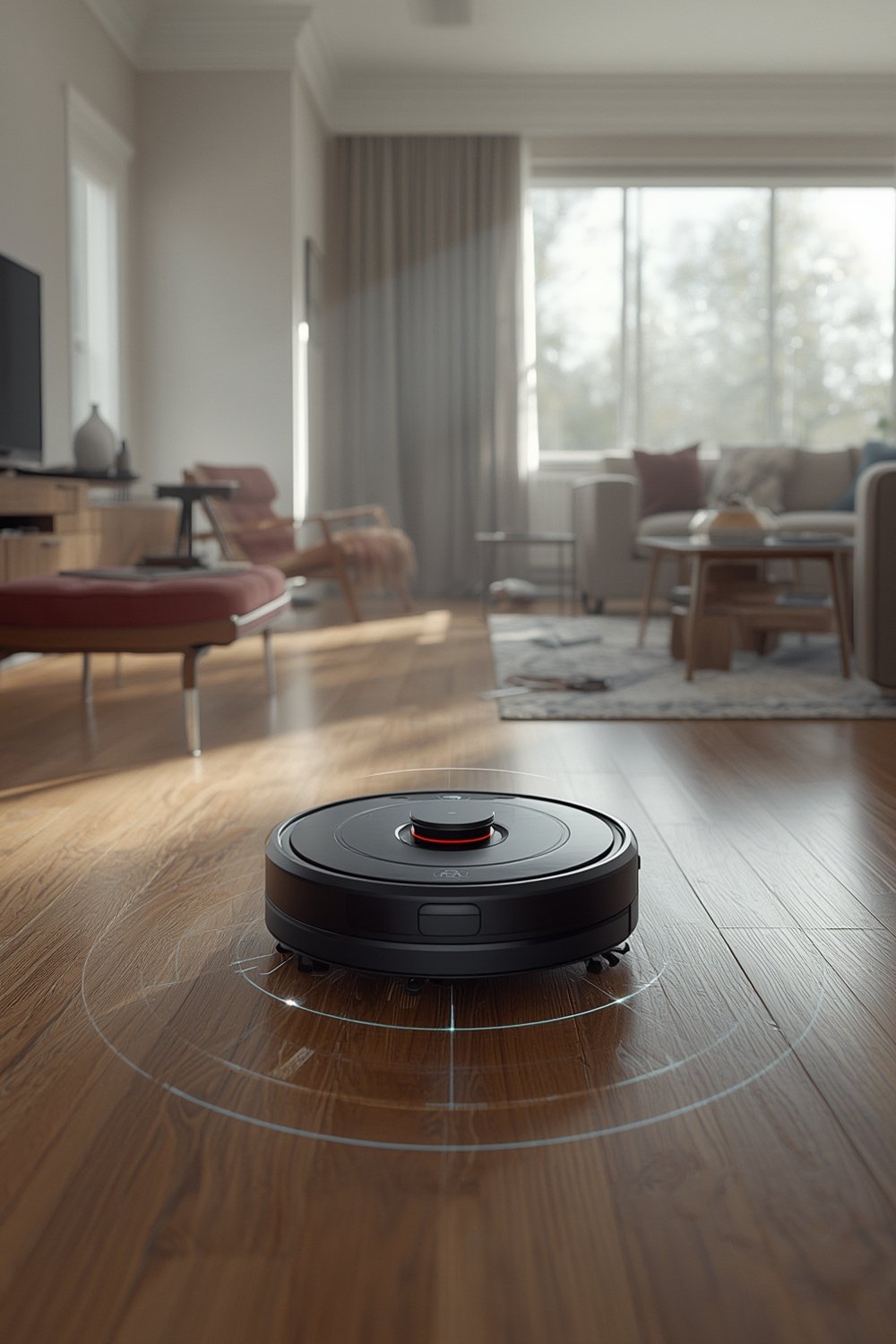
Hybrid navigation vacuums mix lidar with cameras and even 3D time-of-flight sensors, melding accurate laser mapping with rapid debris identification for better obstacle avoidance. These hybrid models are growing at nearly 19% per year, according to Mordor Intelligence.
If you want more on how advanced cleaning tech makes your home smarter and more efficient, see our guide on energy and comfort.
Step-by-Step Guide: Setting Up and Optimizing Lidar robot vacuum mapping
- Unbox and Position the Charging Dock
Set the dock in a central, accessible area clear of clutter and away from doors or high-traffic paths. Lidar mapping works best when the robot starts from a spot with clean line-of-sight to the main spaces. - Prepare the Cleaning Area
Remove loose cables, toys, and tall objects that might confuse the laser. Roll up deep-pile rugs (over 1.5 cm) if possible—lidar has occasional trouble accurately detecting thick carpets due to laser scattering. - Initial Mapping Run
On first use, use your robot’s mapping function (often called “explore” or “map learning”). Follow manufacturer steps for single or multi-floor mapping. Let the robot finish undisturbed; pausing or carrying it mid-run can cause map errors. - Review Map and Set Zones
Once mapped, use the app to define cleaning zones, set virtual boundaries, or mark no-go areas—especially around mirrored or glass walls and stairways. Lidar models rarely misregister, but double-check for missing areas in odd-shaped rooms. - Test Multi-Floor or Room Retention
Carry your lidar robot vacuum to a second floor, launch mapping there, and check if it distinguishes the new environment. Most lidar models remember distinct floors without requiring a reset, unlike visual systems. - Schedule Regular Map Updates
Every few months (or after big furniture moves), run another exploratory cleaning to refresh the lidar-generated map and maintain navigation accuracy. - Firmware and App Updates
Keep both your vacuum’s firmware and mobile app up to date. While update frequency varies by brand, new SLAM algorithm releases can noticeably improve lidar mapping precision and obstacle avoidance.
For households seeking even more advanced mapping and multi-floor navigation, see the comparison of robot vacuums with 3D mapping and multi-floor intelligence.
Advanced Analysis & Common Pitfalls of Lidar robot vacuum mapping
While lidar robot vacuum mapping leads for accuracy and lighting flexibility, real-world users report some issues and technology gaps:
- Deep-Pile Carpet Issues: Lidar’s lasers can scatter or get absorbed in plush rug fibers, causing small navigation errors or missed spots. Premium models partly offset this using floating suspensions, but performance may still drop compared to hard flooring.
- Missing Brand Insight: Most reviews generalize about SLAM performance. Very few break down how leading brands like Roborock, Ecovacs, or Wimsha actually differ—their lidar mapping performance can vary based on proprietary algorithms.
- Limited Longevity Data: Technical reports praise lidar’s deterministic reliability, but there’s no 2023–2024 data on sensor lifespan or failure rates compared to camera systems. This uncertainty makes it hard to estimate long-term total cost of ownership.
- Firmware Support is Vague: Brand promises of ongoing OTA updates are common, but it’s rare to find unbiased data on how often brands push mapping improvements after sale. Without updates, SLAM algorithm performance may stagnate as home layouts or software bugs evolve.
- Mirror and Glass Confusion: While lidar ignores mirrors better than cameras, mirrored sliding doors or unframed glass walls can reflect lasers unpredictably in some homes. You may need to use app-based “virtual walls” to mark these as off-limits.
| Criteria | Lidar Mapping | Camera-Based Mapping | Hybrid (Lidar + Camera) |
|---|---|---|---|
| Map Consistency | 94.7% (all layouts; unaffected by light) | 78.3% (drops in poor lighting or symmetrical layouts) | 91-93% (varies by brand; best for obstacle avoidance) |
| Low-Light Performance | Excellent (no impact) | Poor (misalignment; map drift +38%) | Good (if using lidar as primary mapping tool) |
| Obstacle Identification | Predictable, but struggles on deep-pile carpet | Depends on lighting and textures | Best for small or unusual objects (toys, cables, pet waste) |
| Annual Electricity Cost | $22.18 | $21.94 | Slightly higher, varies |
| Purchase Cost (mid-2024) | ~$200 premium vs. camera | Best value tier | Pricey but growing sector |
| Long-Term Durability | No public data for 2023–2024 | No public data for 2023–2024 | Unknown |
For those comparing hybrid and advanced cleaning robots, visit our hands-on review of self-emptying robot vacuum mop combos.
Conclusion: Is Lidar robot vacuum mapping Worth It?
Lidar robot vacuum mapping gives unmatched mapping accuracy and lighting independence, making it ideal for most homes. If you invest in a model with robust SLAM and firmware support, you’ll spend less time fixing map errors, carrying robots between floors, or redoing cleaning boundaries. However, consider possible downsides—upfront cost, rare thick carpet glitches, and lack of public lifespan data. For homes with tricky layouts, mirrors, or varying lighting, lidar mapping remains the gold standard. Evaluate support and updates when you buy. Ready to experience the power and convenience of Lidar robot vacuum mapping? Choose a model that fits your needs and enjoy smarter, more efficient cleaning today.
Frequently Asked Questions about Lidar robot vacuum mapping
Does lidar mapping work in total darkness?
Yes, lidar mapping is light-independent and works perfectly in complete darkness. This is a key advantage over camera-based navigation, which can struggle with low or changing light. For enhanced low-light performance, smart bulbs can help illuminate your space.
Why does my lidar vacuum sometimes miss spots on thick carpets?
Lidar sensors can have trouble with deep-pile carpets (over 1.5 cm) because the laser beam may scatter or get absorbed. Consider rolling up such rugs or choosing a robot with adaptive suspension.
Can I use a lidar robot vacuum on multiple floors?
Most lidar mapping robots can store and distinguish multiple floorplans. Carry the robot to a new floor, run mapping, and it should recognize the change—no reset needed.
Is a $200 price premium over camera-based vacuums justified?
Lidar vacuums typically cost about $200 more than similar camera models. This premium reflects greater mapping precision, better low-light performance, and more reliable navigation—especially in challenging homes.
How often should I update my robot vacuum’s map?
Refresh mapping after big furniture changes, or every couple of months for best navigation. Occasional updates help avoid minor map drift and improve cleaning routes over time.