

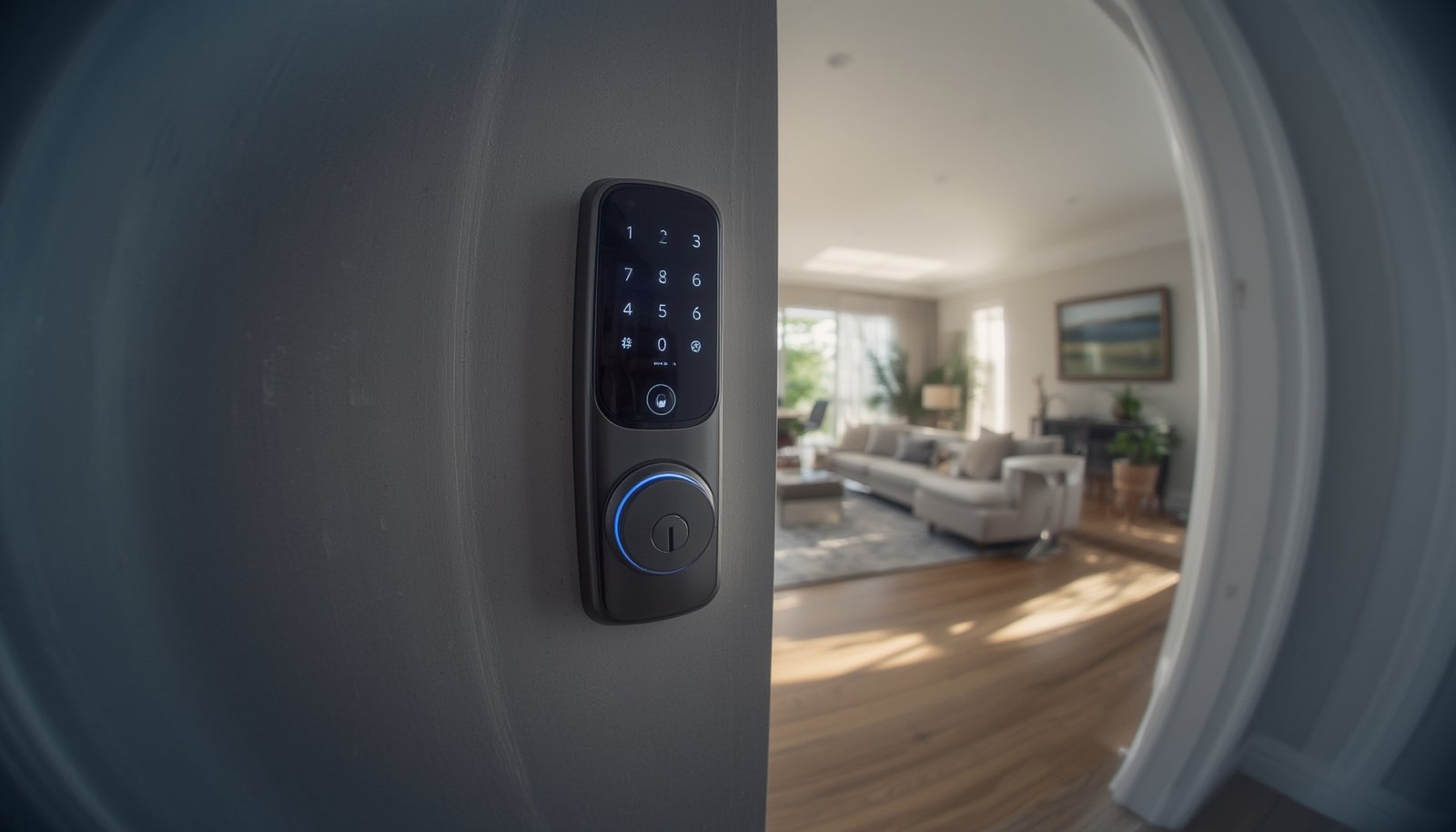
biometric smart locks are rapidly changing the way homeowners and businesses secure their spaces. While these devices promise keyless convenience and advanced security, there are essential facts you need to know before you invest. In this guide, we reveal hard data—plus clear steps and industry insights—to help you choose and implement the right biometric smart lock for your needs.
Key Takeaways
- Biometric smart locks deliver stronger security and convenience but require careful consideration of compatibility, installation, and privacy.
- Market trends show falling prices and rapid adoption, especially in smart homes and regions like Asia-Pacific and the U.S.
- Advanced models offer AI-based threat detection, hybrid entry options, remote control, and integration with Alexa or Google Home.
- What Are Biometric Smart Locks and Why Use Them?
- How to Choose and Install Biometric Smart Locks: A Step-by-Step Guide
- Advanced Analysis & Common Pitfalls of Biometric Smart Locks
- Conclusion
- Frequently Asked Questions
What Are Biometric Smart Locks and Why Use Them?
Biometric smart locks are advanced electronic locks that use unique physical traits like fingerprints or facial features to grant access. They eliminate traditional keys and PINs, offering secure and convenient entry for homeowners, rental hosts, and businesses. The global smart lock market—including biometric authentication—is projected to reach USD 4.04 billion by 2026, reflecting a nearly 20% compound annual growth rate. [Source] With fingerprint recognition and app integration, these devices lead in residential and commercial adoption rates.
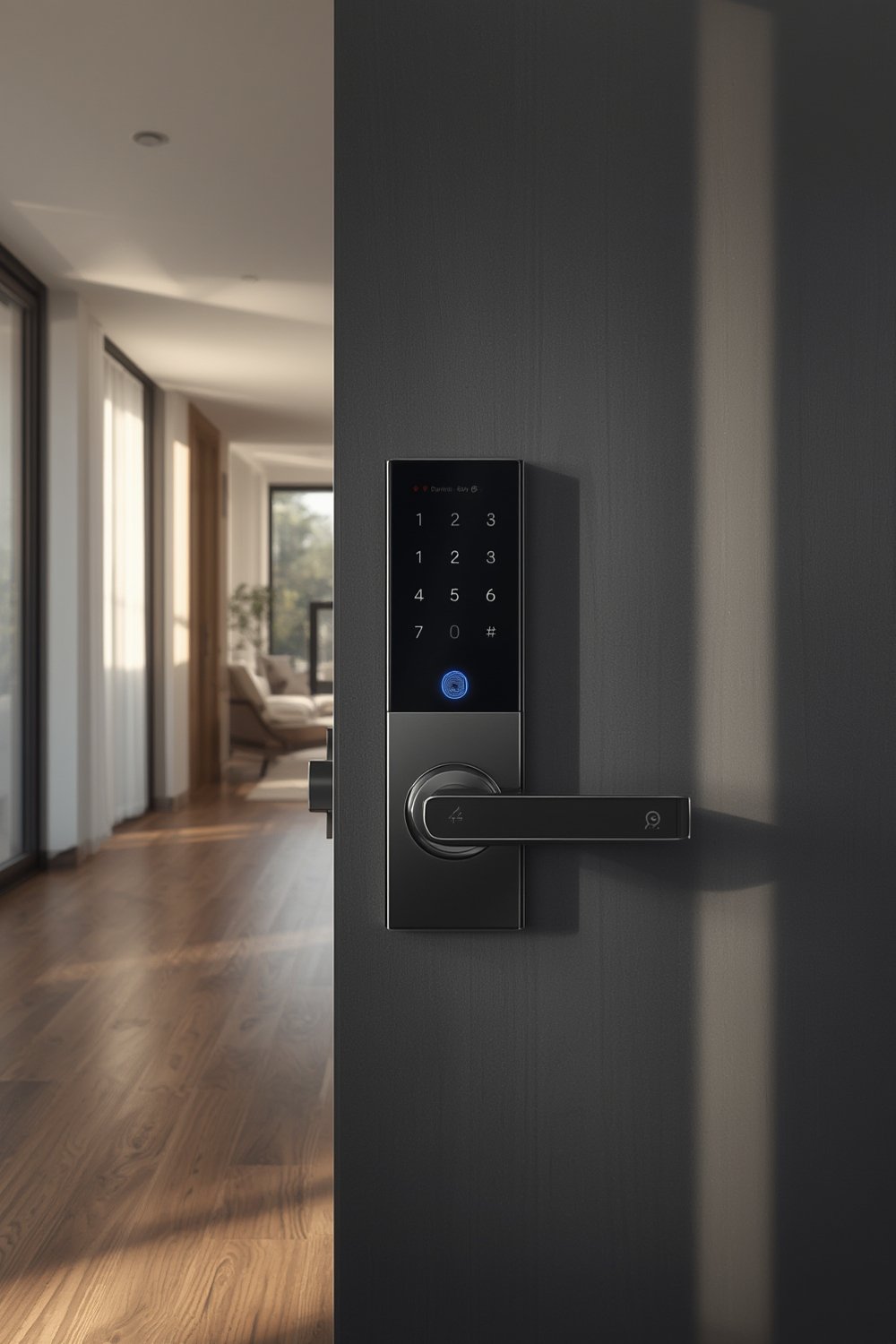
Consumers are drawn to biometric smart locks for several reasons: improved protection from lost or stolen keys, remote control, audit trails of who enters (and when), and true keyless convenience for families or teams. As prices fall to $250–$300 for entry-level models in 2026, mass adoption is set to increase. Security-conscious buyers can also benefit from layered options like AI-powered facial recognition, anti-spoofing measures, and tamper alerts.
If you already use predictive home automation or indoor cameras for home security, integrating biometric smart locks can help create a seamless, highly secure environment.
How to Choose and Install Biometric Smart Locks: A Step-by-Step Guide
Getting the most from biometric smart locks starts with smart selection and careful installation. Here’s an actionable process to choose, buy, and set up a biometric smart lock without technical headaches:
- Assess your door and lock requirements. Check door thickness, backset, and current lock compatibility. Not all biometric locks fit standard U.S. residential doors, so measure carefully.
- Identify feature priorities. Decide what matters most: fingerprint, face unlock, anti-spoofing, remote app access, integration with Alexa or Google Home, or Apple HomeKit. This will focus your shortlist.
- Compare trusted models and brands. Leading options in 2026 include Schlage Arrive (for remote monitoring and Alexa/Google Assistant integration), Ultraloq Bolt Mission (for UWB privacy and hybrid unlock), and ARTO 3D Face Recognition (adding a camera with biometrics). Always check for multi-factor options (app + print + code) for redundancy.
- Check security certifications and data privacy. Prioritize models with up-to-date encryption—some now offer quantum-resistant encryption—and strong privacy protections. Read the privacy policy: Where is biometric data stored? Local is safer than cloud storage.
- Buy from authorized channels with clear warranty terms. While typical prices for basic app-integrated models are around $250–$300 by 2026, always review return policies and included support.
- Prepare tools and follow manufacturer’s guide precisely. Most installations require only a screwdriver and basic skills, but precise alignment is essential for sensors to work.
- Enroll fingerprints or faces and configure app settings. Save several backup fingerprints for all users, adjust notification and logging options, and test unlocking/locking from every supported method.
- Integrate with your smart home ecosystem. Link the lock with Alexa, Google Home, or HomeKit, and create automations (like auto-locking after specific hours or alerting you if tampering is detected).
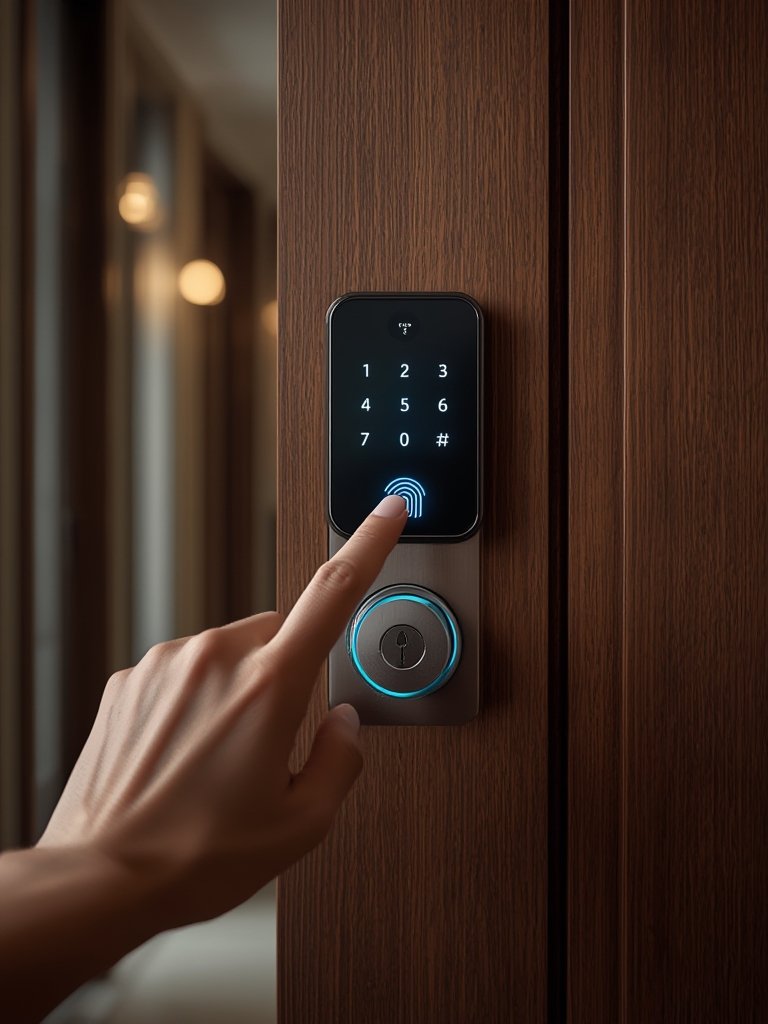
To further optimize your smart home, consider layering security using AI powered home security cameras for automated video verification if your smart lock signals access or tampering. Pairing multiple smart devices can boost both security and convenience.
Advanced Analysis & Common Pitfalls of Biometric Smart Locks
Biometric smart locks solve many traditional security problems but come with their own limitations and risks. Here’s a breakdown based on the latest research and verified trends:
- No universal fit or flawless install: Many buyers underestimate the complexity of installation. Poor sensor alignment can cause unreliable fingerprint scans or hard lock rotation. Doors out of square or with non-standard thickness often require special mounting kits.
- Data privacy concerns: Some models store fingerprint or facial data locally, while others use cloud storage—even if encrypted. In regions with strict privacy laws, this can cause compliance issues. Always prefer local storage with on-device encryption.
- Battery anxiety: While most smart locks promise 8-12 months of battery life, real-world usage (especially if notifications and Wi-Fi or Bluetooth are always on) can see batteries drained faster. Forgetting to replace batteries may leave you locked out or needing a backup manual key.
- Limited comparative data on actual security: Independent lab tests that directly compare biometric locks to PIN or traditional keyless locks remain rare. Industry experts, however, agree that biometric entry prevents common bypasses like lock picking or key duplication. [Details].
- Occasional compatibility hiccups: While leading models like Schlage Arrive and Ultraloq Bolt Mission are compatible with Alexa and Google Home, users sometimes face delays in automation triggers or must update firmware for stable integration. New features—like Ultra-Wideband (UWB) hands-free unlocking—may not work with all versions of smart home hubs.
Below is a comparison of biometric, keypad, and traditional smart locks to help clarify choices:
| Lock Type | Access Method | Security Features | Price Range (2025–2026) | Battery Life | Integration/Compatibility |
|---|---|---|---|---|---|
| Biometric Smart Lock | Fingerprint, Face, App, (Backup PIN or Key) | Anti-spoofing, Tamper Alerts, Quantum Encryption | $250–$500 | 8–12 months (usage-dependent) | Alexa, Google, Some HomeKit |
| Keypad Smart Lock | PIN Code, App, (Backup Key) | Tamper Alerts, Remote Lock/Unlock | $100–$250 | Up to 12 months | Alexa, Google |
| Traditional Keyless Lock | RFID, Key Fob, (Backup Key) | Basic Encryption, Manual Alerts | $80–$200 | Up to 18 months | Rare |
For users focused on slashing ongoing energy costs, integrating smart plugs with energy monitoring can help automate lock, lighting, and energy management for your entryway.
Conclusion
Biometric smart locks are an advanced, practical solution for boosting security and convenience—especially as prices fall, app features improve, and integrations expand. There are still real challenges, from data privacy to installation complexity and occasional integration quirks. By understanding the market trends, main features, and common pitfalls, you can confidently select, install, and use a biometric smart lock as part of your modern smart home. Ready to upgrade your entryway and take control with biometric smart locks? Start your secure smart home journey now.
Frequently Asked Questions
Are biometric smart locks more secure than keypad locks?
Yes, most biometric smart locks offer stronger resistance to common attacks like PIN guessing or key duplication. Anti-spoofing technology helps prevent fake fingerprints, and many models combine multiple authentication methods for added safety.
Do biometric smart locks work with Alexa, Google Home, or Apple HomeKit?
Many leading biometric smart locks, such as Schlage Arrive and Ultraloq models, support Alexa and Google Assistant integration. Some also work with Apple HomeKit, but check compatibility before purchase.
What happens if the battery dies in a biometric smart lock?
Most smart locks will alert you when battery levels are low, but if the battery dies completely, you may need to use a backup key or external battery connector (if supported) to unlock the door.
Where is my fingerprint or facial data stored?
This varies by brand. Best practice is locks that store biometric data locally with on-device encryption. Some cheaper models may use cloud storage, which raises privacy issues.
How long does it take to install a biometric smart lock?
Most installations take 30 to 60 minutes for a standard door. Complicated doors or older homes may require extra time or mounting kits. Always follow the manufacturer’s instructions for best results.