

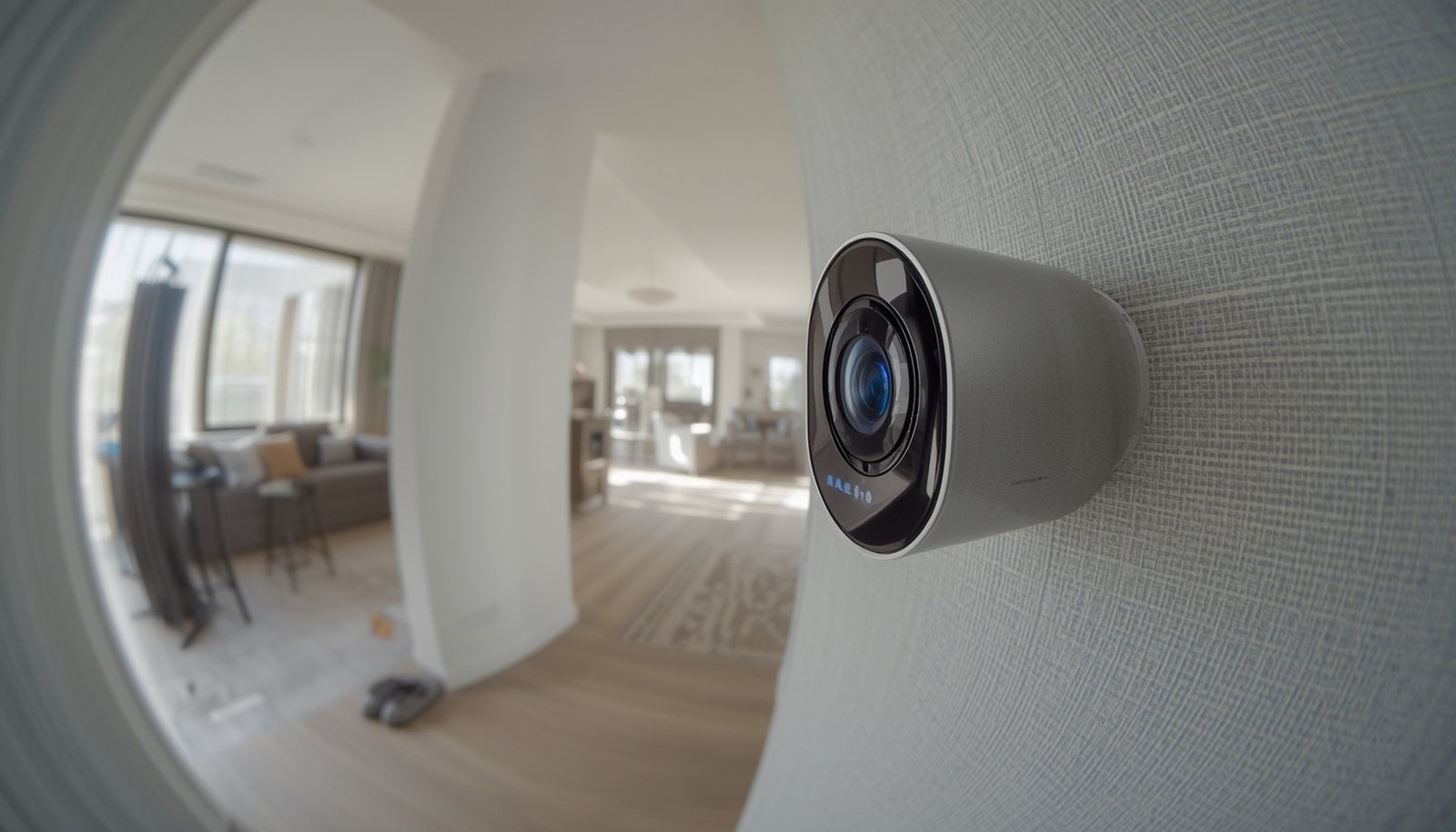
Local AI security cameras are quickly reshaping how homeowners and businesses think about surveillance, privacy, and control. Unlike traditional cloud-based models, these innovative cameras process video and detect threats right at the device, unlocking new levels of data privacy—while reducing reliance on third-party servers.
Key Takeaways
- Local AI security cameras handle video analysis on-device, minimizing cloud use and enhancing privacy.
- High installation costs and lack of user-friendly local processing features remain adoption challenges.
- Choosing the right camera requires close attention to on-device specs, privacy practices, and integration needs.
- What Are Local AI Security Cameras? Why They Matter
- How to Select and Set Up Local AI Security Cameras: Step-by-Step
- Advanced Analysis: Pitfalls, Tech Specs, and Missteps
- Conclusion: Putting Local AI Security Cameras to Work
- Frequently Asked Questions
What Are Local AI Security Cameras? Why They Matter
Local AI security cameras process video and execute artificial intelligence tasks—like facial recognition or object detection—right on the device. Unlike cloud-based solutions, your video never leaves your property unless you choose to share it. This brings several practical advantages:
- Better privacy: No third-party cloud processing by default.
- Lower recurring costs: Fewer required subscriptions or uploads.
- Faster response: Instant alerts without cloud round trips.
Most cloud-first cameras send images or video to remote servers for analysis. In contrast, true local AI security cameras analyze footage using built-in chipsets and embedded software. This is ideal for those wanting hands-on control, stronger privacy, and the ability to comply with data protection regulations more easily.
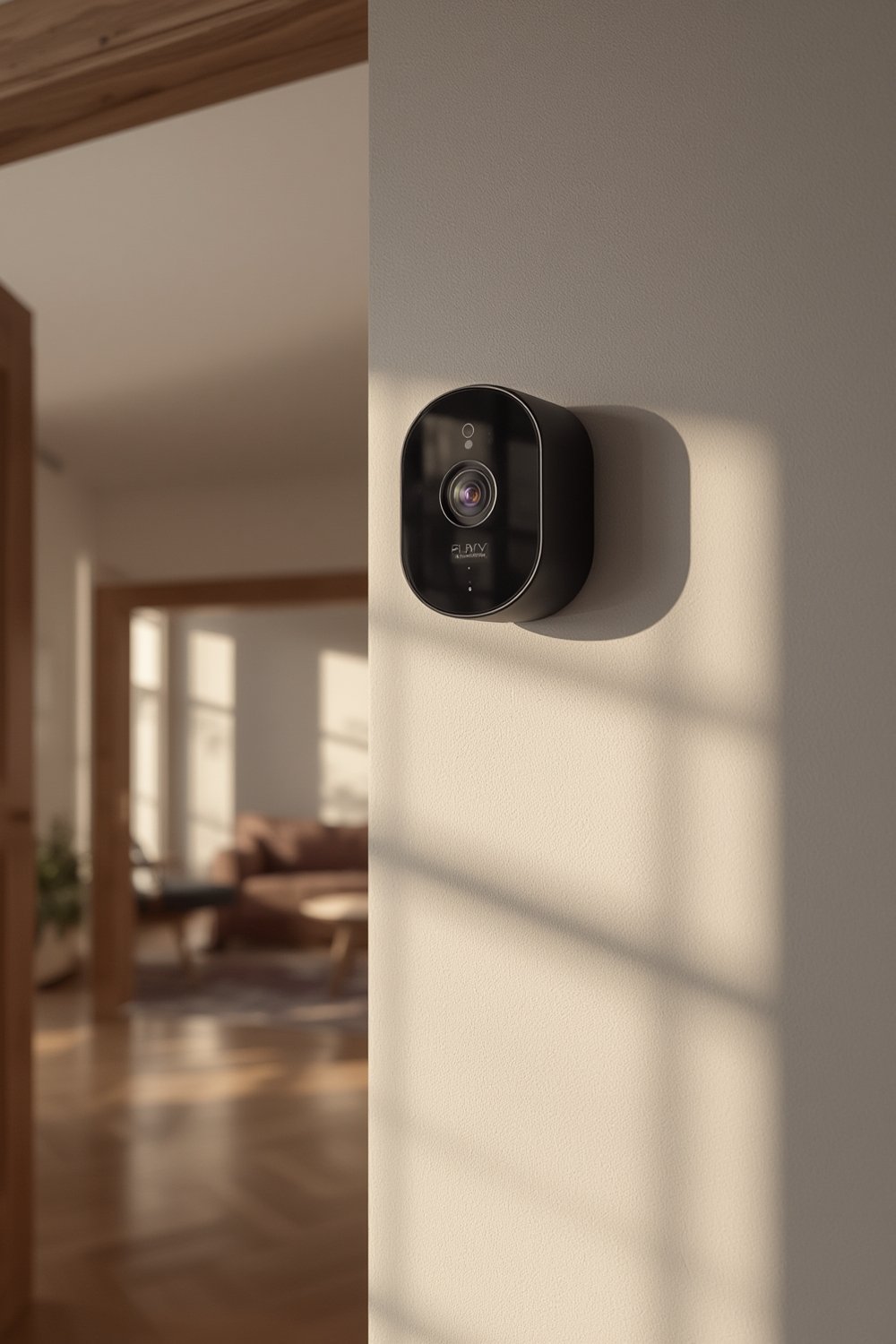
In 2024, the global deployment rate of AI-powered surveillance systems reached 45% according to market research. However, most of these are cloud-centric, with pure local AI security cameras still representing a specialized segment. The dominance of cloud also means buyers must be careful to verify on-device capability.
Privacy is a major impetus driving adoption, both in homes and commercial environments. For a deeper dive into optimizing home interiors, see this advice on indoor camera upgrade steps.
How to Select and Set Up Local AI Security Cameras: Step-by-Step
- Identify Your Use-Cases
Do you need person detection at your door, license plate reading at a driveway, or privacy-first indoor monitoring? The right use-case clarifies what level of on-device AI and storage you’ll need. - Check For True On-Device AI
Look for specific claims like “all video processed locally” or “no cloud upload required.” Ask for technical specs such as edge AI chipsets (e.g., Ambarella, Google Edge TPU, or Movidius). - Assess Storage and Retention
Support for large-capacity SD cards or secure NAS (Network Attached Storage) is crucial for local-only setups. Limited onboard storage can become a bottleneck in high-traffic locations. - Examine Privacy Features
Review privacy-by-design elements like local video encryption and granular access controls. This ensures footage stays protected even if the device is compromised. - Plan Network Integration
For advanced installations, integrate with other smart home or office systems. See how systems with flexible connectivity—such as PoE or hybrid coaxial/IP models—can bridge legacy setups and new smart features. - Factor In Total Cost
Local AI security cameras may cost more upfront but typically reduce subscription or cloud storage bills over time. Review your expected cost profile honestly. - Test Alerts and AI Accuracy
Configure testing scenarios: have someone walk past the camera, trigger motion, or simulate daily activities. This ensures the embedded AI performs as promised—without excess false alarms.
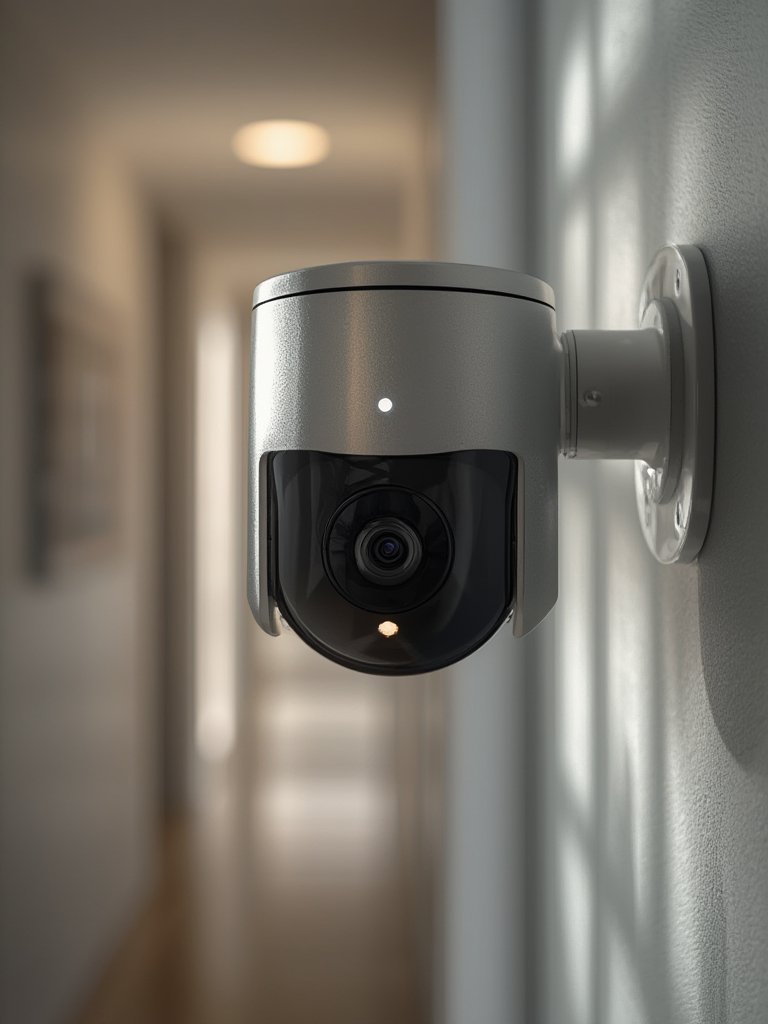
Hybrid installs are often the sweet spot for many users: one outdoor local camera as a privacy anchor, networked with existing cloud-connected devices for easy mobile alerts. For advanced coverage (like facial or behavior analysis), some users turn to AI-powered home security systems that blend local inference with cloud augmentation.
Advanced Analysis: Pitfalls, Tech Specs, and Missteps with Local AI Security Cameras
True Local Processing: Rare in the Marketplace
Only a small percentage of AI security cameras perform all processing locally without the cloud. Most “AI cameras” still send clips or metadata to remote servers for analysis, often without making this distinction clear. As a buyer, always request detailed technical documentation.
Common Pitfalls and Pain Points
- High installation cost: local-first hardware often prices higher than comparable cloud offerings, especially for quality edge processors.
- Storage headaches: SD cards fill up quickly in high-traffic settings, and not all cameras easily integrate with local NAS or external storage.
- Tricky firmware: many local AI security cameras have clunky interfaces and limited documentation, making DIY maintenance or integration time-consuming.
- Incomplete privacy: while local processing reduces data exposure, some brands still collect metadata or offer only partial encryption.
- Limited smart features: many advanced smart home routines or automations rely on the cloud—pure local models may skip convenience features.
| Feature | Local AI Security Cameras | Cloud-Dependent AI Security Cameras |
|---|---|---|
| AI Processing | On-device (edge chipset: e.g., Ambarella, Movidius) | Remote server (requires internet) |
| Privacy Control | Footage stays local; user chooses what leaves premises | Footage/metadata routinely uploaded to cloud |
| Storage | SD card, NAS, or internal drive | Cloud storage, sometimes limited local backup |
| Initial Cost | Higher (due to robust hardware) | Lower |
| Ongoing Subscription | Optional or none | Often required for full features |
| Alert Latency | Very low (no server round trip) | Variable; depends on connectivity and cloud speed |
The cloud segment still leads in revenue for 2024, which underscores the challenge: most buyers default to cloud brands simply due to lower price and easier setup. High installation cost and lack of regulation-specific support (like GDPR compliance tools) might slow further adoption. For a fuller perspective on layering security, read about proven AI camera deployment strategies.
Buyers should also be aware that many manufacturers now tout “privacy” but lack visible encryption protocols or clear data localization. Industry research suggests privacy concerns are leading to more investment in encryption and secure local storage, but the details often require a deep dive into manufacturer whitepapers (industry trend).
Hybrid deployments—where cameras with varying degrees of cloud capability and local processing work together—are growing, especially for those bridging old coaxial systems with new smart IP gear (see research). This is a major consideration for anyone upgrading from legacy installs.
Conclusion: Putting Local AI Security Cameras to Work
In summary, local AI security cameras give users a powerful way to secure homes and businesses with more privacy and less cloud exposure. But it’s not a turnkey solution—careful attention to specs, storage options, privacy features, and total cost is key. For maximum peace of mind, run tests, demand full technical transparency, and plan for hybrid or incremental upgrades.
Ready to take charge of your security? Choose a system that offers true local processing—your data, your rules. Start comparing local AI security cameras today for a smarter, more private approach. Explore our guides on optimizing indoor camera strategies and check out predictive home automation to round out your protection.
Frequently Asked Questions
What makes local AI security cameras better for privacy?
Local AI security cameras process all video and recognition tasks on the device itself. This means your footage never leaves your premises unless you decide to export it, minimizing the risk of data interception or unauthorized access by third parties.
Are local AI security cameras more expensive than cloud-based systems?
Typically, yes. Local AI security cameras require more powerful hardware for on-device processing and larger onboard storage. While initial prices are higher, you’ll often save money by avoiding recurring cloud storage or subscription fees.
Can I integrate local AI security cameras with my existing smart home system?
Many local AI cameras now offer smart home compatibility via IP integration, PoE, or hybrid setups. However, advanced automation features—like voice assistant integration—may depend on limited cloud access or specific ecosystem compatibility.
What should I check in technical specs for true local processing?
Look for mention of dedicated edge AI processors (such as Ambarella or Movidius chipsets), RAM amount, support for full local analytics (not just cloud-enhanced), and onboard storage expansion (SD, SSD, or NAS support).
Is all footage from local AI cameras fully protected?
Not always. While local processing reduces risk, some brands may still collect metadata or offer incomplete local encryption. Always insist on cameras that offer end-to-end local encryption and clear access controls.