

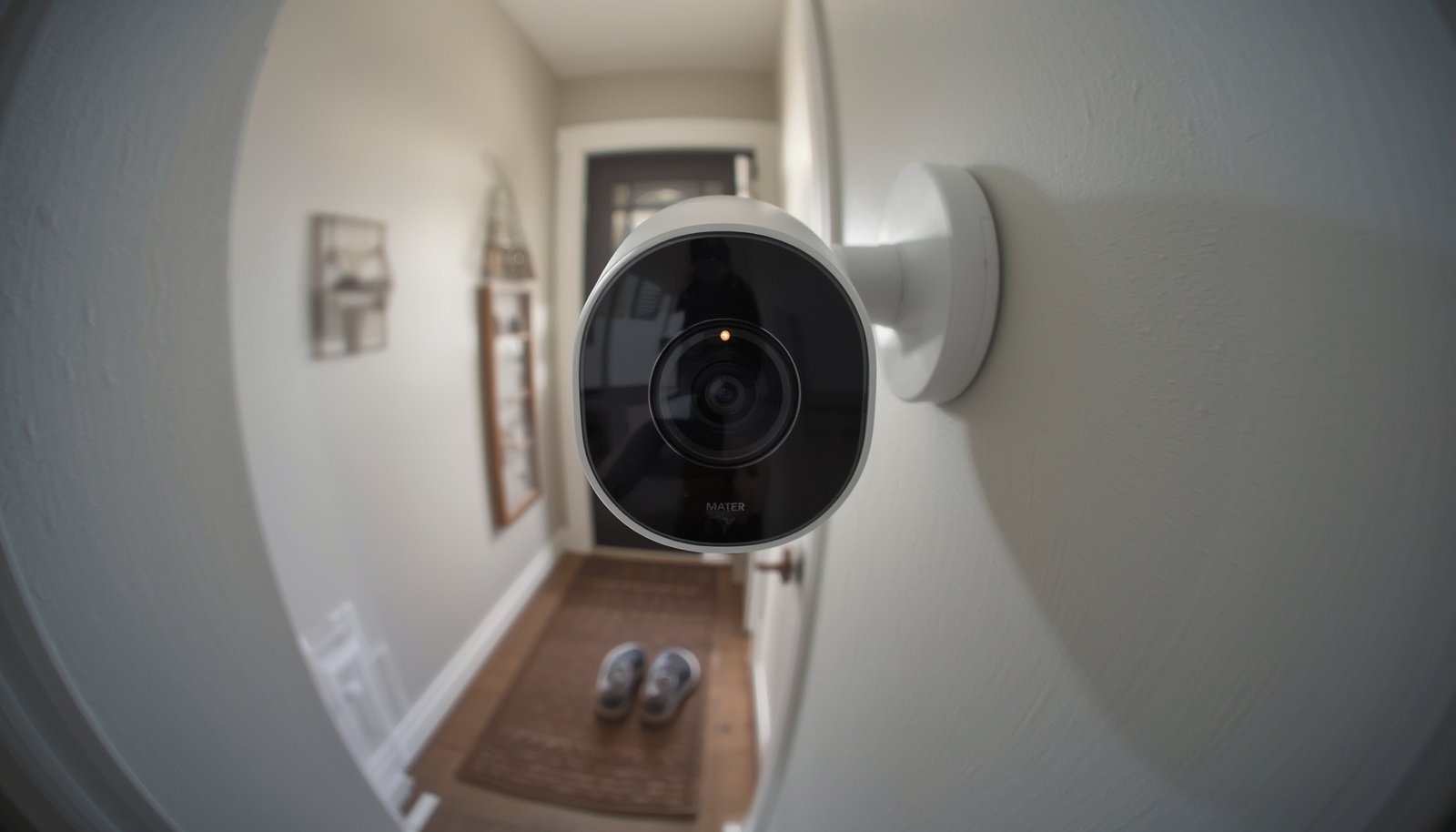
Matter compatible devices are becoming the core of the modern smart home, offering unprecedented interoperability but also facing real-world growing pains as the standard matures into 2026. If you want a home where your lighting, sensors, locks, and more truly work together—regardless of brand—this guide cuts through the hype, reveals the pitfalls, and helps you make the right decisions for seamless automation.
Key Takeaways
- Matter compatible devices are rapidly expanding in 2026, offering broad smart home ecosystem support but still facing inconsistencies in real-world interoperability.
- Brands like Ikea, Philips Hue, Aqara, and Yale are leading, but differences in protocols, versions, and platform features can impact user experience.
- Smart purchasing and careful setup are essential to avoid common pitfalls—understand device versions, controller requirements, and actual feature support before you buy.
- What are Matter Compatible Devices and Why They Matter
- How to Choose and Set Up Matter Compatible Devices: Step-by-Step
- Advanced Analysis: Pitfalls of Matter Compatible Devices in 2026
- Conclusion
- FAQ
What are Matter Compatible Devices and Why They Matter
Matter compatible devices are smart home products—bulbs, plugs, sensors, locks, cameras, and more—that carry Matter certification, ensuring they can work across multiple platforms like Apple Home, Google Home, Alexa, and SmartThings. The Matter standard, introduced by the Connectivity Standards Alliance, was designed to fix the major issue of fragmentation that plagued smart home technologies—where users had to select devices based on their primary ecosystem, often trading flexibility for reliability.
In 2026, the number of certified Matter compatible devices skyrocketed to over 750 products, including lighting from brands like Ikea, multi-protocol hubs from Aqara, and locks from Yale and Level. This surge is driving rapid smart home adoption. Market research expects smart home solutions—largely fueled by Matter’s promise of interoperability—to grow at over 55% per year through 2026 [source].
But while Matter aims to let you mix devices from different brands—installing, upgrading, and automating them with fewer headaches—the real world is nuanced. Not every device supports every platform equally, vendor communication about features is unclear, and some ecosystems still lag or fragment support. For context on how advanced automations can add even more value, see how predictive home automation is changing energy and comfort management.
How to Choose and Set Up Matter Compatible Devices: Step-by-Step
Getting started with Matter compatible devices in 2026 means more than just buying the first product you see with a Matter logo. Here’s the process:
- Identify Your Primary Platforms
Make a list of which ecosystems (Apple Home, Google Home, Alexa, SmartThings) you actively use, as this drives compatibility and controller/hub requirements. - Research Supported Matter Version
Check which version of Matter your platform currently supports. For example, Apple and SmartThings may already be on Matter 1.5, while Google Home could still be at 1.2, affecting device types you can use [source]. - Check Network Requirements
Determine if your chosen devices need Thread, Wi-Fi, or both. Many devices (especially new lighting and sensors) now run on Thread, but you’ll need a Thread Border Router (included in Apple TV, HomePod, newer Echo/Nest/SmartThings devices). - Pick Leading Devices
Choose from well-supported brands: Ikea’s affordable bulbs and sensors, Philips Hue’s robust bridge-based lighting, Aqara’s advanced sensors, or Yale’s smart locks. Each brand offers advantages, but confirm model-specific Matter support. - Onboard Devices Carefully
Commission your devices using your primary platform’s Add Device flow—usually via QR code scanning. Use native OS support (iOS, Android) for the most seamless experience, and leverage Matter’s “multi-admin” feature to share devices with multiple apps when possible [official documentation]. - Test Automations and Features
After setup, verify each device functions as expected in every connected ecosystem. Try a sample automation or trigger to catch limitations early. - Update Firmware Regularly
Keep all hubs, bridges, controllers, and devices updated to access new Matter features and improve reliability. Brands are rolling out frequent updates as the standard evolves.
For those focused on reducing costs and optimizing energy, incorporating smart plugs with energy monitoring that support Matter across platforms can maximize value and control, while ensuring interoperability as you expand your setup.
Advanced Analysis: Pitfalls of Matter Compatible Devices in 2026
While Matter compatible devices are marketed as a universal solution, 2026 brings practical limitations and unresolved issues you must consider.
- Fragmented Platform Implementation: Not all ecosystems expose the same device types or attributes. For example, generic switches may be visible in one platform but not another, causing confusion even after successful onboarding [source].
- Poor Feature Transparency: Vendors often list only the “Matter” logo on packaging without clear documentation of which device classes, versions, or features are included.
- Controller/Hub Confusion: Thread devices require a properly configured Thread Border Router. Without the correct hub or device running up-to-date firmware, your new sensor or lock may not appear or function as expected.
- Bumpy Onboarding: Users still report failures when scanning setup codes, devices getting stuck, or intermittent feature loss after multi-platform onboarding.
- Battery and Performance Issues: Early Matter-over-Thread sensors sometimes suffered from weak battery life compared to mature Zigbee products. Improved devices certified under Matter 1.4/1.5 are fixing this, but some older units lag behind.
- Incomplete Advanced Automations: Some platform automations cannot access the full range of device triggers, scenes, or custom modes due to underlying Matter data model limitations or partial vendor support.
| Brand | Device Type | Network | Matter Version | Typical Price (USD) | Key Limitation |
|---|---|---|---|---|---|
| Ikea | Bulbs/Sensors | Thread/Wi-Fi | 1.4/1.5 | Under $10 | Limited advanced automations |
| Philips Hue | Lighting (via bridge) | Zigbee + Matter Bridge | 1.4 | $20‑$30 | Scenes may not transfer fully |
| Aqara | Sensors/Multi-protocol Hubs | Zigbee + Thread/Wi-Fi | 1.4/1.5 | $15‑$30 | Feature exposure varies by ecosystem |
| Yale/Level | Smart Locks | Thread/Bridge | 1.4/1.5 | $120‑$240 | May need Thread router; setup is nuanced |
If you’re planning major upgrades like tweaking lighting to improve sleep, research options for circadian smart lighting that confirm full Matter support for both hardware and automations. Some devices promise this flexibility but under-deliver unless paired with the right controller and firmware.
Conclusion
Matter compatible devices are on track to become the expected default in new smart homes by the end of 2026. But mainstream adoption does not equal perfection—users must verify compatibility details, controller needs, and actual feature support to avoid disappointment. For most, the ability to mix brands and use a single system for automations outweighs occasional hiccups. If you want a smart home that keeps pace as the industry evolves, make Matter compatible devices your foundation, but stay proactive about firmware and documentation.
Ready to simplify your smart home journey? Explore deeply-reviewed resources, and start integrating Matter compatible devices today for a more unified, reliable smart home experience.
FAQ
What platforms support Matter compatible devices in 2026?
Apple Home (via HomeKit), Google Home, Amazon Alexa, and Samsung SmartThings all support Matter, but adoption of new Matter versions and device types varies. Always check for version and device compatibility before purchase.
Do I need a special hub for Matter devices?
Some Matter compatible devices run on Wi-Fi and need no extra hub, but most Thread-based devices require a Thread Border Router, often built into Apple TV, HomePod, new Echo/Nest speakers, or SmartThings hubs.
Are all features available in any Matter ecosystem?
No. Core features like on/off or dimming work broadly, but advanced automations, custom scenes, and specific triggers may not be exposed in every ecosystem due to version and implementation differences.
Can I use my old Zigbee or Z-Wave devices with Matter?
Sometimes. Brands like Philips Hue and Aqara offer bridges that expose existing Zigbee devices to Matter, but not all features may be available and you need the newest hardware/firmware for best results.
How can I make sure I buy the right Matter compatible devices?
Always verify the exact Matter certification version, confirm your smart home platform’s supported features, and read both the vendor’s documentation and CSA’s device directory before purchase.