

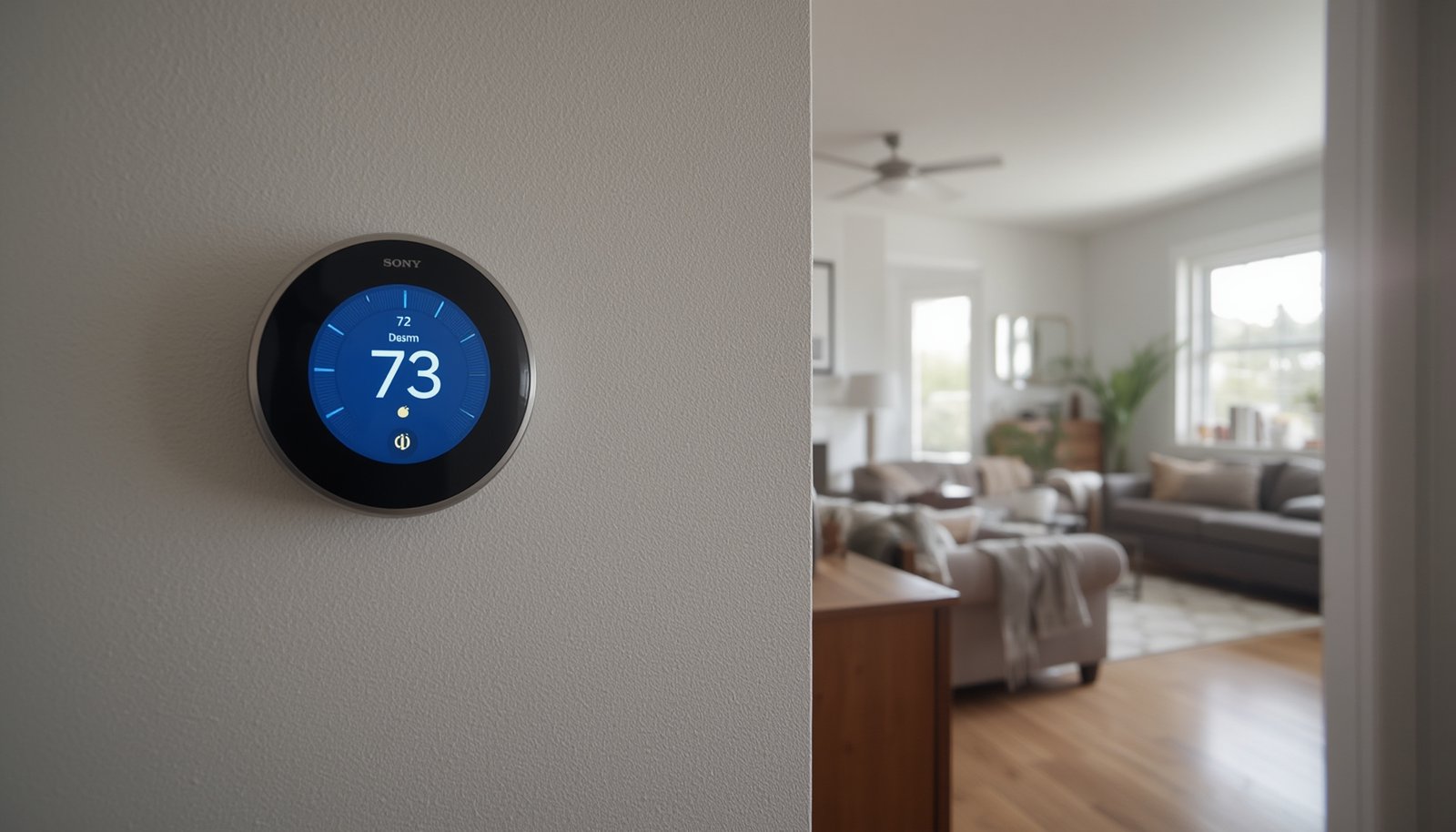
Smart thermostat with room sensors is rapidly changing the way homeowners control comfort and energy usage. If you want every room in your house to feel just right—and also want to reduce bills—this guide will show what really works, how to avoid common issues, and which products offer the best balance of features, cost, and reliability.
Key Takeaways
- Room sensor–enabled smart thermostats mean better comfort in every part of your home, but setup and sensor placement are critical for reliable results.
- Real-world accuracy, sensor battery life, and wireless range issues are the most common user complaints—especially in large or older homes.
- Premium models like Ecobee, Honeywell T9/T10, and Nest offer unique trade-offs in features, pricing, and integration with popular smart home platforms.
- 1. What Is a Smart Thermostat With Room Sensors—and Why Use It?
- 2. How to Set Up a Smart Thermostat With Room Sensors (Step-by-Step)
- 3. Advanced Analysis & Common Pitfalls for Room Sensor Thermostats
- 4. Conclusion: Is a Smart Thermostat With Room Sensors Worth It?
- 5. FAQ: Smart Thermostat With Room Sensors
What Is a Smart Thermostat With Room Sensors—and Why Use It?
A smart thermostat with room sensors is a central thermostat that communicates wirelessly with satellite temperature (and possibly motion) sensors distributed in different rooms. Rather than just measuring temperature in one location (often a hallway), the system blends data from all connected rooms—sometimes using occupancy detection—to automate comfort and boost energy savings.
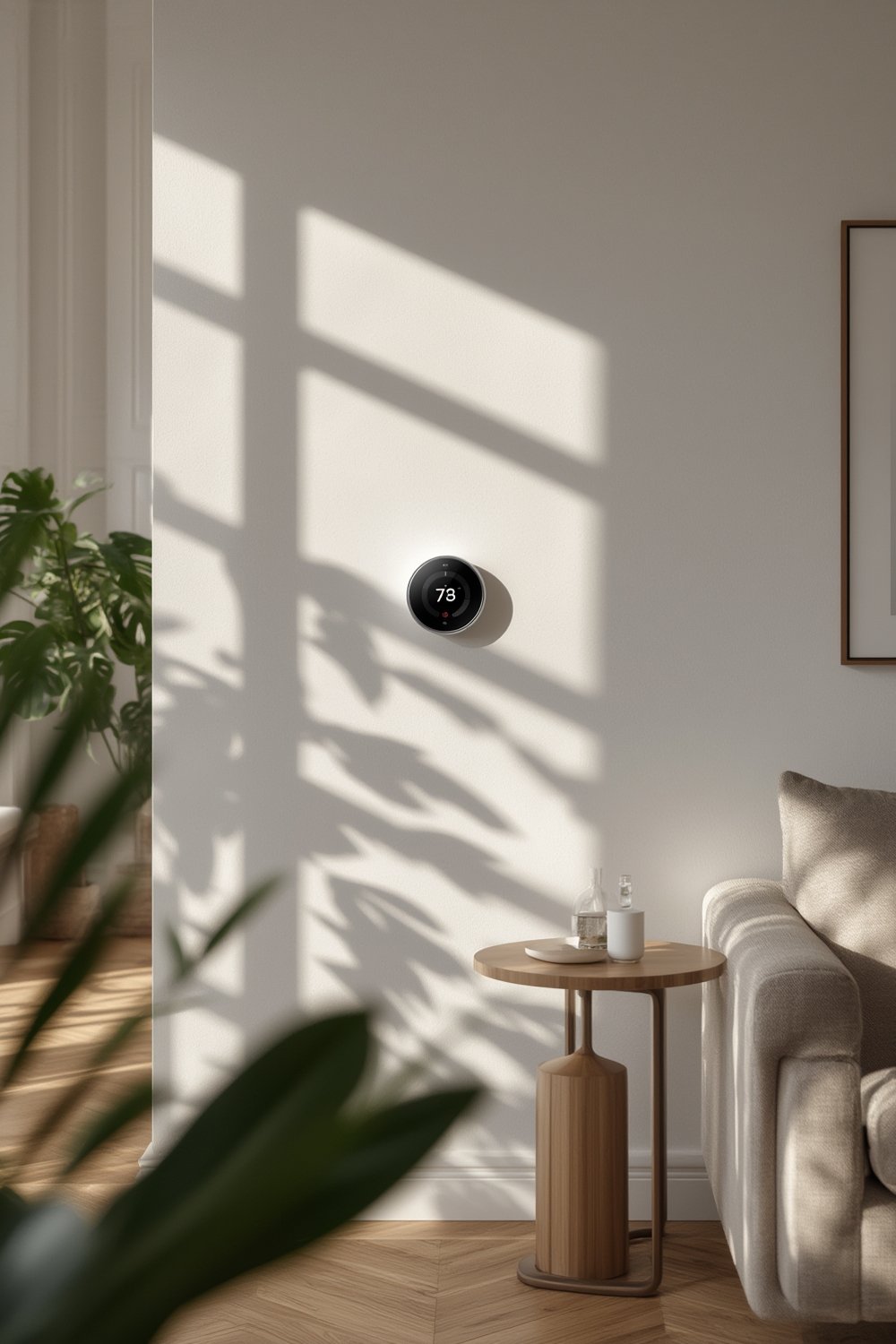
This approach addresses a major limitation of classic thermostats: one room may be comfortable, but bedrooms or living spaces are too hot or cold. By placing sensors where you live and sleep, the thermostat can heat or cool based on real needs, not just bad averages. Most solutions let you prioritize specific rooms or use “Follow Me” logic so comfort follows people around the house automatically.
As of 2024, the premium tier of the global smart thermostat market puts strong focus on room/remote sensor features. With growing adoption (projected to surpass 8% CAGR in residential smart thermostats), more models now offer advanced occupancy and adaptive control using distributed sensors [see market data].
If you’re interested in pushing automated home comfort further, consider exploring predictive home automation techniques that utilize distributed sensing in even smarter ways.
How to Set Up a Smart Thermostat With Room Sensors (Step-by-Step)
Getting true multi-room comfort depends on careful planning and smart execution. Here’s a step-by-step process for homeowners or renters ready to add a smart thermostat with room sensors.
-
- Choose the right thermostat & sensor bundle.
- For most homes, Ecobee (Premium/Enhanced) or Honeywell T9/T10 are the most feature-rich and reliable.
- Google Nest sensors are simple but lack occupancy.
- Plan your room sensor locations.
- Prioritize bedrooms, living rooms, nurseries—spaces where you spend the most time.
- Avoid placing sensors near vents, direct sunlight, drafty windows, or exterior walls.
- Sensors mounted at head height (for seated occupancy) give readings closest to “felt” temperature.
- Power off your HVAC system and swap the thermostat.
- Turn off the HVAC at the breaker.
- Label all wires before disconnecting the old thermostat.
- Install the new smart thermostat, ensuring a C-wire connection (or use included power extender as directed).
- Double-check connections before restoring power.
- Pair and place sensors.
- Open the manufacturer app; follow prompts to add each sensor.
- If pairing fails, move closer to the thermostat and remove sources of interference (microwaves, thick walls, etc.).
- Name each sensor for clarity (“Master Bedroom,” “Living Room,” etc.).
- Choose the right thermostat & sensor bundle.
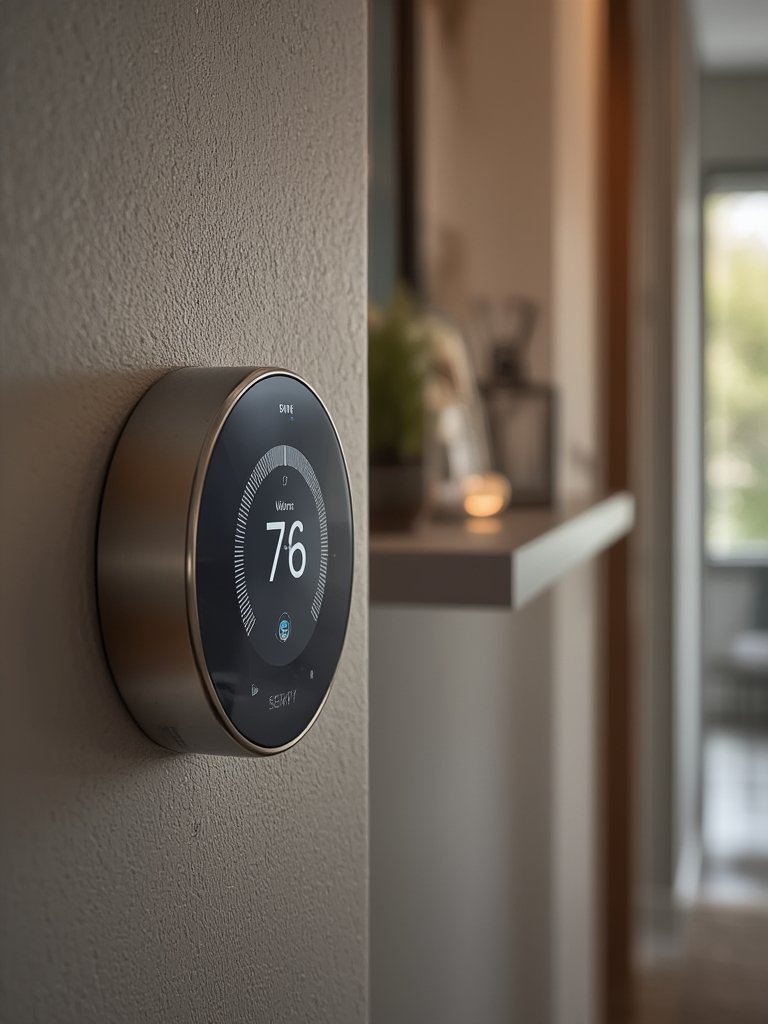
- Set up comfort preferences and schedules.
- Use “Follow Me” or “room prioritization” features to tell the system when to care about each room.
- Schedule sleep hours to prioritize bedrooms, work hours for offices, etc.
- Configure thresholds for humidity (if supported) and check advanced settings for sensor weighting.
- Test the system in real-world conditions.
- Walk around; confirm the system responds to room entry (for motion-equipped sensors).
- Check that all rooms reach set temperatures—most systems will average or prioritize temps per your rules.
- If any room is consistently uncomfortable, reposition the sensor or adjust priorities.
- Monitor long-term performance and replace batteries as needed.
- Set reminders to check sensor batteries every 12 months—even “5-year” batteries often don’t last as long in high-use rooms.
- Review app notifications for “sensor offline” alerts; move sensors or add repeaters if you see connectivity problems.
For additional energy savings, combine your system with smart lighting automation for coordinated comfort and efficiency.
Advanced Analysis & Common Pitfalls for Room Sensor Thermostats
While a smart thermostat with room sensors promises comfort and savings, the reality is often more complex in older homes, large buildings, or tech-diverse households. Here’s a direct look at what consistently trips up users and how the main brands compare:
| Common Pitfall | What Happens | How to Solve or Mitigate |
|---|---|---|
| Sensor pairing and setup failures | Sensors don’t show up in app or repeatedly disconnect, causing frustration. | Update both thermostat and app first. Pair sensors within 15–20 feet and away from microwaves, thick walls, or major appliances. Factory reset if needed. |
| Ambiguous sensor placement guidance | Sensors near vents, direct sun, or drafts give false readings, making comfort unpredictable. | Place sensors at least 3 feet from windows, 5–6 feet from vents, and out of direct light. Avoid hallways; focus on main occupied spaces. |
| Single-zone expectation mismatch | Users expect each room to have perfect temperature, but a single HVAC zone can’t independently adjust for every room. | Be aware: Multi-room sensors help, but true per-room control needs multi-zone ductwork/dampers. Use realistic schedules and priorities. |
| Sensor battery life is weak | Advertised “multi-year” batteries often last only 6–18 months in busy rooms. Sudden dropouts can disrupt comfort rules. | Buy high-quality replacement batteries (CR2477 or CR2). Replace annually for reliability. Keep spares on hand. For easy home upkeep on all your battery-powered gadgets, consider a robot vacuum like sensor battery life improvements with automated cleaning. |
| Connectivity drops in large/old homes | Sensors go offline through multiple thick walls or floors. Wireless range is often less than marketing claims. | Where possible, move sensors closer. In homes with plaster, metal, or concrete walls, consider pro-grade systems (Honeywell T10 Pro) with stronger radios (see market trend). |
| Limited 3rd-party integration | Many ecosystems (especially Nest) don’t expose room sensor data to HomeKit, Matter, or SmartThings for automation. | If full integration is important, Ecobee offers the best exposure for temperature and occupancy. Honeywell is a close second. Advanced users can use Zigbee/Matter sensors with Matter-compatible systems for custom automations. |
| Long-term sensor lifespan unknown | Little independent data on 3–5 year sensor failure rates, battery leakage, or accuracy drift. | Buy from brands with strong warranties and replacement programs. Register hardware online to track support. |

Remember, adding sensors to legacy gas, oil, or line-voltage systems creates unique constraints. Always check if your smart thermostat supports your HVAC hardware, or you may face unreliable power or control quirks.
If you want to tighten up security and avoid device routing headaches as your smart home grows, be sure to review our deep dive on Thread border router smart home strategies.
Conclusion: Is a Smart Thermostat With Room Sensors Worth It?
For anyone who has battled uneven room temperatures or wasted energy on empty spaces, a smart thermostat with room sensors offers next-level comfort and control. Real-world setups can be tricky—especially in big homes or with older wiring—but most users see real gains in comfort and often 8–12% extra energy savings on top of a standard smart thermostat.
If you need per-room control but have only a single-zone system, you’ll get the biggest benefit by carefully planning sensor locations and understanding system limitations. For the best user experience and integration with smart home platforms, Ecobee and Honeywell T9/T10 lead among mainstream brands, while Google Nest is simpler but less flexible. Remember, multiple sensors mean more batteries, so plan for periodic replacements.
Ready to improve the comfort and efficiency of your home with a smart thermostat with room sensors? Compare leading models, check your HVAC compatibility, and invest in sensors strategically—you’ll feel the difference in every room.
FAQ: Smart Thermostat With Room Sensors
Do you need a C-wire to install a smart thermostat with room sensors?
Most smart thermostats with room sensors require a continuous power supply via a C-wire. Some provide power-extender kits or can run without it, but reliability is best with a true C-wire.
How many room sensors should you install for best results?
Focus on rooms where you spend the most time (bedroom, main living spaces). Most homes benefit from 2–4 sensors, but avoid overloading the system with unnecessary sensors in hallways or near vents.
Can sensors control each room independently?
Room sensors influence the thermostat’s logic (e.g., “prioritize this room”), but with a single HVAC zone, rooms cannot be heated or cooled independently. True per-room control needs physical zoning with dampers.
How accurate are smart thermostat room sensors?
Consumer-grade sensors are typically accurate to within 1–3°F, but readings can be thrown off by poor placement (direct sun, vents). Periodic calibration helps, but some drift over years is possible.
How long do sensor batteries actually last?
Manufacturers claim up to 2–5 years, but real-world battery life is often 6–18 months depending on how frequently the sensor detects motion and room traffic.