

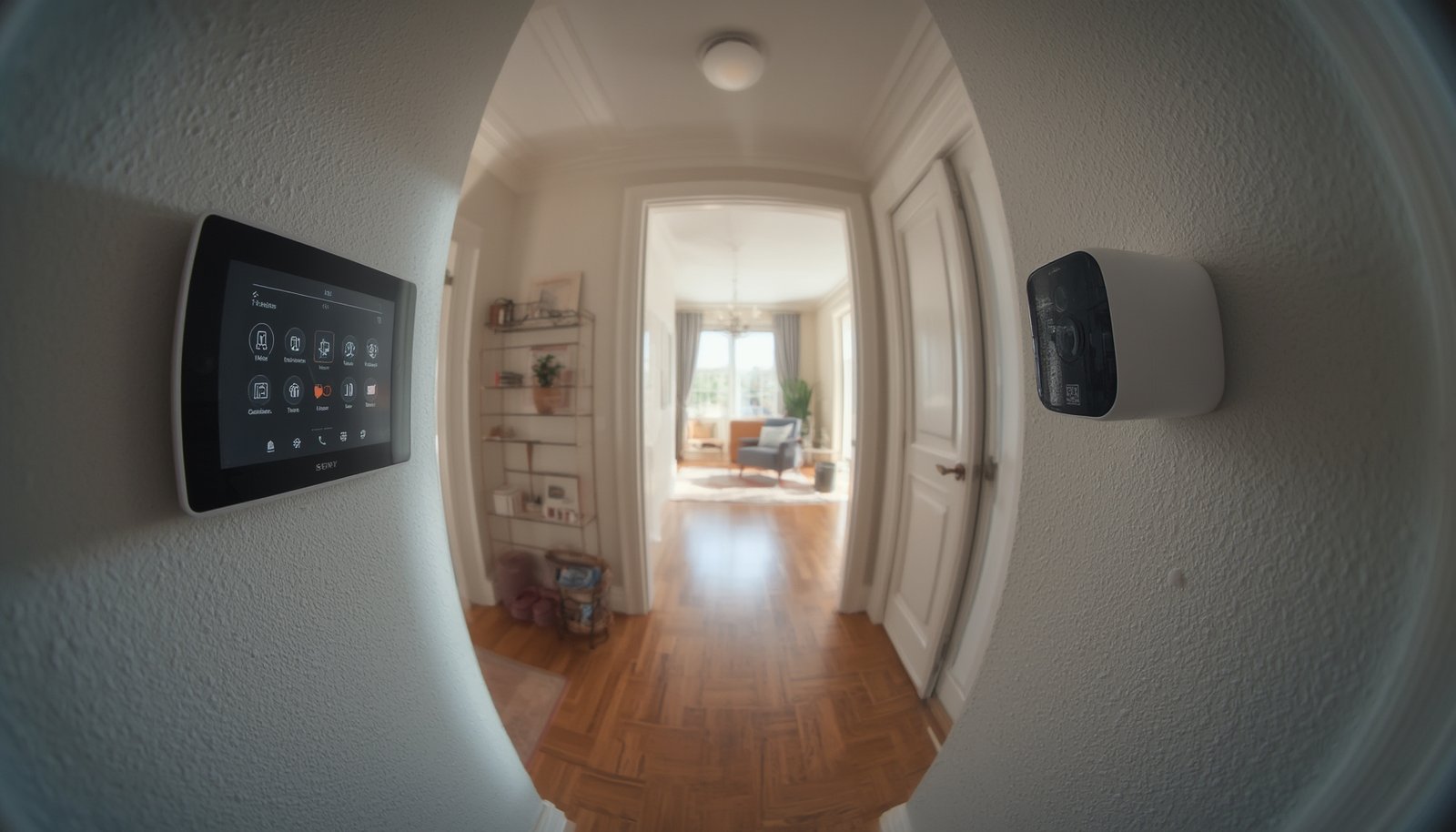
Smart home security system DIY is rapidly transforming how homeowners protect their properties, delivering powerful, customizable protection without the cost or hassle of pro installation. More homeowners than ever embrace DIY security, but knowing the facts, challenges, and shortcuts is essential for real-world success. Let’s break down exactly how to get it right—step by step.
Key Takeaways
- DIY smart home security systems now make up over 68% of the market, thanks to easy setup, affordability, and remote monitoring.
- Common DIY downsides include device incompatibility and privacy risks—choose brands and protocols carefully to avoid headaches.
- DIY costs start at $24.99/month, typically saving $10 or more every month compared to professionally installed alternatives.
- What Is a Smart Home Security System DIY (& Why Choose It)?
- How to Set Up Your Smart Home Security System DIY: Step-by-Step
- DIY Smart Home Security: Deep Dive & Common Pitfalls
- Conclusion
- FAQ
What Is a Smart Home Security System DIY (& Why Choose It)?
A smart home security system DIY is a self-installed network of sensors, cameras, and control hubs that monitor your property and alert you to threats. Unlike traditional solutions, DIY systems empower you to customize every zone, skip installation fees, and monitor your home with your phone from anywhere. In 2024, 68.3% of homeowners choosing smart home security opted for DIY solutions, propelled by affordability and the ability to install in under 30 minutes. Source
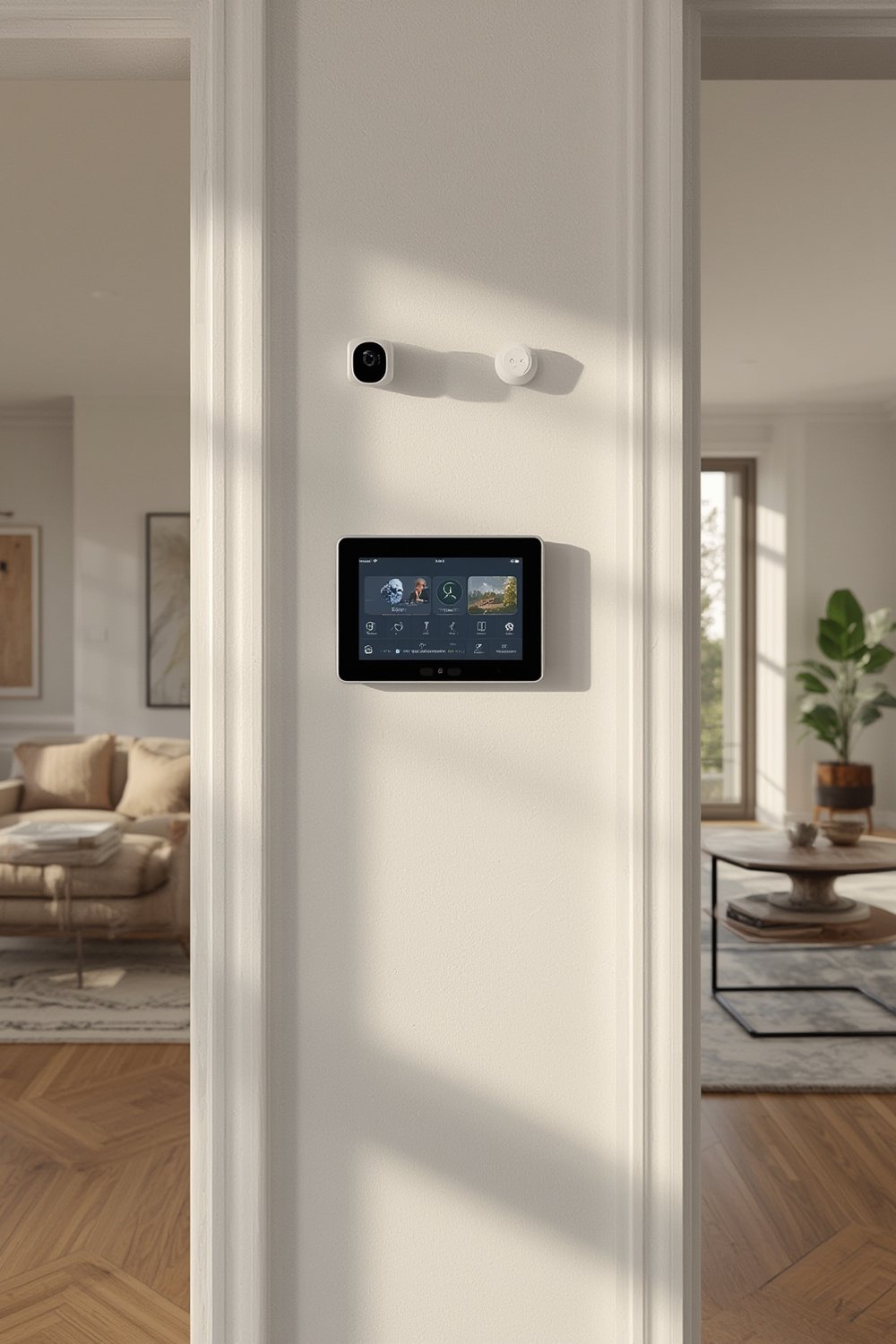
Why go DIY?
- Saves money: No professional installer, no contract
- Full control: Add or remove components as needed
- Remote management: Check cameras and arm your alarm from your phone, even on vacation
- Fast setup: Most homeowners are up and running in under half an hour
The market size for global DIY smart home security is expected to surge from USD 48.33 billion in 2025 to nearly 115 billion by 2031, with a 15.5% CAGR, indicating strong future demand. Industry data.
Smart camera systems lead this segment. If privacy is a major concern, consider local AI security cameras which process video onsite and help avoid cloud uploads.
How to Set Up Your Smart Home Security System DIY: Step-by-Step
Installing a smart home security system yourself is more achievable than ever. Here’s a realistic, field-tested installation roadmap:
- Assess your coverage needs: Identify entry points, vulnerable spots, and high-value areas in your home. Draw a map if needed.
- Choose your system: Decide if you want a camera-first, alarm-first, or integrated solution (SimpliSafe, ADT Self Setup, Cove, and Abode are leading options). Modular systems let you add sensors or cameras later.
- Verify compatibility: Ensure each part (camera, sensor, hub, siren) works with your Wi-Fi, smart speakers, or any existing devices. If you want cross-brand integration, look for systems with Matter or strong interoperability support.
- Gather tools: Most setups need a smartphone, screwdriver, and your Wi-Fi password. No drilling for most wireless models.
- Install main hub: Place it centrally for best wireless signal, preferably away from large metal objects and thick stone walls.
- Deploy sensors and cameras: Secure sensors to doors and windows with strong adhesive or screws. Mount cameras above head height but reachable for maintenance.
- Connect devices: Follow the app to pair each sensor and camera to your hub or phone. Most modern systems use QR code scanning for hassle-free setup.
- Test alerts and automations: Arm the system, trigger a sensor, and watch for notifications and sirens. Refine camera zones to filter out passing cars or pets.
- Set up monitoring: Pick between self-monitoring or professional 24/7 response. DIY services start at $24.99/month (source), roughly $10 less than pro-installed options.
- Automate and integrate: Link your system to smart lights, locks, or voice assistants for more security layers and convenient control.
To truly minimize weekly tasks, pair your setup with a smart lighting automation routine that schedules lights on/off around detected motion and arrival times.
DIY Smart Home Security: Deep Dive & Common Pitfalls
DIY smart home security systems offer speed, customization, and lower monthly costs—but they’re not perfect. Here are the biggest hurdles homeowners face (and how to avoid expensive mistakes):
Common Pitfalls
- Compatibility confusion: Not all sensors, cameras, and hubs work together—especially if you mix brands. Prioritize systems supporting open standards like Matter or serious cross-brand interoperability.
- Security vulnerabilities: DIY systems can be more exposed to hacking if users skip regular updates or use weak Wi-Fi passwords. Always enable two-factor authentication and check for firmware updates monthly. For maximum privacy, prefer offline smart locks or solutions with local data processing.
- Device offline issues: Camera or sensor dropouts (due to poor Wi-Fi, battery issues, or interference) can leave blind spots—site central hubs away from thick walls and consider professional mesh Wi-Fi if coverage is poor.
- No insurance discounts: Some insurers only honor pro-installed, certified systems for policy discounts. Always check with your provider first.
- Support gaps: DIY brands vary greatly on customer service, update speed, and warranty support. Check independent reviews, test support lines, and use brands like Frontpoint if top-tier service matters.
DIY vs. Professional Security: Simple Comparison
| Feature | DIY | Professional |
|---|---|---|
| Install Time | 20-30 minutes (self-guided) | 2-4 hours (tech required) |
| Monthly Monitoring Fee | From $24.99 | From $34.99 |
| Customizability | High (modular, add as needed) | Medium (packages, extra fee) |
| Insurance Policy Discount? | Rarely | Common |
| Ongoing Support | Varies by brand | Usually 24/7, official channels |
Data sources: Industry market data, Security.org
For extra reliability—and to avoid headaches—consider combining a DIY alarm with pro monitoring. Some kits now offer optional 24/7 rapid-response packages without contracts.
If you want to future-proof or scale up, look into integrated smart home security systems for seamless control and to reduce app fatigue.
Conclusion
DIY home security gives you affordable, scalable protection on your terms—but only if you choose the right system, set it up with care, and stay ahead of the most common pitfalls. From quick installs to modular add-ons, you have full control. The smart home security system DIY approach is best for homeowners who want real customization and lower costs, as long as you’re proactive with device security and compatibility.
Ready to secure your space? Take the next step: assess your rooms, compare top brands, and deploy your own DIY smart home security solution today.
FAQ
Are DIY smart home security systems as reliable as professional installs?
For most homes, yes. DIY systems now offer reliable sensors, fast alerts, and pro-level cameras. However, professional installs might be better for complex properties or where insurer discounts rely on certification.
Do I need advanced technical skills to set up a smart home security system DIY?
No. Most DIY kits are designed for beginners, with clear instructions, app-guided pairing, and no specialty tools beyond a screwdriver and your phone.
How much does a DIY smart home security system cost?
Basic packages with sensors and alerts start around $24.99/month with minimal upfront costs. Add-ons (extra cameras, smart locks) increase total investment but remain less than traditional pro installs.
What are the biggest weaknesses of DIY smart home security?
Device interoperability and privacy risks are common problems. Always check system compatibility and keep device firmware updated. Also, verify your insurance to avoid missing discounts for pro setups if relevant.
Can I expand my system later or integrate with other smart devices?
Yes, most modern DIY systems are modular. You can add sensors, smart locks, bulbs, or cameras later and integrate with leading smart speakers or lighting routines for improved security and home automation.