

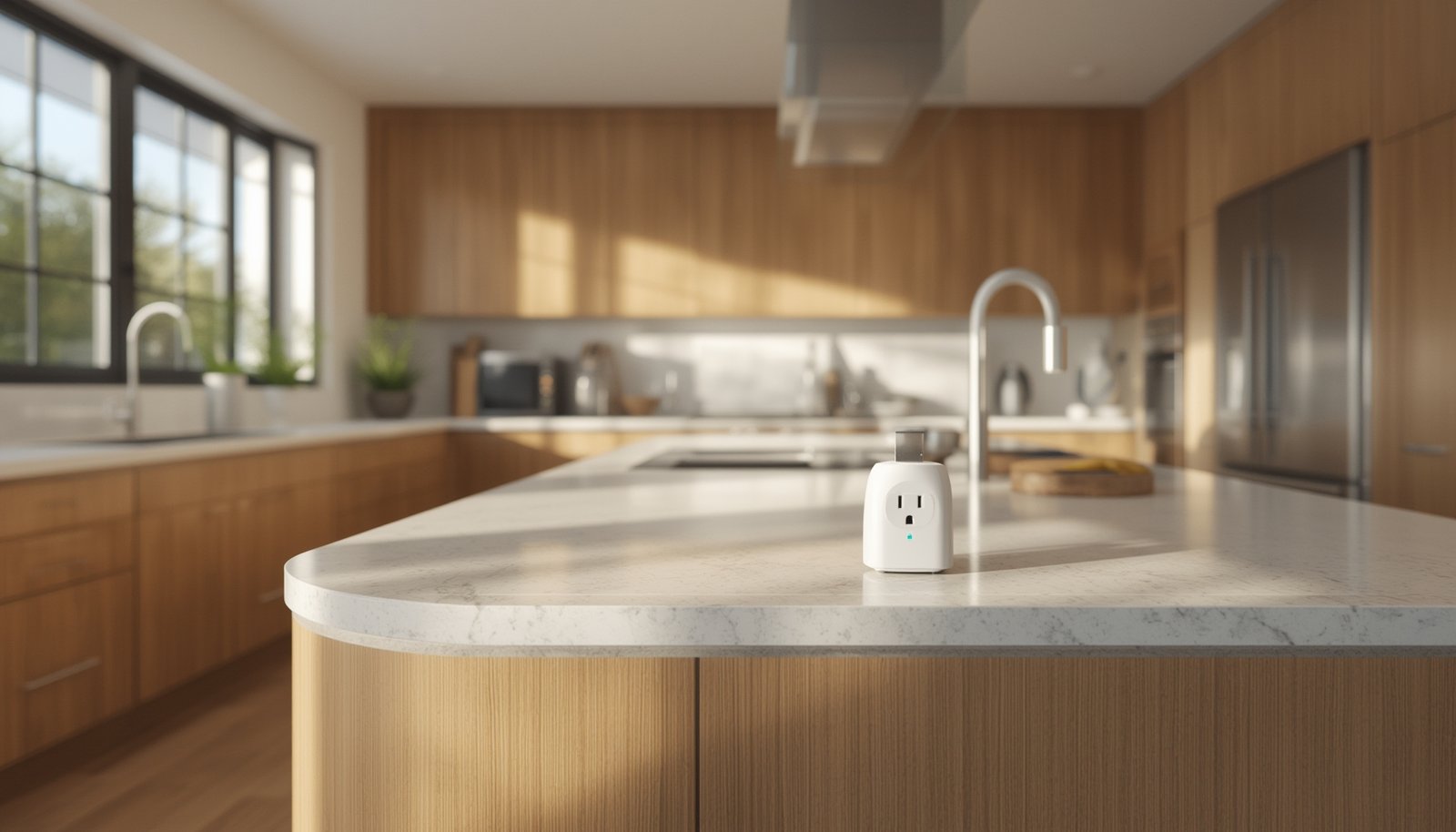
Smart plugs energy monitoring is the key to cutting electricity bills, slashing wasted power, and gaining real control over household devices—without complex rewiring or sky-high costs. Whether you want to monitor energy use for savings or automate devices for convenience, you’ll see measurable impact almost immediately.
Key Takeaways
- Smart plugs with energy monitoring help households save 5-10% on electricity costs, primarily by reducing standby (phantom) loads.
- Advanced features enable real-time tracking, scheduling, and actionable usage analytics but require careful integration for full results.
- Users commonly run into security and connectivity issues—be prepared for some troubleshooting and research before buying.
- Understanding Smart Plugs Energy Monitoring
- Step-by-Step Guide: Maximize Savings & Control
- Advanced Analysis & Common Pitfalls
- Conclusion & Next Steps
- FAQ
Understanding Smart Plugs Energy Monitoring
Smart plugs with energy monitoring are simple outlet adapters that connect to your Wi-Fi and measure appliance power usage in real time. You can control them via phone, schedule their operation, and—most importantly—see exactly how much energy each device consumes. These insights help pinpoint energy hogs and reveal how much money is lost to standby power (also called phantom load).
Households switching to energy monitoring smart plugs typically cut 5-10% from their total electricity bills—around $100 a year for the average home—simply by identifying and controlling devices that quietly sap power even when “off.” Some users achieve even greater results (up to 15%) by immediately changing habits, targeting always-on electronics, and combining plug scheduling with usage data [source].
Devices include everything from TVs and coffee machines to fans, routers, and more. With energy monitoring, you get clarity—and actionable data—on your electricity usage, making it easy to eliminate waste.
Looking to optimize your whole home? Explore how indoor cameras and smart home security solutions can work hand-in-hand with energy management.
Step-by-Step Guide: Maximize Savings & Control
Ready to start saving money and gaining powerful insights? Follow these steps to get the best out of smart plugs with energy monitoring:
- Identify High-Impact Devices
Start by targeting appliances with a reputation for wasting standby power: TVs, gaming consoles, set-top boxes, routers, printers, and kitchen devices. Not sure where to start? Focus on whatever’s always plugged in but rarely in use. - Choose the Right Smart Plug
Select a plug rated for your region’s voltage and amperage needs. For energy monitoring, look for features such as real-time consumption tracking, usage history, and usage cost estimation. Brands like TP-Link and Eve Energy are known for reliability and feature-rich companion apps
(source). - Set Up and Connect
Follow the included instructions to link the plug to your Wi-Fi (2.4 GHz is standard) and download the companion app. If you’re using multiple plugs, label them in the app to track by appliance. - Analyze the Data
Monitor live and historical usage for each device. Most apps let you view consumption in watts and estimate cost over days or months. Look for spikes or consistent drains, especially overnight or during work hours. - Automate Schedules & Routines
Use app scheduling features to switch off devices during typical idle hours—overnight, during work or school, or after bedtime. Some plugs support location awareness, turning off devices when you leave home. - Act on Insights
Unplug or automate the worst offenders. Consider even deeper optimization by coordinating plugs with other smart tech, such as predictive home automation that adapts based on your habits. - Track Your Progress
Review your bill and app data monthly. Most users see noticeable savings within the first billing cycle if they take action based on what’s learned.
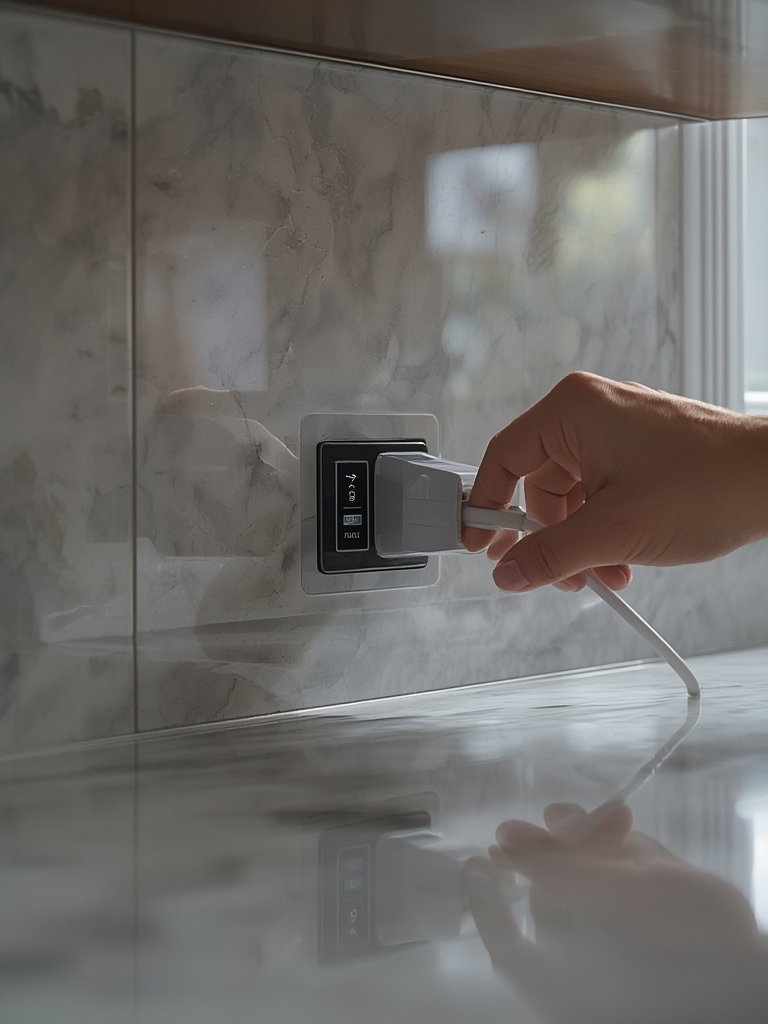
For even smarter routines, sync plug schedules with sunrise, sunset, or links from dusk-sensing bulbs (smart bulbs), so devices automatically power down for bedtime, or light up at dusk. A truly connected home brings both energy savings and convenience.
Advanced Analysis & Common Pitfalls
While smart plugs energy monitoring is a strong strategy, users report a range of issues—some of which are often glossed over in sales copy. Here’s what to expect, and what to watch out for:
Common Pitfalls
- Security and Privacy Worries: Some users cite concerns over data privacy and network vulnerabilities—especially when using cheap or unknown brands. Research brands with solid firmware update history and privacy policies (source).
- Connectivity and App Glitches: Wi-Fi drops, delayed response, or buggy apps are frequent complaints. If your Wi-Fi is overloaded or unreliable, consider upgrading your router or using plugs that support offline/manual controls.
- Limited Hardware Integration: Most affordable smart plugs aren’t optimized for home solar integration, heavy appliances (over 15A), or seamless routines across multiple ecosystems. Some consumers want deeper analytics, like per-appliance profiles or smart load balancing—features rarely found outside advanced or professional setups (source).
- Measurement Precision: Most plugs offer basic or “good enough” energy data, often rounded or sampled at intervals. Professional-grade energy monitors deliver higher accuracy, but at higher upfront cost and complexity.
- Ongoing Costs & App Subscriptions: While the market is driven by affordability, always check companion app policies—some advanced analytics or extended histories are locked behind subscription paywalls.
Feature Comparison Table
| Feature | Standard Smart Plug | Advanced Monitoring Plug (TP-Link, Eve Energy, etc.) | Professional Energy Monitor |
|---|---|---|---|
| Live Usage Reporting | Basic On/Off Status | Yes (Watts, kWh, Cost) | Full Detail (Watts, Volts, Amps, Curves) |
| Scheduling/Automation | Basic Timers | Custom Schedules, Location/Scene Triggers | Limited (Hardware-level, not device-specific) |
| Integration (Solar, Voice) | Rare | Alexa, Google, HomeKit, Some Solar Integration | Variable, but rarely smart-home-ready |
| Appliance-level Analytics | No | Yes (Device-by-Device) | Yes (All Loads, Requires Setup) |
| App/Cloud Dependency | High | Medium–High | Low (Often Local Data Logging) |
| Security/Privacy | Varies | Improved (Firmware Updates) | High (Offline Capable) |
If privacy, accuracy, or long-term support is a top concern, invest in smarter brands and consider professional energy monitors for mission-critical loads. For most users, the savings from smart plugs energy monitoring outweigh quirks or learning curves—but only with research and regular use.
Want to expand your smart home ecosystem even further? Discover the role of AI powered home security cameras and get inspired by the latest automation innovations.

Conclusion & Next Steps
If you’re looking for fast, low-risk, and actionable electricity savings, nothing beats the simplicity of smart plugs energy monitoring. With a quick setup and some habit adjustments, you’ll cut phantom energy, automate routines, and take the guesswork out of home energy management.
For bigger gains, look into advanced automation, sync with sunrise/sunset lighting routines, and always prioritize trustworthy brands. Ready to start saving or want more home tech upgrades? Check out our reviews on indoor cameras, smart bulbs, and dusk-sensing outdoor lighting to round out your smart home journey.
Take action with smart plugs energy monitoring today—and turn your power bill into a source of savings!
FAQ
How much can I realistically save with smart plugs energy monitoring?
Most households see a 5-10% reduction on their annual electricity bill, which is about $100 per year for the average US household. Some users report savings up to 15% when they actively automate and cut standby loads. Learn more.
Are smart plugs with energy monitoring accurate for measuring power consumption?
Most top-rated smart plugs provide a good estimate for typical appliances (within 5-10% of actual use), but may lack the high-precision data of professional energy monitors.
Do smart plugs require ongoing subscription costs?
Most leading models offer core features for free, but some advanced analytics or extended history might be locked behind optional app subscriptions. Always read the details before purchase.
Can I use smart plugs for high-wattage appliances like heaters or ovens?
Most consumer smart plugs are limited to 10-15 amps and are not suitable for heavy loads. Always check the rating and intended use; using them beyond spec is a hazard.
What are the biggest risks or downsides of using energy monitoring smart plugs?
Potential downsides include data privacy concerns, Wi-Fi dependence, limited measurement accuracy, and possible companion app fees down the road. Always research brands and check reviews before piling on devices.