

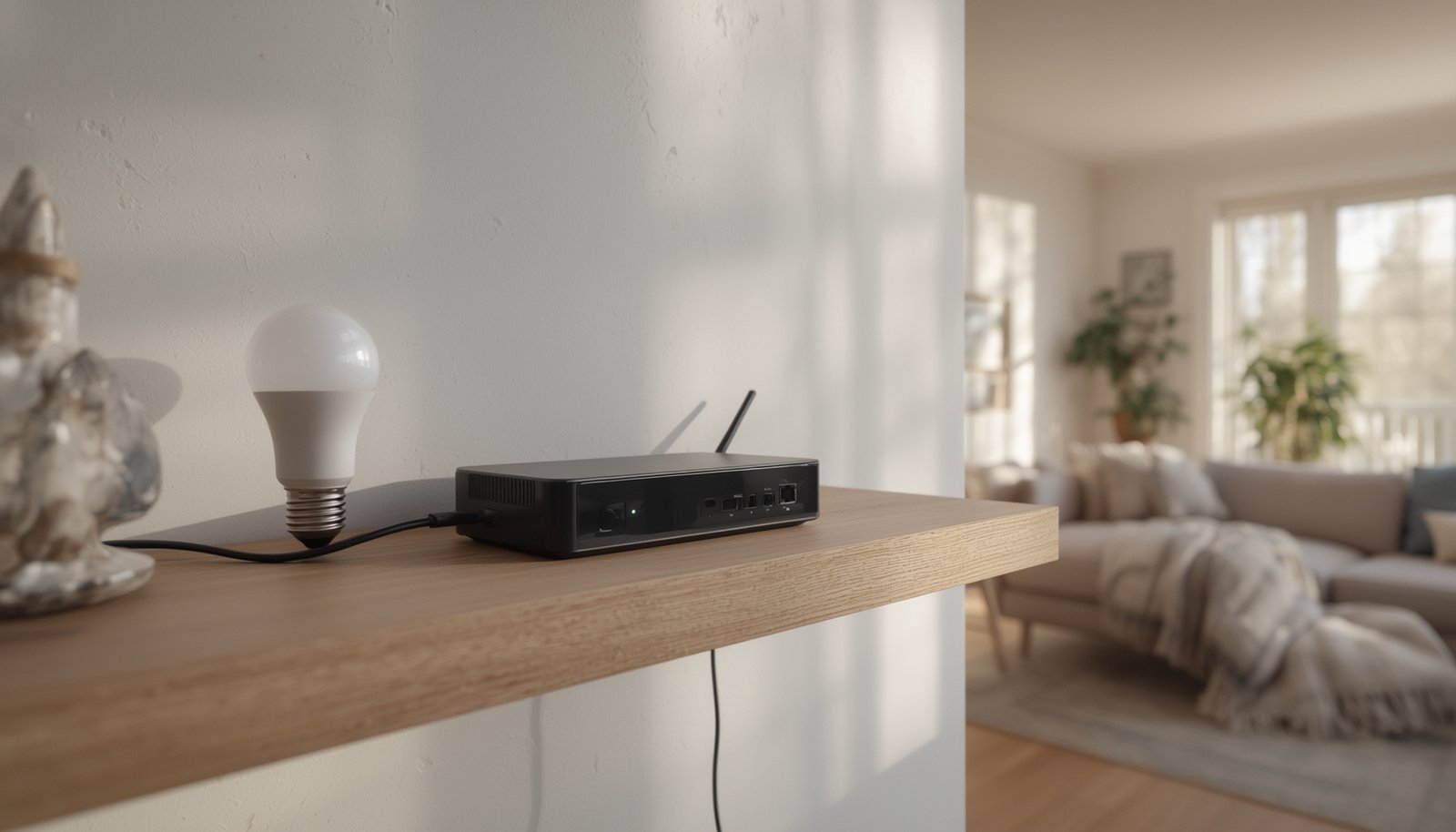
Matter bridge devices are quickly becoming essential in modern smart homes, connecting older Zigbee and Z-Wave devices to the latest Matter ecosystem. As new standards like Matter 1.3 and 1.4 roll out, bridging technology solves major compatibility headaches while also bringing some unique challenges. Whether you’re upgrading your setup or just starting out, understanding how these bridges work—and their limitations—can save time, money, and frustration.
Key Takeaways
- Matter bridge devices allow legacy smart home gear to connect with new Matter platforms, enabling cross-brand compatibility.
- While many leading brands offer Matter bridges, not all features or legacy devices may transfer seamlessly—expect some limitations.
- Proper setup and awareness of pitfalls can avoid wasted time and compatibility headaches.
- What Are Matter Bridge Devices and Why Do They Matter?
- How to Set Up and Use Matter Bridge Devices: Step-by-Step
- Advanced Analysis & Common Pitfalls of Matter Bridge Devices
- Conclusion
- Frequently Asked Questions
What Are Matter Bridge Devices and Why Do They Matter?
Matter bridge devices act as digital translators between old and new smart home standards. They let legacy technologies like Zigbee or Z-Wave connect within a modern Matter ecosystem—unifying control from apps like Apple Home, Google Home, and Alexa. Without them, users would be stuck with dual hubs or forced to replace working devices—both costly and inconvenient.

This upgrade path is particularly relevant because “many legacy Z-Wave or Zigbee devices lack upgrade paths, forcing dual-stack hubs and bloating BOM costs” (source). Leading manufacturers like Aqara, Philips Hue Bridge, Tapo, and Sonoff now offer Matter bridges, but features and device support vary (source).
As Matter standards evolve—like the releases of Matter 1.3 and 1.4 in 2024—interoperability is at an all-time high, driving faster adoption across brands and device types (source). With an expected compound annual growth rate of 17.41% for Thread and Matter solutions by 2030 (source), investing in compatible bridge devices is a smart bet for future-proofing your home.
Integrating legacy devices through robust bridges is also key to enabling advanced features, like predictive automation that adapts lighting, heating, or security routines automatically—without needing to manually upgrade every older device.
How to Set Up and Use Matter Bridge Devices: Step-by-Step
Getting your legacy devices working with Matter can be quick if you follow the right steps. Here’s a realistic, actionable guide you can use for any major bridge brand:
- Choose the Right Bridge: Double-check compatibility for your existing Zigbee, Z-Wave, or Wi-Fi devices and your target platform (Google, Apple, Alexa). Popular models include Aqara M2/M3, Philips Hue Bridge, and Sonoff Bridge Ultra. Not all Matter bridges work with every ecosystem or legacy device.
- Connect the Bridge to Your Network: Plug in the bridge near your router. Use ethernet for better reliability if the bridge supports it; Wi-Fi works, but can have more dropouts or latency.
- Update Firmware: Before pairing anything, update the bridge firmware via its vendor app to enable the latest Matter support and bug fixes.
- Add Legacy Devices: Use the bridge app to pair each Zigbee/Z-Wave device. With brands like Hue or Aqara, this is typically done through their native mobile app under “Add Device” or “Pair New Device.”
- Expose Devices to Matter: In the bridge app, enable the “Expose to Matter” or “Share with Matter” option. This might require pressing a button or scanning a Matter QR code.
- Add to Matter Ecosystem: Open your preferred controller app (Apple Home, Google Home, Alexa) and scan the bridge’s Matter QR code. The previously added legacy devices should appear as new Matter-compatible devices.
- Test Availability: Confirm devices can be controlled from your smart home app. Try toggling lights, checking sensor status, or activating scenes.
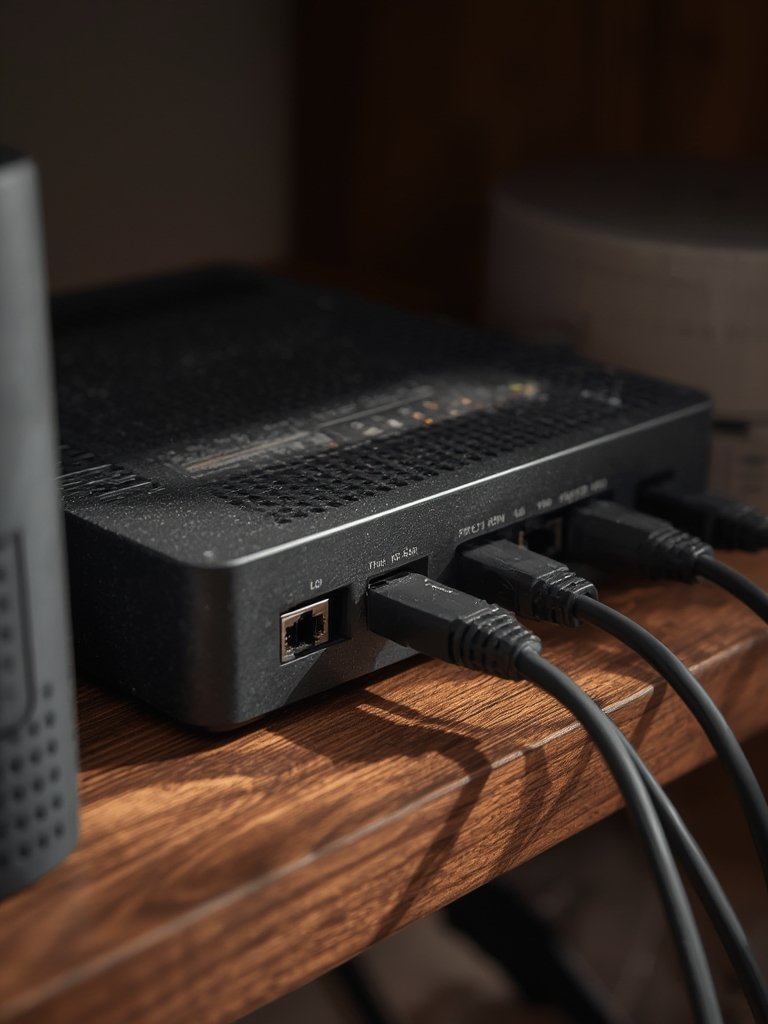
Want to maximize energy savings with your newly bridged gear? Smart plugs connected through a Matter bridge enable advanced features like real-time energy monitoring and automation routines to lower utility bills.
For even more seamless control, consider bridges that support third-party sensors or Matter smart lighting ecosystems. This approach future-proofs your setup as ecosystems evolve.
Advanced Analysis & Common Pitfalls of Matter Bridge Devices
While promising, deploying Matter bridge devices comes with real-world challenges. Users frequently report the following issues during setup and daily use:
- Loss of Unique Functions: Many legacy devices lose advanced features when bridged to Matter. Zigbee bulbs may lose color temperature adjustments if the individual control isn’t mapped.
- Bridge Compatibility Limits: Not every legacy device is supported by every bridge. Some Z-Wave sensors remain unsupported, or may appear as generic accessories without custom actions.
- Glitches After Updates: Firmware updates on bridges or platform apps (Apple, Google, etc.) can temporarily break linkages, requiring re-pairing.
- Scene Sync Delays: There’s often a 1–2 second delay when triggering automations, especially if the bridge is connected via Wi-Fi instead of ethernet.
- Hidden Costs: Some ecosystems or bridges have limits (e.g., Philips Hue supports a maximum of 50 bridged devices) and may require additional hardware for scale.
For a quick side-by-side of popular bridges and problem points, study the table below:
| Matter Bridge | Legacy Protocol | Typical Supported Devices | Main Platform Integrations | Common Limitations |
|---|---|---|---|---|
| Aqara M2/M3 | Zigbee, some IR | Sensors, switches, bulbs | Apple, Google, Alexa | No Z-Wave; IR device support limited |
| Philips Hue Bridge | Zigbee | Lights, switches | Apple, Google, Alexa | Max devices per bridge; some custom scenes lost |
| Sonoff Bridge Ultra | Zigbee | Sensors, plugs | Apple, Google | No Z-Wave; Alexa routines sometimes buggy |
| SwitchBot Hub 2 | Bluetooth, proprietary | Switches, sensors | Apple, Google | Slow updates; Bluetooth range limited |
If you’re deploying advanced features like lighting automation or integrating smart thermostats with room sensors, always check which functions are mapped via the bridge and which remain exclusive to the original app.
Conclusion
Matter bridge devices are the backbone of a truly interoperable smart home—offering a practical way to preserve your investment in legacy Zigbee, Z-Wave, and other devices as ecosystems shift toward open standards. While setup is generally straightforward, it pays to know the quirks and feature gaps of each brand. Keeping your firmware updated and understanding your bridge’s specific limitations will go a long way toward reliable operation.
Want more hands-on guides and compatibility tips for matter bridge devices? Explore our in-depth resources, or start transforming your home by picking a bridge that matches your needs and ecosystem. The next level of seamless automation is just a bridge away—future-proof your home today.
Frequently Asked Questions
What is a Matter bridge device?
A Matter bridge device acts as a translator. It connects older smart home devices (like Zigbee or Z-Wave sensors and lights) to platforms that use the new Matter standard, making those devices controllable from Apple, Google, or Amazon smart home apps.
Which brands make Matter bridge devices?
Major brands include Philips Hue, Aqara (M2/M3), Sonoff, Tapo, SwitchBot, and Tuya. Each supports different legacy protocols and features, so check compatibility before buying.
Will all features of my legacy devices work via a Matter bridge?
Not always. While basic functions (on/off, status) usually work, advanced settings (such as dynamic scenes, custom color modes, or energy reporting) may be unavailable or work differently through the bridge.
Can I use multiple Matter bridges together?
Yes, you can use more than one bridge if you have many devices or different legacy protocols. Just note each bridge has its own limits and may not share automations across brands.
Do Matter bridges require ongoing subscriptions?
Most Matter bridges do not require a subscription to function, but extra features (like cloud backup, advanced automations, or third-party integrations) may be offered as paid services by some vendors.