

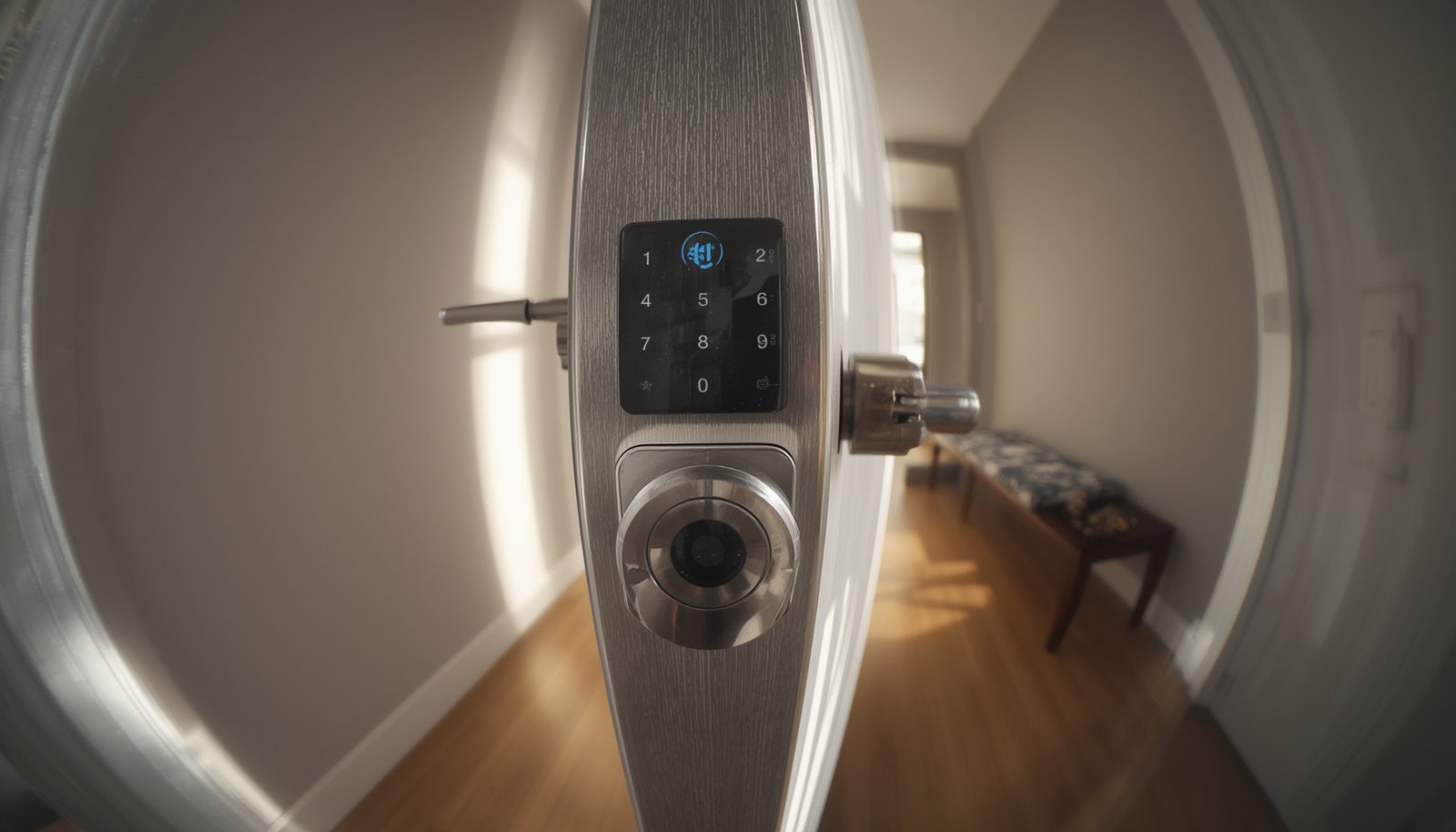
Offline smart lock technology is redefining home security for privacy-minded homeowners and renters who want reliability and control without constant internet connectivity. Whether you worry about hackers, cloud outages, or just want a lock that keeps working during Wi-Fi dead zones, offline smart locks are now strong contenders for your front door. But is a “no Wi-Fi” smart lock really safer, more reliable, or easier to use? This guide covers what you won’t find in typical buying lists—real pitfalls, market insights, power stats, and actionable steps for choosing the right offline smart lock for your needs.
Key Takeaways
- Offline smart locks account for roughly half the global smart lock market, favored for privacy and reliability but come with their own limitations.
- Common complaints include Bluetooth connection hiccups, limited remote access, and concerns about long-term reliability.
- Battery life is better than Wi-Fi models but varies by usage, installation quirks can trip up DIYers, and not all doors are compatible without extra hardware.
- What Is an Offline Smart Lock & Why Does It Matter?
- Step-by-Step: Choosing, Installing, and Maximizing Offline Smart Locks
- Advanced Analysis: Pitfalls & Real-World Problems With Offline Smart Locks
- Conclusion
- Frequently Asked Questions
What Is an Offline Smart Lock & Why Does It Matter?
Unlike Wi-Fi or cloud-connected models, an offline smart lock works through local Bluetooth or direct RF communication. You can lock or unlock your door using your phone, keypad, or a key, but the lock never exposes itself directly to the internet. This means lower risk of cloud hacks, fewer data collection worries, and top reliability even if your router goes down.
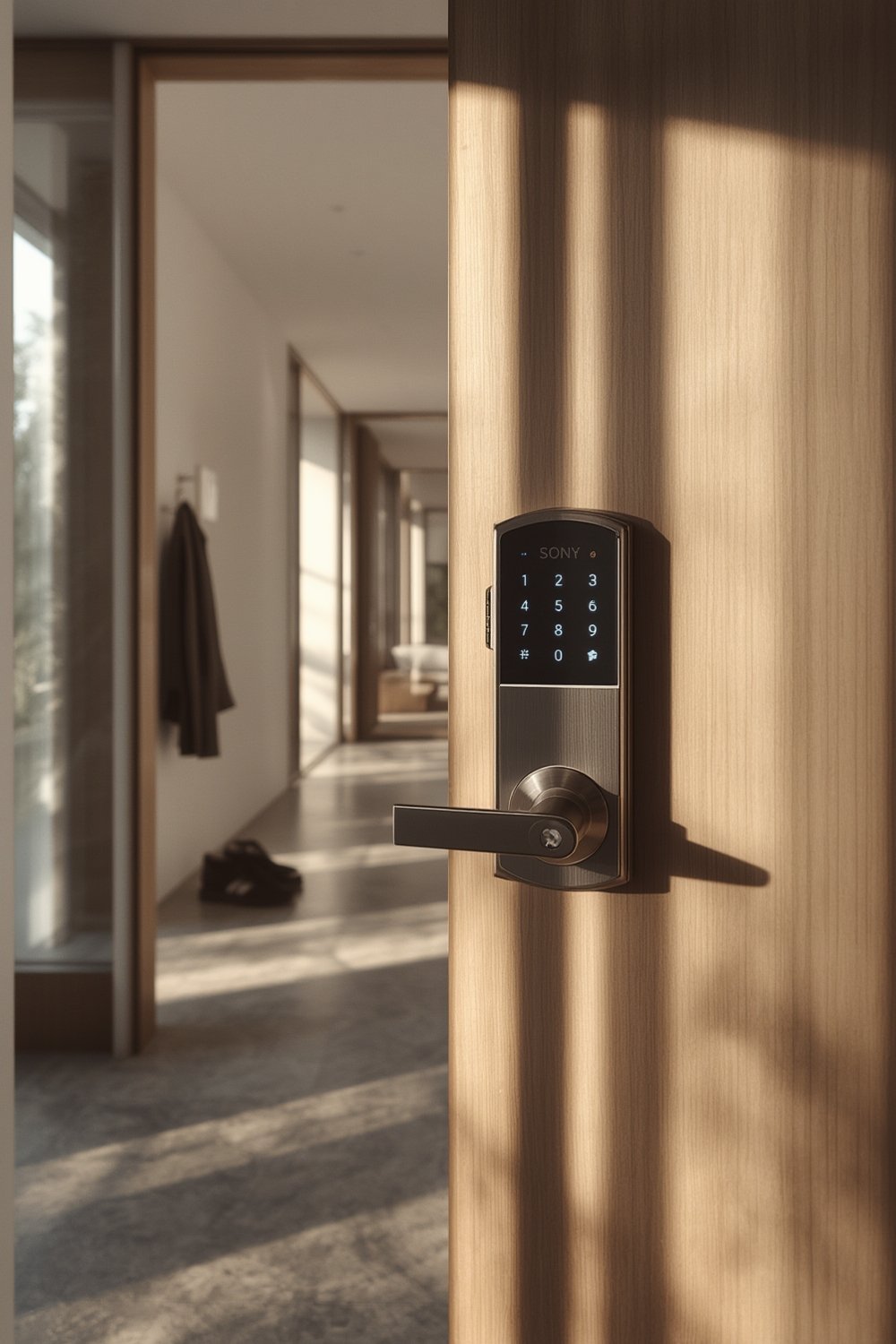
In 2026, offline/local smart lock models are expected to hold 45–55% of the global smart lock market by revenue. Bluetooth remains the largest segment, while Wi-Fi smart locks are the fastest growing but have not overtaken offline options yet. (Precedence Research, Grand View Research).
Privacy, battery efficiency, and local control are major draws for offline smart locks. They require no persistent internet connection, making them attractive for those with patchy Wi-Fi, frequent power outages, or privacy concerns. However, offline smart locks bring compromises: they limit remote access, don’t offer detailed logs or instant notifications, and may lag in third-party integrations.
If you’re comparing smart home options, take a look at predictive home automation ideas for even more ways to blend security and control in your living space.
Step-by-Step: Choosing, Installing, and Maximizing Offline Smart Locks
Here’s how to get the most out of any offline smart lock:
- Check Door Compatibility: Review if your door is standard North American single-cylinder deadbolt, European multipoint/uPVC, rim lock, or mortise. Most Bluetooth/offline locks only work with standard deadbolts and may need adapters or extra drilling for other types.
- Pick the Right Form Factor: Choose between retrofit (mounts over existing deadbolt), full replacement (replaces the whole lock), or invisible/bolt-in designs. Retrofits are easiest for renters. Bolt-in designs are best for aesthetics but often need advanced installation.
- Assess Feature Set: Decide if you need a keypad, key override, fingerprint, or only phone access. Remember, more access methods mean greater cost and sometimes shorter battery life.
- Evaluate Security Claims: Look for locks with clear documentation of Bluetooth version (ideally BLE 5), end-to-end encryption, and independent security certifications (like UL 294).
- Plan for Battery Maintenance: Expect real-world battery life of 4–8 months with moderate use. Check if the model offers 9V emergency pins, swap battery packs, or alerts you well in advance.
- Read Installation Guides: DIYers should have screwdrivers handy and patience for software calibration. Some advanced locks may need a chisel, drill, or installer for perfect fit.
- Limit Firmware Update Abuse: Only update firmware when the lock is on full power and never interrupt Bluetooth updates. Failed updates can “brick” certain models until reset.
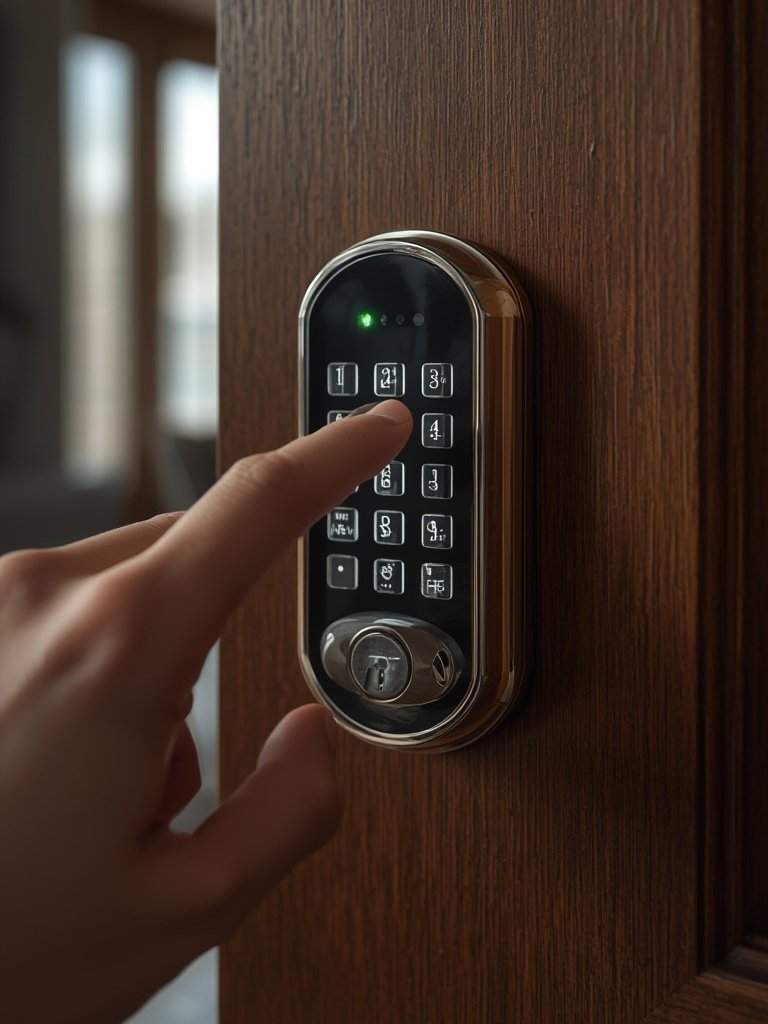
Looking for even more robust security? Biometric smart locks are gaining ground, pairing fingerprint or facial recognition with offline access for ultimate flexibility and control.
Advanced Analysis: Pitfalls & Real-World Problems With Offline Smart Locks
While offline smart locks reduce certain cybersecurity risks, users regularly report practical downsides and pain points. Here are the most common pitfalls, with a deep-dive table to help weigh your options:
| Problem Area | What Can Go Wrong | Why It Matters |
|---|---|---|
| Bluetooth Connectivity | Unstable phone-to-lock connection, short range (walls/metal doors block signal), laggy unlock/lock response | Causes user frustration at the door, may result in accidental lockouts or motor jams |
| Remote Access & Sharing | No remote lock control, difficult key/code sharing for guests, especially remotely | Impractical for hosts and those needing to let in visitors or service workers when away |
| Battery Life | Manufacturer claims may overstate reality, especially in high-traffic doors (replacement needed every 3–6 months) | Surprise battery depletion can lead to unplanned lockouts, especially if low-battery alerts are silent or slow |
| Firmware & Software Glitches | Firmware updates that fail or freeze, buggy apps, slow status reporting | Resets may require full lock removal, frustrating for less tech-savvy users |
| Installation Issues | Door misalignment, out-of-spec thickness, need for starter adapters, extra chiseling, or professional help | DIYers risk improper fit, persistent jams, or even voided warranties |
| Security Concerns | Cheaper locks may have weak Bluetooth encryption, vulnerable pairing, lack of security certifications | Risk of replay attacks or being picked/forced open if physical security isn’t robust |
Battery-powered, local-only smart locks truly shine for those demanding privacy and minimal external attack surface. But remember: battery checks, compatibility research, and real-world Bluetooth reliability are not “set and forget” features.
Need an example of power backup? Most reputable models offer 9V emergency power pads or retain a traditional key override. Still, some budget models can die with minimal warning, so frequent battery checks are crucial. (Global Market Insights)
If privacy is a top concern, consider pairing with local AI security cameras for a completely self-hosted entry and security system without cloud storage worries.
Conclusion
Offline smart locks offer a rare combination of privacy, resilience, and straightforward control for the right environments. They’re not perfect—expect compromises in app features, integrations, and remote access—but for many, those trade-offs beat dependence on cloud accounts and Wi-Fi. If you need remote monitoring, instant notifications, or in-depth automation, explore connected alternatives. For those prioritizing privacy, long battery life, and reliability, however, the offline smart lock remains a great choice.
Ready to upgrade your door? Review the research above, double-check your door’s compatibility, and choose a model with robust offline security features for peace of mind. Stay in control—your home should protect your data as well as your family.
Frequently Asked Questions
How long do the batteries in an offline smart lock last?
Most offline smart locks claim 6–12 months per charge under moderate use, but real-world results average 4–8 months, especially with heavy use or cold temperatures. Regularly check battery levels and replace as soon as alerts appear.
Can I still unlock the door if my phone battery dies?
Yes. Most offline smart locks have a mechanical key override and/or keypad. Some models allow a one-time emergency unlock using a 9V battery on an external contact.
Are offline smart locks more secure than Wi-Fi models?
Offline smart locks remove direct internet exposure, reducing hack risk from remote attackers. However, security still depends on robust Bluetooth encryption and mechanical strength; not all offline models are created equal.
Is it hard to install an offline smart lock on old or non-standard doors?
It can be challenging if your door is thicker, thinner, or uses a non-standard deadbolt. Most offline locks fit standard US doors; European and custom doors may need adapters or a professional installer.
What happens if the battery dies while the door is locked?
You’ll usually need to use the mechanical key or emergency 9V jumper pad (if your model offers one) to gain entry. Settings and codes are stored in non-volatile memory and will persist after you replace the batteries.