

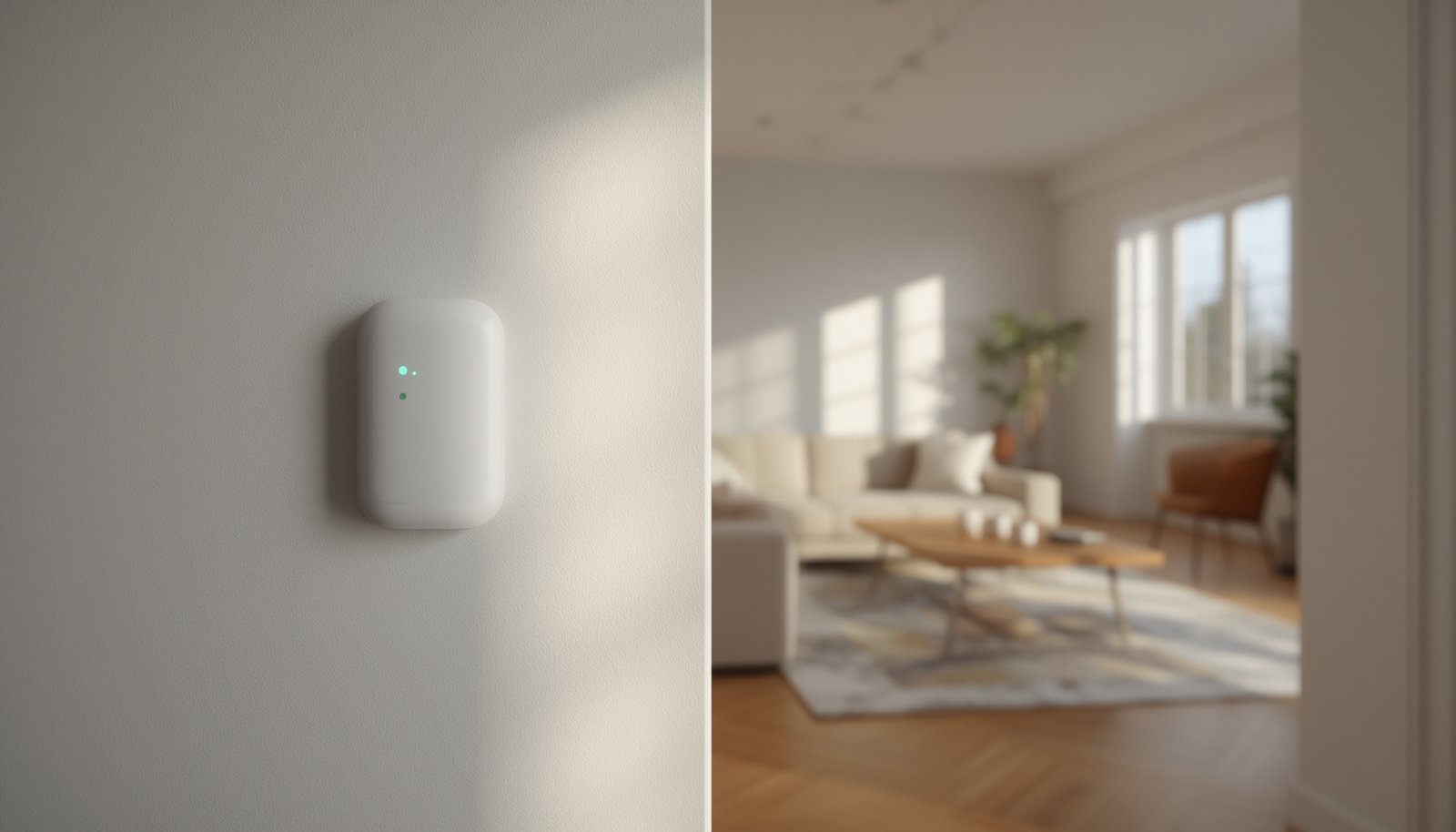
Presence detection smart home systems are transforming how your spaces react to you, enabling everything from automatic lights to advanced energy savings and security. But setting them up—and making them work reliably—comes with practical challenges. This guide covers the real steps, latest tech, common pitfalls, and proven tricks to make presence detection actually work in your smart home.
Key Takeaways
- Presence detection sensors unlock automation, but setup and accuracy depend on home layout and sensor choice.
- mmWave and PIR Sensors offer unique benefits, but real-world challenges like false triggers, privacy, and integration remain.
- Protecting personal data and balancing detection accuracy with convenience is crucial for any smart presence system.
- What Is Presence Detection in the Smart Home and Why Does It Matter?
- How to Set Up an Accurate Presence Detection Smart Home: Step-by-Step
- Advanced Analysis & Common Pitfalls: Real-World Problems to Expect
- Conclusion & Next Steps
- FAQ: Presence Detection Smart Home
What Is Presence Detection in the Smart Home and Why Does It Matter?
Presence detection smart home systems automatically sense if someone is truly present in a room, not just if motion is detected. This is what lets your smart lighting automation flick on when you enter, switches your heating and cooling based on room occupancy, or alerts you if someone is moving around when your home should be empty. Unlike simple motion detection, presence detection aims to distinguish between real occupancy and empty-room false alarms. This distinction matters for true automation, energy savings, precise security, and comfort.
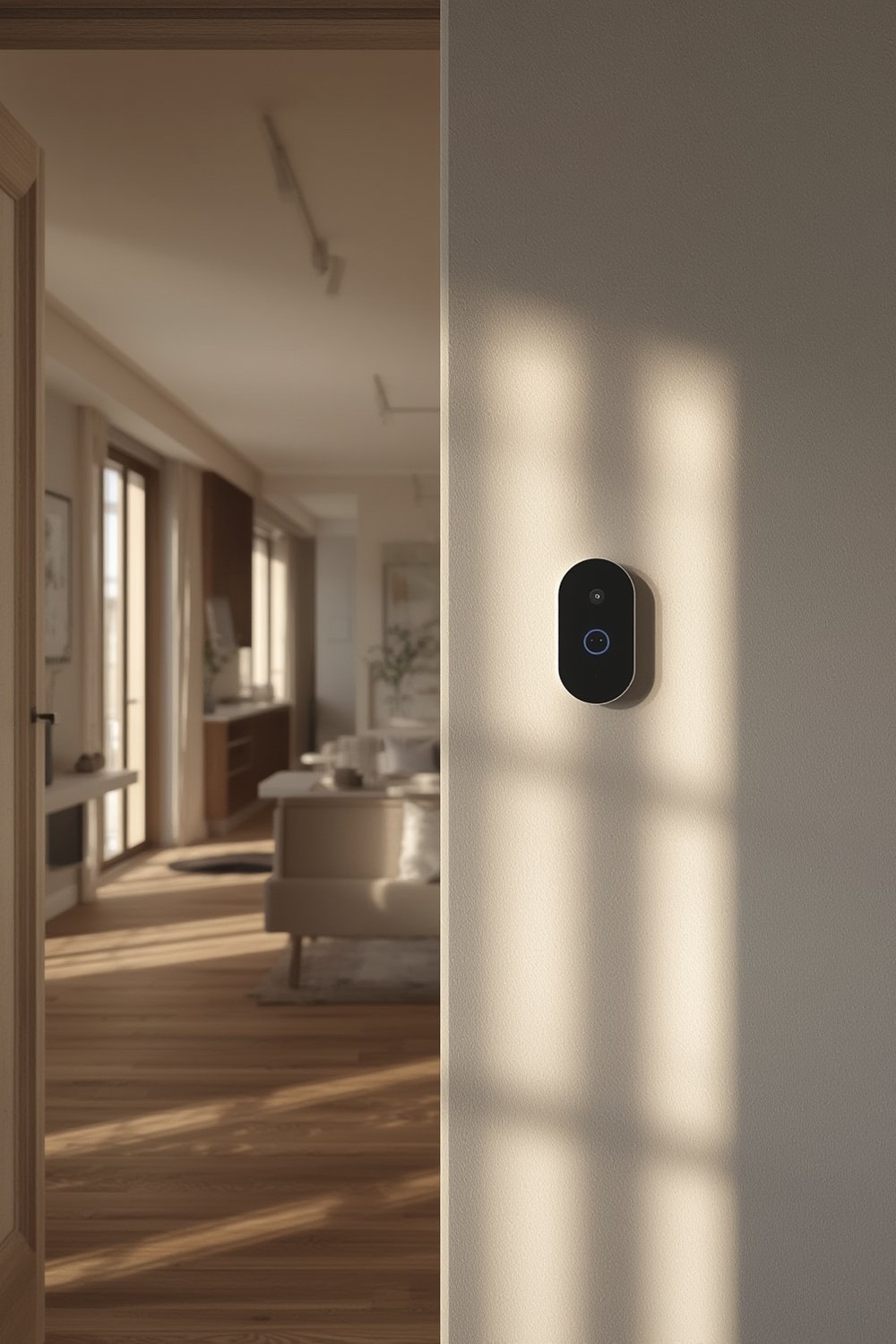
Modern options include infrared (PIR) sensors, ultra-precise mmWave sensors, pressure pads, and even camera-based AI—all of them striving to answer a deceptively simple question: “Is anyone here, and who?” Choosing the right technology, though, depends on your space, privacy concerns, and the level of accuracy required. For instance, integrating presence detection with smart lighting automation is a popular starting point, as it delivers immediate and visible energy savings.
Presence detection also unlocks predictive home automation when combined with other technologies, helping your home adapt proactively. To learn how this works in energy management, check our deep dive on predictive home automation techniques.
How to Set Up an Accurate Presence Detection Smart Home: Step-by-Step
Getting presence detection right means thinking about your home’s physical layout, daily routines, and privacy expectations. Here are the key steps to building a practical, accurate presence detection system:
- Map Out Your Key Spaces
List which rooms merit presence detection—for most users, this is the living room, bedrooms, workspace, and entryways. Think about where you want automatic responses, such as lighting or HVAC adjustments.
- Choose the Right Sensor Technology
PIR Sensors are affordable and good for larger movements but struggle with detecting stationary presence and can create dead zones. mmWave Presence Sensors detect fine movement—even breathing—offering superior accuracy, especially for seated or sleeping occupants. Camera-based systems add more features but can raise privacy concerns and are often overkill for simple tasks.
For high-traffic rooms or those needing more precision, consider mmWave. For closets or infrequently used spaces, classic PIR sensors are usually enough.
- Plan Smart Placement
Avoid pointing sensors toward windows or HVAC vents to reduce false triggers. mmWave sensors usually work best mounted at ceiling height and centrally located. For multi-room setups, overlap sensor coverage slightly to ensure detection isn’t lost as you walk around.
- Integrate With Your Smart Home Platform
Connect your sensors to your preferred hub: Home Assistant, Google Home, Alexa, or Apple Home. Most modern sensors use Zigbee, Z-Wave, or Wi-Fi, but check for compatibility before buying. Don’t overlook the benefit of platforms (like Home Assistant) that allow full local control for privacy-focused setups. For more on this, see why local smart home control is gaining traction.
- Customize Automations Thoughtfully
Set logical triggers, like turning lights on with presence and off with absence plus a timer (to prevent annoying immediate switch-offs). For nuanced outcomes, combine presence with schedule or manual override, so the system isn’t intrusive at night or during movie time. Integrate with room-aware smart thermostats to optimize comfort and efficiency.
- Test and Adjust Sensitivity
Check for ‘dead zones’ where detection fails and tweak positions as needed. If the family complains of lights turning off when still in the room, you may need to adjust sensitivity or add an extra sensor.
- Factor in Privacy—Especially With Cameras
If using camera-based presence detection, always set strict privacy zones. For most homes, mmWave or PIR sensors offer enough detection without cameras, minimizing privacy trade-offs. Review on-device storage and data retention settings to comply with local regulations and your own privacy standards.
- Monitor and Maintain
Firmware updates can fix bugs or improve detection performance—check and update regularly. Replace batteries on PIR sensors as needed, and check Wi-Fi/Zigbee signal strength for connected devices, or consider wired power for critical sensors.
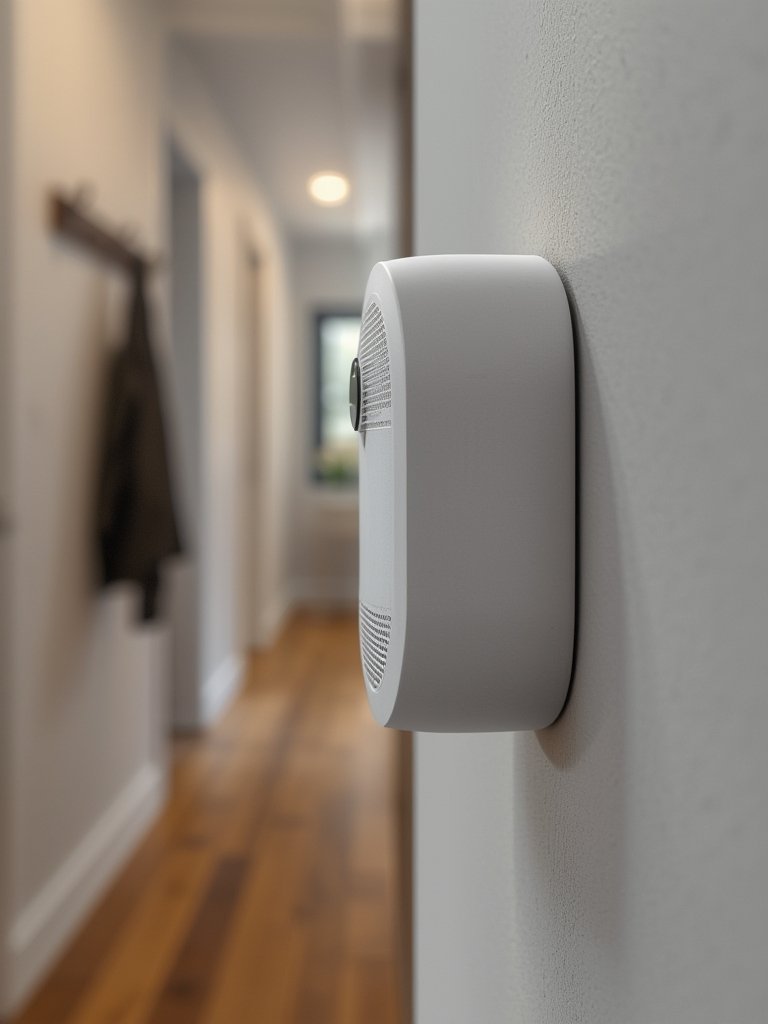
For smart homes operating with multiple brands and standards, ensure your presence detection setup supports emerging protocols. The Matter bridge device guide explains how to connect older and new presence sensors for future flexibility.
Advanced Analysis & Common Pitfalls: Real-World Problems to Expect
Many users expect flawless automation, but presence detection in smart homes still faces practical limitations. Here’s a deeper look at the issues and how they differ by technology:
| Sensor Type | Main Strengths | Common Pitfalls | Detection Range (typical) |
|---|---|---|---|
| PIR (Passive Infrared) | Cheap, low-power, decent for large motion | Misses stationary presence; false triggers from pets/sunlight | ~5-10m, wide angle |
| mmWave | Very sensitive, detects micro-movements, less privacy concern than cameras | Can be too sensitive (picks up ceiling fans); higher cost; setup can be tricky | 3-10m focused, some models up to 15m |
| Camera-based | High accuracy, identifies people/pets, useful for analytics | Privacy concerns; expensive; sometimes needs cloud processing; legal issues in private spaces | Full room coverage, wide angle, limited by line of sight |
Real-world pitfalls include:
- Privacy Risks: Cameras and cloud-based solutions can collect far more data than intended. Opt for on-premises processing if privacy matters. Compliance with GDPR/HIPAA is now a major factor for many buyers. [Source] [Source]
- False Triggers: Motion sensors may activate lights when only a curtain moves or when sun rays shift. mmWave sensors can be inadvertently triggered by running fans or even rodents.
- Installation Headaches: Some sensors are picky about placement and can leave dead spots if not properly positioned. Complex wiring or battery replacements may be required. Market research shows rising deployment costs are a barrier for wider smart sensor adoption. [Source]
- Compatibility Gaps: Not all smart home hubs or automations can easily join sensors from different brands, especially with rapid protocol changes (Zigbee, Z-Wave, Thread, Matter). Incompatible tech can block you from automating as planned.
- Data Security: If sensors or their apps store or transmit occupancy data to the cloud, unauthorized access becomes a real risk. Vendors are starting to offer on-premises-only devices for lower privacy exposure.
Presence detection smart home systems also require ongoing maintenance: firmware updates, routine sensitivity checks, and occasional repositioning are necessary to maintain performance as your household routines change.
For a holistic approach to automation and security, integrating presence detection with smart home security systems can minimize the risk of missed events and enhance reliability.
Conclusion & Next Steps
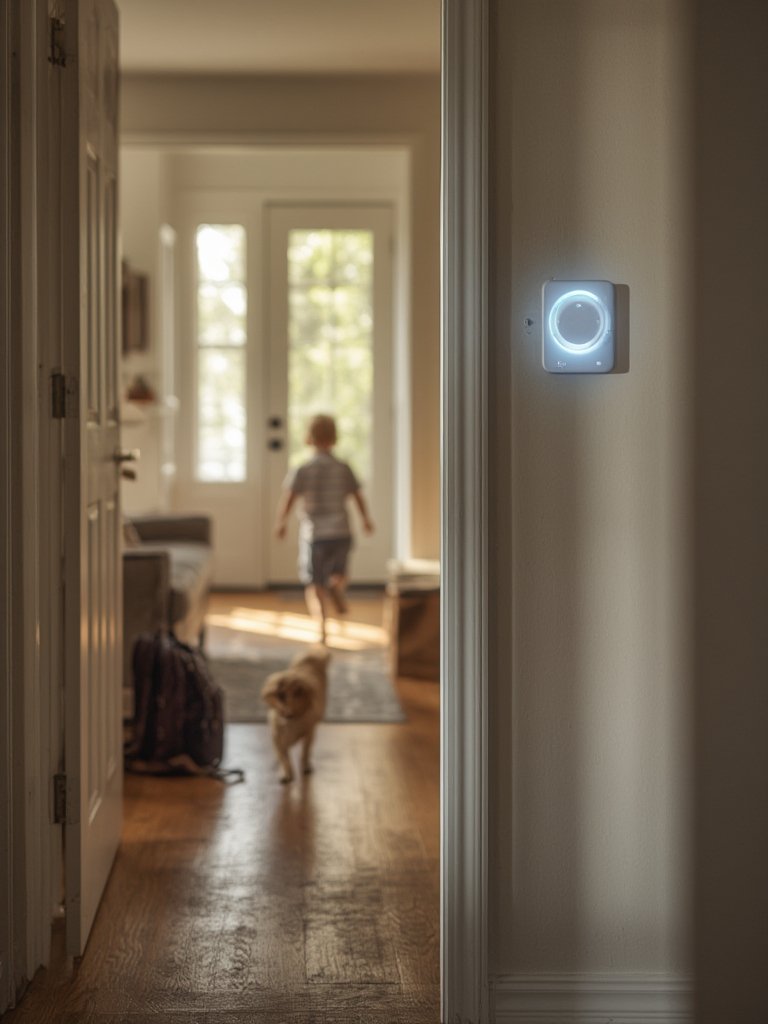
When thoughtfully installed and continuously fine-tuned, presence detection smart home solutions significantly boost convenience, energy savings, and security. While no system is flawless, combining multiple sensor types and following the strategies in this guide will maximize your results. If you’re serious about automating your home, start small, learn from real-world feedback, and always prioritize privacy. Explore our resources for future-proofing smart lighting and whole smart home energy management for your presence detection smart home. Ready to get started? Audit your current setup and map your first sensor locations today.
FAQ: Presence Detection Smart Home
What is the difference between presence detection and motion detection in smart homes?
Motion detection senses movement, while presence detection determines if someone is actively occupying a space—even if they’re stationary. Presence sensors offer more accuracy for real-world automation, like keeping lights on while you’re still in the room.
Are mmWave sensors safe for home use?
mmWave sensors use low-power radio waves, similar to other wireless devices. They’re considered safe for home environments and are already widely used in automotive safety systems.
How can I improve privacy when adding presence detection?
Favor non-camera solutions like PIR or mmWave sensors, and look for platforms with local processing to ensure occupancy data doesn’t leave your home. Always check device settings for cloud sharing and disable if possible.
What is the typical lifespan of smart presence sensors?
PIR sensors last 3–5 years on batteries, while hardwired versions can last a decade. mmWave sensors are generally reliable for many years but may need firmware updates for optimal performance.
Can I combine multiple types of presence sensors?
Yes. Using, for example, both PIR and mmWave sensors can help cover each other’s weaknesses, such as boosting detection in both large and small movement scenarios.