

Looking to control your automated devices more efficiently? A smart home dashboard can centralize everything for instant access, but the path to an ideal setup isn’t always straightforward. Here’s what you need to know.
Key Takeaways
- Smart home dashboards promise unified device control but real-world integration often poses configuration and compatibility challenges.
- Security, privacy, and accessibility are commonly under-addressed issues in dashboards across the market.
- A methodical, step-by-step setup process is crucial for seamless smart device management using a central dashboard.
- What Is a Smart Home Dashboard and Why Use One?
- How to Build and Install a Smart Home Dashboard: Step-by-Step Guide
- Advanced Analysis and Common Pitfalls of Smart Home Dashboards
- Conclusion
- FAQ
What Is a Smart Home Dashboard and Why Use One?
A smart home dashboard is a central control screen—often a wall-mounted tablet or touch panel—that lets you operate lights, security systems, thermostats, and other compatible devices throughout your home. Instead of opening multiple apps or using scattered remotes, you get a single hub for instant control, monitoring, and automation of your connected devices. Many homeowners choose these dashboards to simplify daily routines, improve energy efficiency, and gain quick access to emergency features.
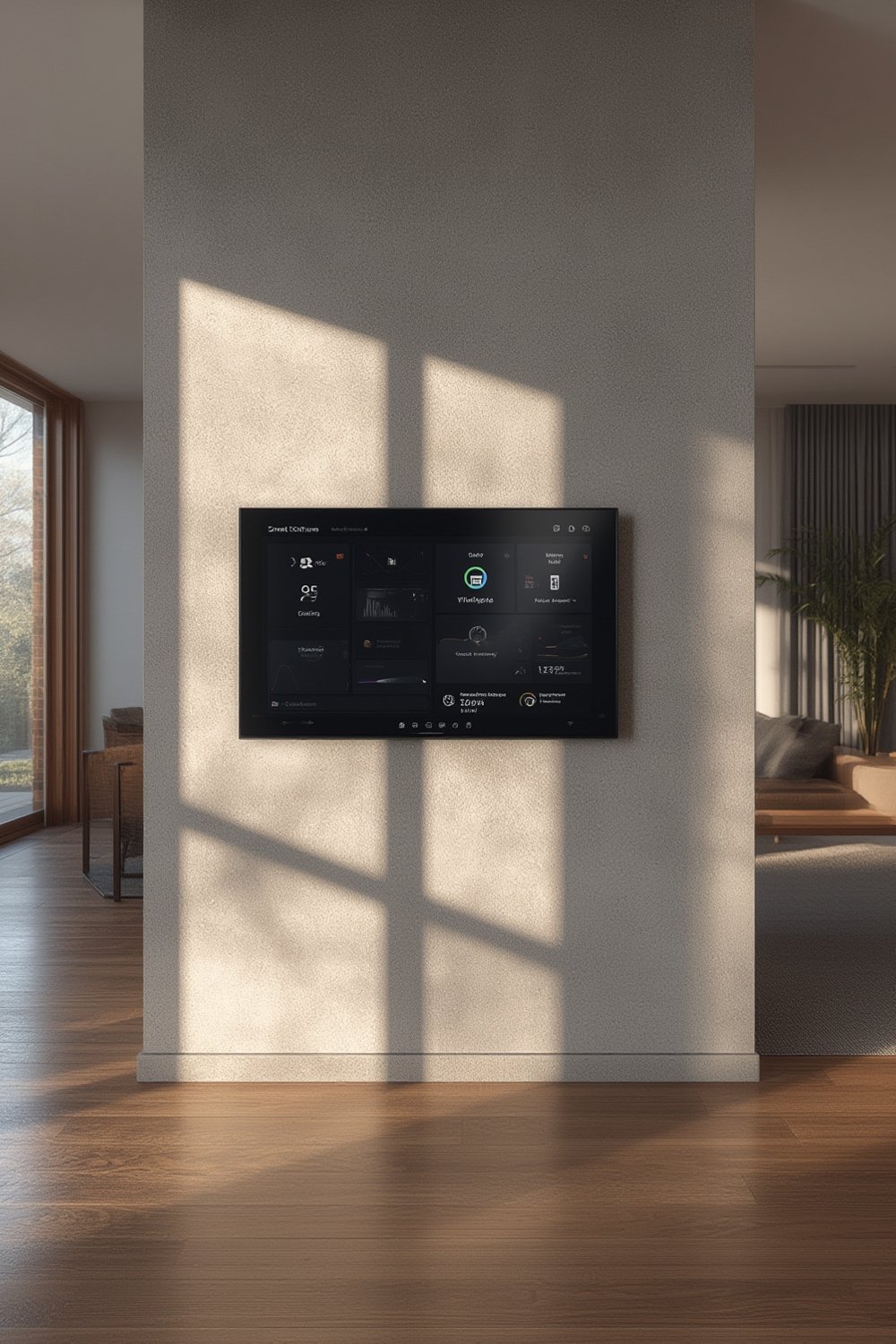
Modern dashboards can integrate hundreds of devices, but real-world success heavily relies on cross-compatibility and thoughtful setup. Platforms like Home Assistant, SmartThings, and Google Home have broadened third-party support, but no ecosystem is universally inclusive. Choosing a dashboard that meets your privacy expectations and access needs is crucial for daily satisfaction.
Energy-conscious homeowners often couple their dashboard with predictive home automation—allowing their living environment to adjust automatically, cutting down on wasted energy and manual adjustments. The right dashboard can become the nerve center of your home’s intelligence and comfort.
How to Build and Install a Smart Home Dashboard: Step-by-Step Guide
Follow these steps to create an effective smart home dashboard that enhances convenience without sacrificing privacy or reliability.
- Choose Your Dashboard Platform: Popular choices in 2024 include Home Assistant for open-source customization, or proprietary options like Samsung SmartThings and Google Home. Platform choice directly affects device compatibility.
- Select Compatible Hardware: Decide between a wall-mounted smart display, dedicated touchscreen tablet, or an all-in-one panel. Make sure it fits your mounting location and that screen brightness suits your household lighting.
- Network and Power Planning: A stable Wi-Fi network (or wired Ethernet) ensures reliable communication. For wall-mounted options, plan for in-wall USB or PoE wiring to avoid exposed cables and daily charging.
- Install and Configure Software: Install your dashboard software or app. Home Assistant users can leverage Lovelace UI for interface customization. Connect each device according to the manufacturer’s steps—this may involve scanning QR codes or entering device-specific keys.
- Design Your Interface: Group functions by room or category. Add widgets or tiles for quick control of scenes, automations, and device clusters. Include live security camera thumbnails if supported.
- Test Automations and Routines: Set up key automations, such as light schedules or a “Goodnight” scene that arms security and sets thermostats. Validate that triggers and routines reliably activate across devices.
- Set User Permissions: If your platform supports it, configure guest or child profiles with restricted access (many dashboards fall short here). Review how data and device access is granted for each user.
- Secure Your Dashboard: Use strong local authentication and enable encryption when possible. Avoid exposing your dashboard directly over the internet. Select platforms with robust privacy options, as smart home dashboards often collect extensive user data.
- Maintain and Update: Regularly check for firmware and app updates. Review device integration logs for errors or connectivity drops. Periodically update user permissions and security settings.
For those focused on energy optimization, integrating your dashboard with whole home energy monitoring can provide real-time insights directly on your control panel.
Advanced Analysis and Common Pitfalls of Smart Home Dashboards
While a smart home dashboard promises seamless convenience, there are realistic challenges that most users encounter during initial setup and daily operation:
- Device Compatibility Limits: No single dashboard supports all devices. For example, Home Assistant recently dropped support for some brands (see this Home Assistant announcement), requiring users to replace or re-integrate hardware.
- Privacy Concerns: Dashboards and their companion apps collect substantial user data. Academic studies have revealed that platforms like Amazon Alexa can collect up to 28 data points (source). Weak authentication and default configurations also leave users exposed to unauthorized access (see research).
- Limited Multi-user Management: Most consumer dashboards offer minimal support for individual user profiles, risking unwanted changes by guests or children. Advanced access management is typically only available on enterprise solutions or heavily customized open-source platforms.
- Accessibility Gaps: Voice control is standard, but tactile accessibility (visual or motor impairments) is rarely a focus in dashboard design, leaving some users underserved.
- Ongoing Maintenance: Regular firmware and software updates are essential, but many devices lack automated patching, requiring manual intervention that frustrates non-technical users.
- High Initial Setup Costs: While specific 2024 pricing data is not widely published, expect to pay for both hardware (usually $120–$800 for quality displays) and possible installation fees, as well as ongoing software or integration costs.
| Pitfall | Impact | How to Mitigate |
|---|---|---|
| Incompatible Devices | Lost automation, manual operation required | Confirm compatibility before purchase, consider Matter compatible devices |
| Weak Security Defaults | Potential privacy breach, account compromise | Change default passwords, enable all available encryption settings |
| Complex Setup Processes | User frustration, incomplete integration | Choose dashboards with step-by-step onboarding, consult official guides |
| Lack of Multi-user Profiles | Unintended changes by guests or children | Use platforms with granular access or physical locks for displays |
| Slow Updates/No Support | Functionality degrades, security outdated | Pick brands with a clear update policy, monitor release notes |
If security is a top concern, you may want to learn how offline smart locks provide enhanced privacy even when your dashboard loses internet connectivity.
Conclusion
Choosing and setting up a smart home dashboard can transform your living space, making routines simpler and more energy-efficient. However, device compatibility, security, and accessibility hurdles mean no dashboard is truly “set and forget.” Be diligent with setup, prioritize privacy, and update your system regularly for lasting convenience. Ready to streamline your smart home? Invest in a dashboard platform that supports your needs for both control and peace of mind—and experience the full power of a smart home dashboard.
FAQ
Can I install a smart home dashboard on any tablet or display?
Yes, many dashboard platforms like Home Assistant offer web interfaces or dedicated apps that work on standard Android or iOS tablets. You can start with a device you already own, but for wall-mounting and 24/7 use, dedicated smart displays are usually more reliable.
Is my data safe on a smart home dashboard?
Data security depends on your dashboard’s platform, your network, and how you configure settings. Use strong passwords, enable encryption, and avoid exposing the dashboard to the public internet. For more on privacy risks, consult this academic analysis.
How often should I update my dashboard and devices?
Check for updates at least once a month. Dashboard platforms and connected devices regularly release updates that patch security vulnerabilities and improve functionality. Set a monthly reminder to review system health and update permissions if users have changed.
What devices are usually not compatible with dashboards?
Some closed-ecosystem devices or legacy products may be unsupported. Check if your devices use Matter, Zigbee, Z-Wave, or another open protocol. For best results, review ecosystem compatibility lists before purchasing smart home gadgets.
Can multiple household members customize the dashboard?
Limited multi-user management is a frequent limitation in most consumer dashboards. Some platforms allow personal dashboards or restricted profiles, but advanced management may require open-source solutions or third-party add-ons.