

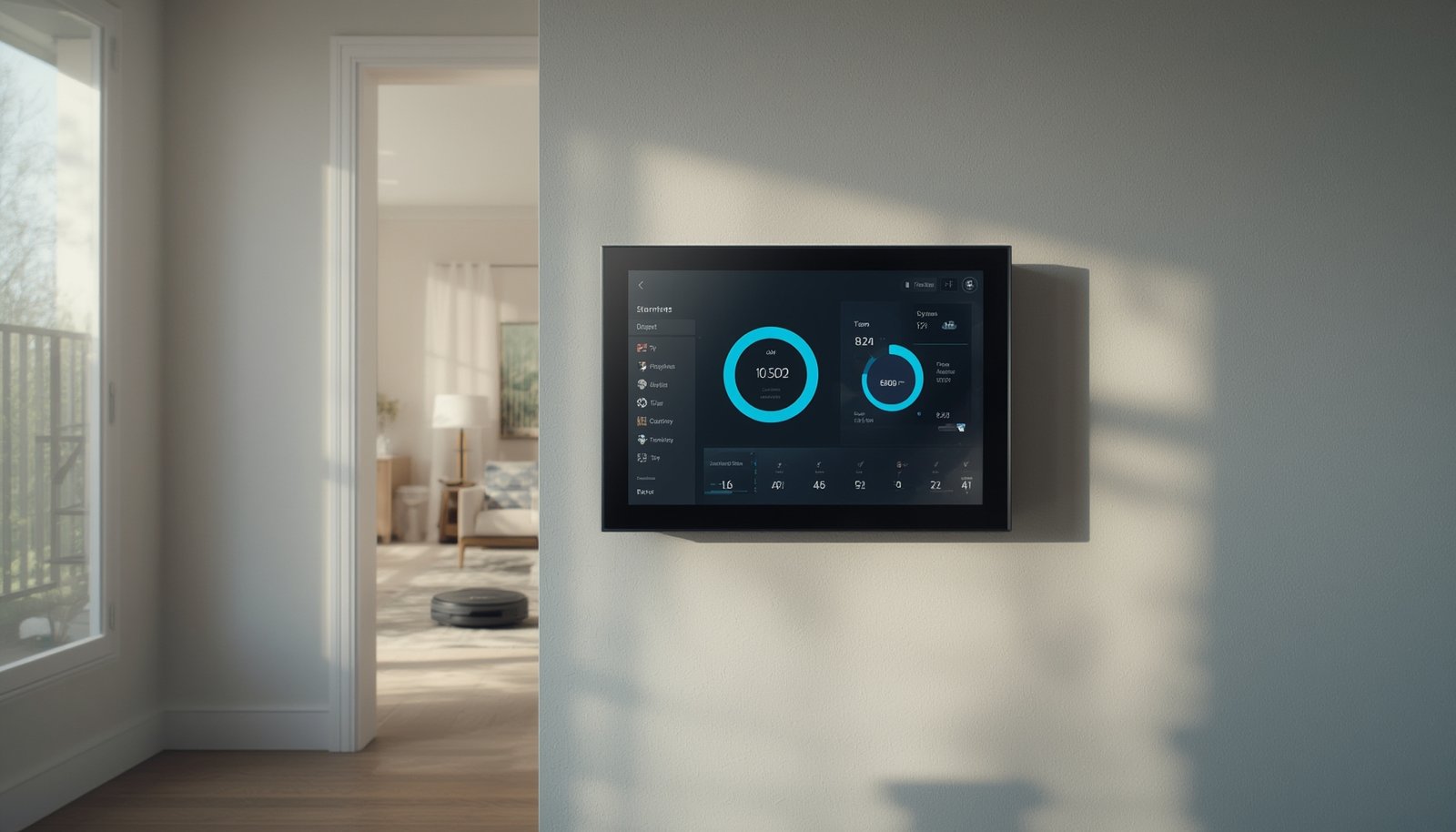
Smart home dashboard solutions are transforming how we control and monitor devices in modern houses, letting you manage lighting, security, energy, and much more—from one screen. Many homeowners now expect a seamless hub that puts every smart device at their fingertips, but there are hidden complexities and pitfalls you should know before centralizing your smart home dashboard controls.
Key Takeaways
- Smart home dashboards unify control of multiple devices, but success depends on protocol compatibility and thoughtful setup.
- Not all dashboards work smoothly with every brand or device—investigate interoperability and real-world performance.
- Expect market growth, but beware of overlooked issues like accessibility, offline operation, and proper network planning for reliability.
- The Core Concept: What Is a Smart Home Dashboard?
- Step-by-Step Guide: Setting Up and Optimizing Your Smart Home Dashboard
- Advanced Analysis & Common Pitfalls
- Conclusion & Next Steps
- FAQ
The Core Concept: What Is a Smart Home Dashboard?
A smart home dashboard is a digital control panel—available via wall-mounted tablets, mobile apps, or web portals—that lets you monitor, automate, and manage your entire smart ecosystem from one central interface. Instead of toggling between separate apps for lights, security, HVAC, and cameras, everything is unified in a single, easy-to-use dashboard.
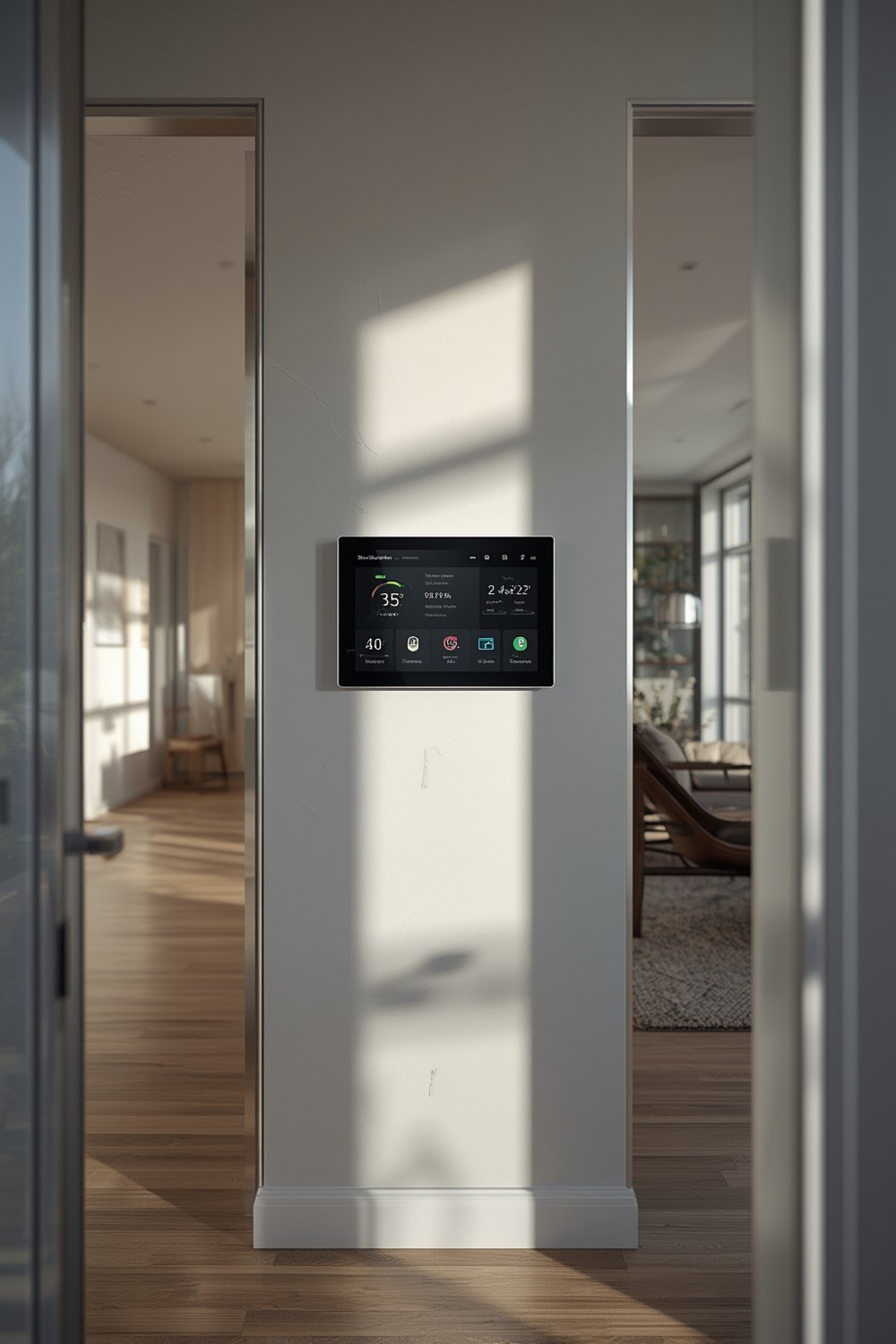
This centralized control is especially valuable as the average household now has multiple connected devices. In the US, 45% of internet-connected homes have at least one smart home device, and almost 1 in 5 have six or more. Such complexity can quickly lead to “app overload” without unified management.
Market adoption is skyrocketing: The smart home market is expected to hit US$193.5 billion in revenue by 2026. Tech giants including Samsung, LG, Amazon, Google, and Bosch are racing to release dashboards, hubs, and wall-mounted displays to capture this demand. One leader, LG’s ThinQ AI Home Hub, even uses artificial intelligence to personalize controls based on your behavior (source).
Why should you care? Because a smart home dashboard not only reduces complexity but can also improve security, boost your home’s value by up to 5%, and open the door to advanced automation. For info about energy-related automation, see our guide on predictive home automation benefits.
Step-by-Step Guide: Setting Up and Optimizing Your Smart Home Dashboard
If you’re ready to make the leap, here’s how to choose, install, and optimize a smart home dashboard so it works reliably and securely.
- Audit Your Devices and Protocols
List all smart bulbs, sensors, locks, thermostats, and plugs. Check which protocols (Wi-Fi, Zigbee, Z-Wave, Bluetooth, or Matter) they use. Some dashboards only support a subset, meaning you may need additional hubs or bridges. For a deep dive into protocol compatibility, see our smart home interoperability guide. - Choose the Right Dashboard Platform
Select a dashboard that supports most (ideally all) your devices. Leading choices include Samsung SmartThings, Amazon Alexa Dashboard, Home Assistant, and professional wall-mounted panels from LG or Google. Consider if you need app-based, web-based, or always-on wall displays for usability. - Consider Installation Logistics
Most dashboards need constant power and stable connectivity. Check mounting options (wall, counter, portable), available outlets, and Wi-Fi coverage. For power outage protection, you may want to look at backup power solutions for smart homes - Connect and Integrate Devices
Follow dashboard instructions to pair or link all devices. Some platforms auto-discover devices, while others require manual configuration. Be clear on which features are supported—voice control, automation scenes, remote access, and so on. - Set Up Automation and Visualization
Plan main control tiles and automation routines—like all-lights-off buttons, security system toggles, and energy use charts. Some platforms, such as Home Assistant, let you create custom dashboards with widgets for each smart function. Explore scene automation with our automation scenes guide.
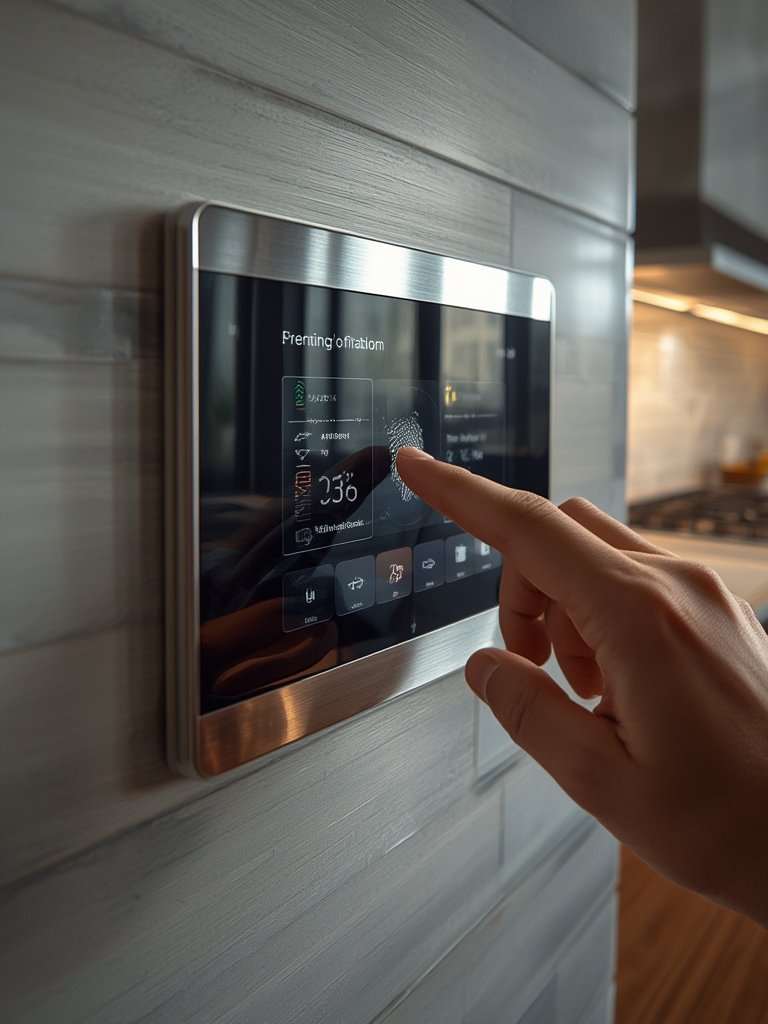
- Test Every Scenario—Including Outages
After setup, test lights, locks, security, and other critical devices from the dashboard. Disconnect your Wi-Fi or internet to see if offline control works; many dashboards lose functionality if cloud access is cut. If privacy is a top concern, read our guide to local control smart homes. - Maintain and Update Regularly
Keep dashboard software, firmware, and apps up to date to fix bugs and patch security holes. Schedule periodic health checks for all integrations.
Advanced Analysis & Common Pitfalls
As promising as a smart home dashboard sounds, users report several real-world issues. Rapid market growth doesn’t guarantee seamless results for every household.
| Issue | Potential Impact | How to Address |
|---|---|---|
| Protocol Incompatibility | Some dashboards cannot connect all your devices, requiring extra bridges or hubs. Consumers are often confused by signal standards. | Map every device’s protocol before choosing a dashboard. Seek platforms with broad Matter or hybrid protocol support. |
| Network Dependency & Latency | Dashboards may lag or become unresponsive during Wi-Fi outages or cloud service interruptions. | Choose systems with robust local control options. Plan for wired Ethernet where possible. |
| Accessibility Shortcomings | Elderly or less tech-savvy users can find complex dashboards overwhelming or hard to read. | Favor dashboards emphasizing simple layouts, large icons, and clear fonts. User test with all household members before full adoption. |
| Security Risks | Centralizing controls increases the stakes of a breach. Unpatched dashboards may expose every device in your home. | Enable two-factor authentication, use strong passwords, and monitor for firmware updates. |
| Cost Overruns | Hidden costs such as professional installation, mandatory hubs, or subscriptions can push total spend beyond expectations. | Budget for all components, installation, and potential subscription fees up front. For estimated setup costs, consult recent pricing research. |
Wall-mounted displays look sleek but can be expensive and require wiring. Some brands lock you into their ecosystems, making future upgrades harder. For cross-brand compatibility, consult our latest guide on Matter compatible devices.
Finally, consider real-life daily use: dashboards may not always stay responsive, especially during major network hiccups or power outages—potentially leaving you without access to alarms or lighting when you need them most. Proper backup and planning are crucial for reliability.
Conclusion & Next Steps
A smart home dashboard streamlines device management, reduces app fatigue, and can increase your home’s value and comfort. However, real integration and reliability take planning, protocol research, and clear expectations—especially around compatibility, backup power, and offline usability. If you’re considering a smart home dashboard, start with a compatibility audit and focus on platforms with proven local control and accessible design.
Ready to take control? Compare your options and make your smart home as seamless as possible. For full centralization options, see this guide: centralized smart home dashboard solutions.
FAQ
Do smart home dashboards work with any device?
No. Most dashboards support popular brands, but not every product. Always check for compatibility with your existing devices before purchase, and confirm protocol support (Wi-Fi, Zigbee, Z-Wave, Matter).
What happens if my Wi-Fi or internet goes down?
Many dashboards lose remote functionality if Wi-Fi or internet is disrupted. For maximum reliability, select a system with strong local control (works on your home network without cloud dependency).
Is installation complicated or expensive?
Installation costs vary from $205 to $1,659, depending on whether you choose DIY, professional, or wall-mounted options. Some platforms are plug-and-play, but complex integrations or wall displays typically require extra wiring and setup.
Are there any privacy risks with centralized dashboards?
Yes. A centralized dashboard can expose many devices if compromised. Protect yourself with two-factor authentication, strong unique passwords, and regular updates for all dashboard and device software.
How often should I update my dashboard and connected devices?
Check for software or firmware updates monthly. Promptly install security patches and test smart home functions after updates to ensure continued compatibility.