

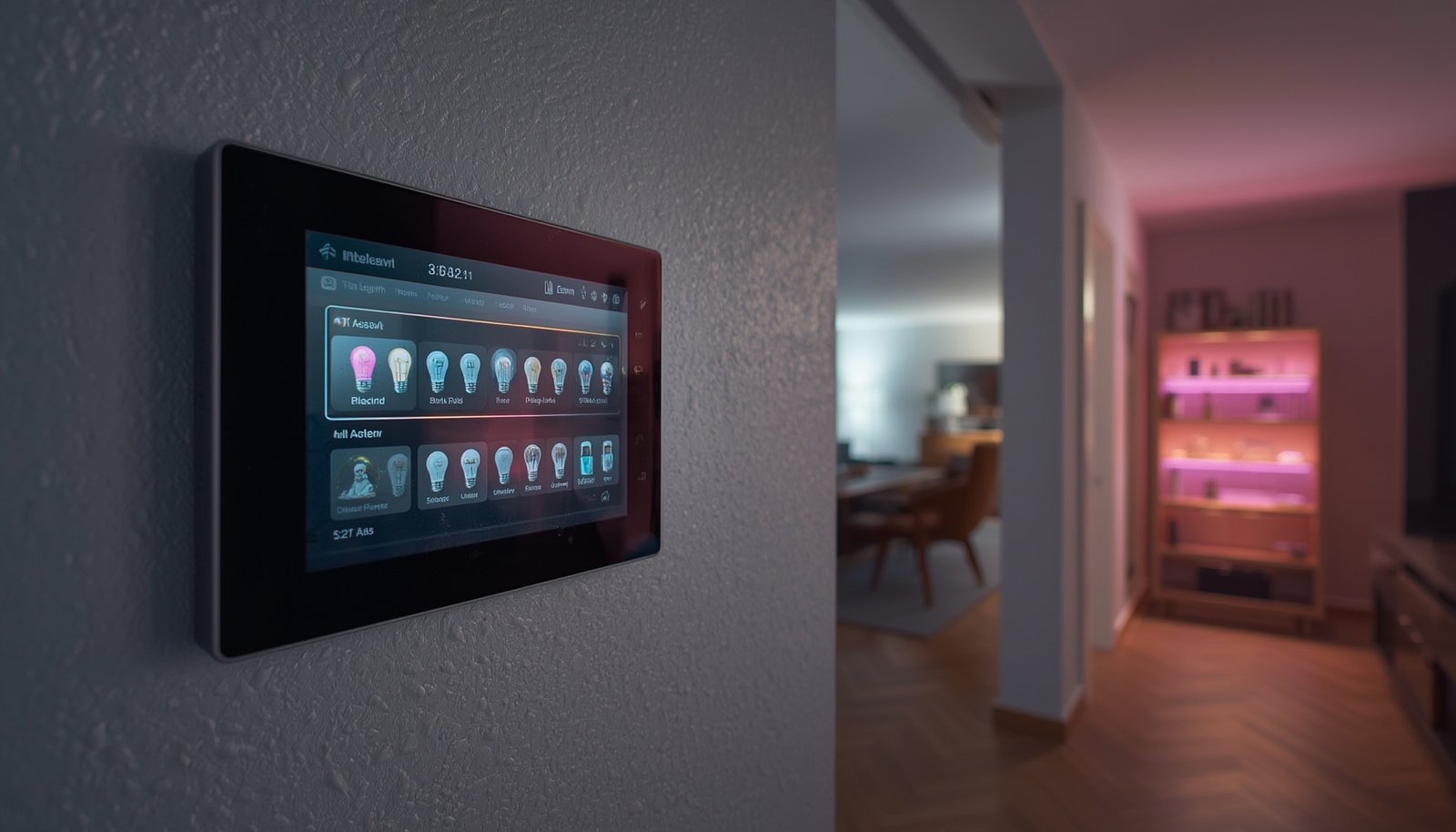
smart light scene automation is changing how people control home lighting—making it effortless to set moods, save energy, and build routines that fit modern life. This realistic, step-by-step guide shows you what works, what goes wrong, and how to make smart light scenes deliver real benefits (not just flashy demos).
Key Takeaways
- Most smart lighting users now employ scenes or automations for convenience and savings, and usage is projected to double by 2026.
- Usability and reliability issues are common, especially in large or mixed-brand setups—but they are solvable with the right practices.
- Well-designed smart light scene automation can cut lighting energy costs by up to 70% without unnecessary complexity.
- The Core Concept: What is Smart Light Scene Automation?
- Step-by-Step Guide: How to Get Reliable Scene Automation
- Advanced Analysis & Common Pitfalls
- Conclusion
- FAQ
The Core Concept: What is Smart Light Scene Automation?
Smart light scene automation lets you control a group—or all—of your lights with a single command, routine, or sensor. Unlike basic on/off schedules, scenes can set different colors, brightness levels, and device behavior across multiple rooms, letting you instantly match your lighting to activities, mood, or time of day. The biggest draw is convenience: you can trigger a “Relax” scene to dim and warm the living room, an “Away” scene to turn off all lights at once, or automate lights to work together when you arrive or leave home.
A huge advantage is energy savings: by dimming or turning off unused lights automatically, you avoid unnecessary electricity use. Scenes can even tie into other smart devices—triggering based on motion, doors, or time. According to industry research, smart lighting with scenes is now one of the main drivers of wider smart home adoption.
But behind the magic, scene automation requires careful setup to avoid user frustration, unreliable routines, or devices going out of sync—especially in larger, multi-brand homes. Understanding both what’s possible and where things fail is key.
Step-by-Step Guide: How to Get Reliable Scene Automation
Ready to make your smart light scene automation reliable and effective? Follow these steps to maximize results and minimize headaches.
- Pick the ecosystem that matches your technical comfort and goals.
- For plug-and-play: Philips Hue, Lutron Caséta, or Apple Home.
- For advanced control: Home Assistant or SmartThings give more logic and complex triggers.
- Beware of mixing too many brands early—interoperability remains a challenge, see industry reports.
- Set up physical hardware and ensure strong network connectivity.
- For bulbs, ensure reliable Wi-Fi, Zigbee, or Thread coverage throughout your home. Bridges (like Hue Bridge) are essential for larger setups or complex scenes.
- Test that all devices can be controlled individually without lag.
- Organize devices into rooms and zones, using unambiguous names.
- Avoid generic names—“Lamp 1,” “Living Light”—in favor of “Kitchen Island Pendant” or “Hallway North Bulb.”
- Research shows this dramatically reduces confusion as your setup grows.
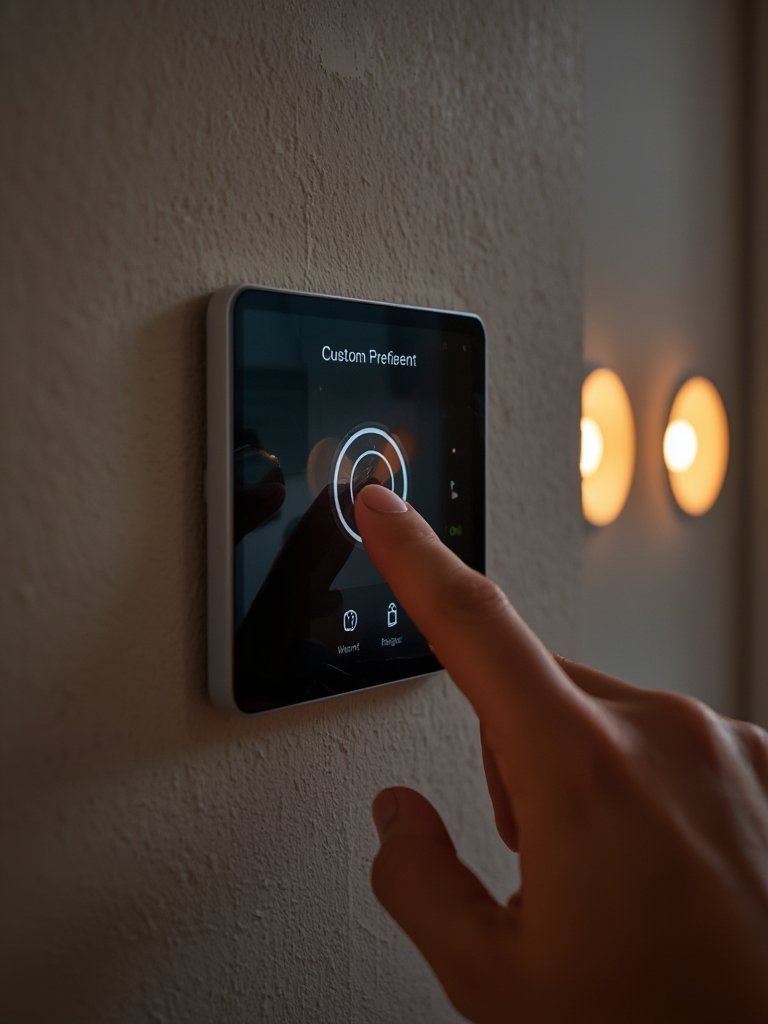
- Create your core scenes for daily needs.
- Popular scenes: “All Off,” “Movie Night,” “Reading,” “Wake Up,” “Goodnight,” and custom color presets for different rooms.
- Don’t forget scenes for “Away” or “Vacation” that make it look like someone is home.
- Define automation triggers for your scenes.
- Time of day (schedules), motion/occupancy sensors, door locks, or even weather (e.g., sunset).
- Keep initial logic simple. Complex chaining is tempting, but more rules means more chances for conflicts or devices getting out of sync (see pitfalls below).
- Test, monitor, and adjust.
- Perform “what if” tests: Try activating scenes from apps, voice, and sensors. Watch for partial activations or incorrect colors/brightness.
- Check automation logs (where supported) to diagnose failures or unexpected triggers.
- Maintain and update firmware/applications regularly.
- Set reminders to check for firmware updates on bridges, bulbs, and hubs at least once per quarter for security and bug fixes.
- Review and refine scene setups periodically.
- Remove unused scenes/routines to reduce clutter and chance of errors.
- Periodically retrain household members—especially if permissions or apps change.
If you want to go beyond lighting, consider linking your scenes to predictive home automation routines or integrating energy monitoring for further optimization.
Advanced Analysis & Common Pitfalls
Even the most robust smart light scene automation setups run into real-world challenges. Here’s how the most popular platforms compare—and where things can break down:
| Platform | Scene Customization Strengths | Technical Limitations |
|---|---|---|
| Philips Hue | Per-zone color/brightness, curated scenes, presence schedules, strong integration | Bridge required for full function, limited complex logic, cloud dependence for voice |
| Lutron Caséta | Extremely reliable, whole-home scope, strong sensor & keypad support | Basic in-app logic; advanced flows need third-party platform |
| Apple Home (HomeKit) | Multi-accessory scenes, time & presence triggers, easy voice/app use | Not full rule engine flexibility; automations fail if Home hub offline |
| Amazon Alexa | Voice & schedule triggers, delayed routines, some conditional logic | Limited multi-branching, cloud reliance, third-party skill required |
| Google Home | Script editor, advanced triggers for some users | Features still maturing, regional restrictions, not as granular as Home Assistant |
| SmartThings | Multiple triggers/conditions, broad hardware support | Cloud-based execution for many routines, some advanced features lost in transition |
| Home Assistant | Unlimited automation logic, templates, total integration flexibility | Steep learning curve, DIY maintenance, hardware reliability varies |
| Crestron, Control4, etc. | Integrator-programmed, deep customization & multi-system scenes | Not DIY-friendly, high install cost, limited portable/upgrade options |
Top problems and pitfalls to watch for:
- Complex setup and cognitive overload: Users struggle to remember what each scene does, especially as the number of devices grows. Regularly review and simplify scene names and device groupings. Use preview features when available (see UX research).
- Unintended triggers or conflicting automations: One motion sensor may activate a “Day” scene just after another triggers “Evening”—causing lights to jump or turn off. Log automations and build in mutex (one-at-a-time) logic where supported.
- Inconsistent device naming/room mapping: Clear, consistent names aren’t just for aesthetics—they prevent selection errors and voice assistant confusion.
- Reliability and network coverage: Scenes rely on every bulb responding. Dead spots or interference on Wi-Fi/Zigbee can cause partial activation, which is frustrating when returning home or leaving for the night.
- Security and privacy exposure: Poorly secured accounts or devices leave you open to nuisance attacks, invasions of privacy, or even revealing when you’re not home (see recent security summaries).
Many platforms market themselves as “set and forget,” but real-world smart light scene automation demands occasional tweaks, maintenance, and careful planning. For more on designing your home network for reliability, read how Thread border routers are improving network stability.
Conclusion
Smart light scene automation delivers powerful convenience and energy savings—when thoughtfully set up, named, and maintained. Expect rapid growth as adoption doubles and platforms mature. But plan for setup time, testing, and ongoing care to avoid common frustrations. If you want to future-proof your system, look for devices supporting modern protocols like Matter, and invest time up front in clear device/scene organization. For a deeper dive on maximizing lighting ROI and integration, check out these actionable energy-saving smart lighting tips. As always, get started small, learn as you go, and watch your home adapt to you. Ready to take your smart light scene automation to the next level? Start mapping your ideal lighting experience today!
FAQ
How much can smart light scene automation really save on energy bills?
Industry data suggests total lighting costs can drop by 35-70% with well-set automation, depending on your baseline habits and use of features like auto-off, motion sensors, and dimming. This usually translates to about 4-12 USD savings per month for a typical household.
What’s the main cause of automation failure or scenes not working as expected?
The most common culprits are overlapping routines, unclear device naming, poor network coverage, or accidental manual overrides. Carefully naming devices, reducing rule complexity, and keeping network devices updated minimize problems.
Are cloud-based or local automations better for reliability?
Local automations (run by a bridge or hub within your home) typically offer the best speed and independence from internet outages. However, many platforms still require some cloud interaction for voice or mobile control from outside the house.
How much does a full home setup cost?
DIY smart bulb systems start at around $500-$3,000 up front for most homes. Switch-centric and pro-installed systems range from $1,500-$5,000. High-end, custom integrations with other smart systems can reach $20,000 or more.
What are some security risks unique to smart light scene automation?
Risks include network exposure through poorly updated bulbs/hubs, leaking of occupancy patterns via cloud accounts, and third-party data sharing. Use strong, unique passwords and enable local control when possible to reduce risk.