

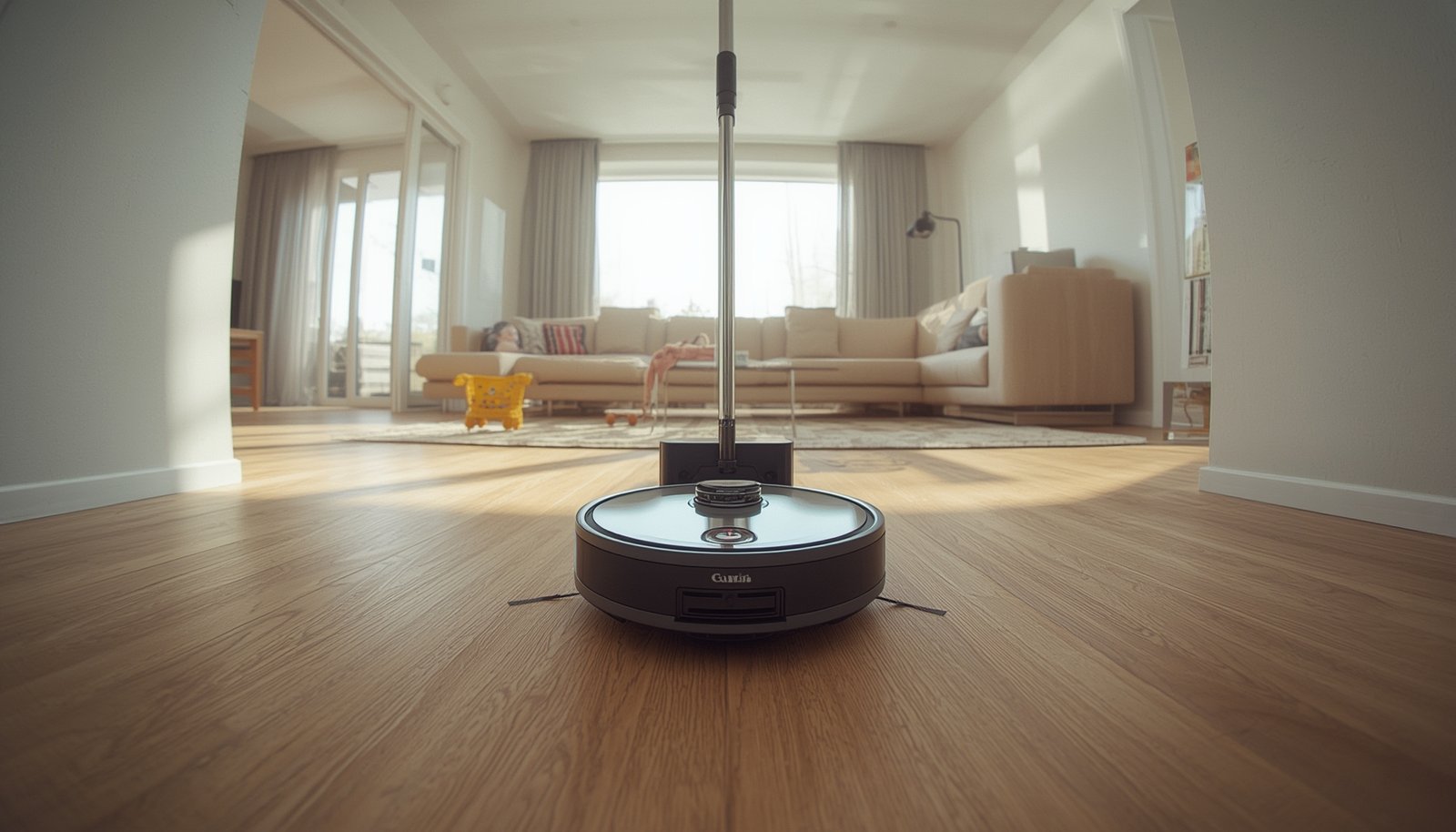
Robot mop auto dosing is changing how people keep their hard floors clean—removing much of the day-to-day hassle, but also creating new complexities and real-world challenges. Should you trust the tech, what do you need to know before buying, and how can you get the most value from this premium feature?
Key Takeaways
- Robot mop auto dosing offers hands-free floor cleaning, but many users still encounter streaks, residue, and new maintenance tasks.
- Premium auto-dosing mops perform best for regular light cleaning—manual attention is still needed for deep or stubborn stains.
- Understanding long-term ownership costs, proper maintenance, and detergent compatibility is essential for reliable results.
- The Core Concept: What Is Robot Mop Auto Dosing—And Why It Matters
- Step-by-Step Guide: Making the Most of Robot Mop Auto Dosing
- Advanced Analysis & Common Pitfalls: What the Data and Reviews Reveal
- Conclusion
- FAQ
The Core Concept: What Is Robot Mop Auto Dosing—And Why It Matters
Robot mop auto dosing refers to a smart cleaning system where a robotic vacuum with mopping capabilities automatically measures and dispenses cleaning liquid (water plus solution) during a floor cleaning session. Instead of manual filling and diluting, these robots use one or more reservoirs and advanced dock stations to wash, recharge, and replenish both water and cleaning fluid between cleaning cycles.
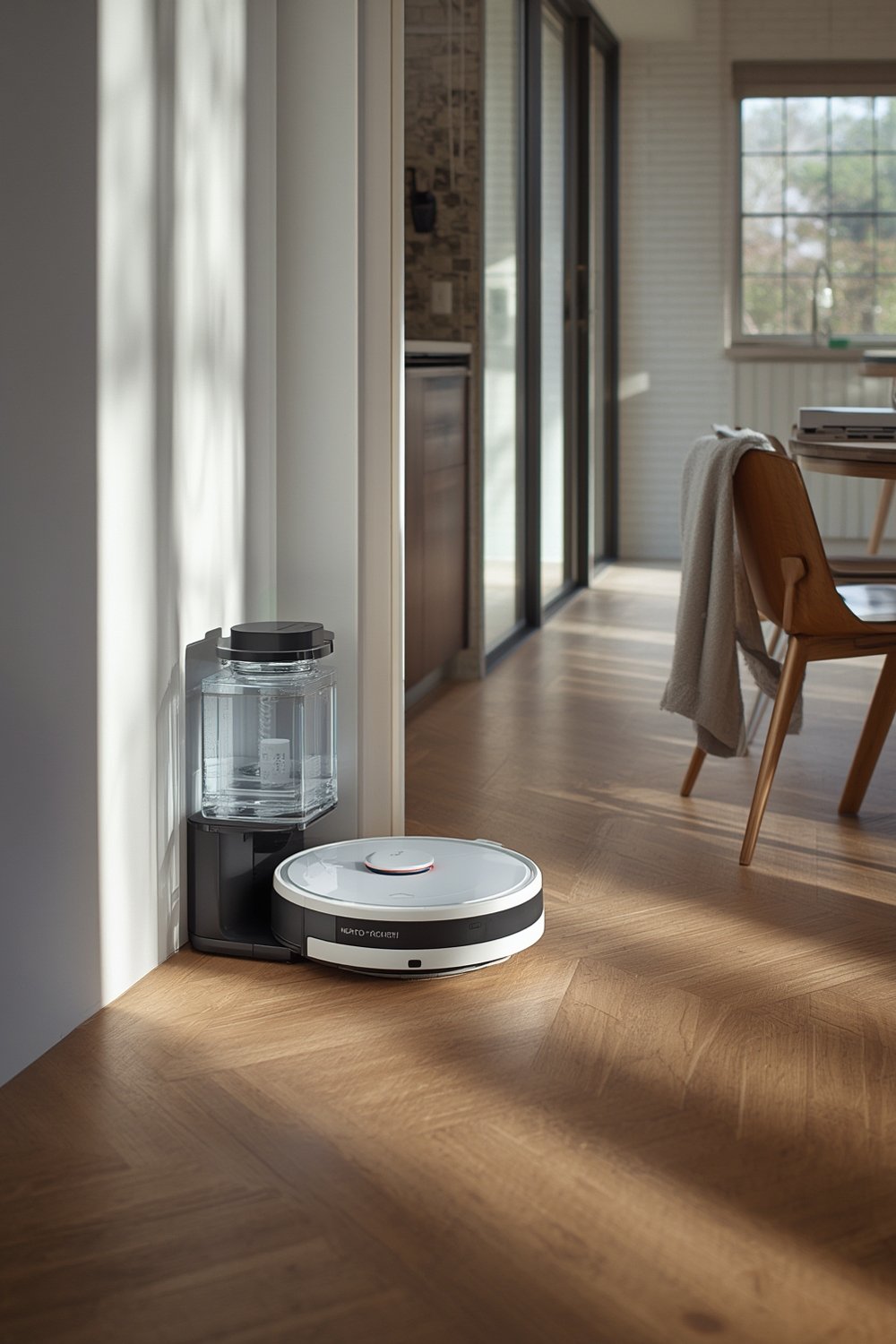
Auto dosing brings a true hands-off experience—reducing the time spent prepping and maintaining floors, especially in larger or busier homes. The premium segment is growing rapidly: most flagship models above $1,000 now feature some type of auto-dosing with self-cleaning dock, and demand is rising fastest in China, the US, and Western Europe. Although “auto dosing” is usually part of the broader category of “premium vac-mop with self-cleaning dock,” it reflects a shift toward almost fully automated, multi-surface cleaning. For homeowners seeking convenience and consistency, this can be a major upgrade—if you understand the limitations.
For more on how these systems fit into smart home environments with seamless automation, see our analysis of Predictive home automation.
Step-by-Step Guide: Making the Most of Robot Mop Auto Dosing
Getting the best performance from your robot mop auto dosing system means more than just pressing “Start.” Follow these steps to maximize effectiveness—and minimize hassles:
- Choose the Right Model for Your Floors
– If you have mostly tile or sealed stone, look for models with strong scrubbing action and optional detergent dosing (e.g., Roborock S8 MaxV Ultra or Dreame L20 Ultra).
– For hardwood or sensitive vinyl, select a system that keeps water output low and is compatible with neutral-pH, manufacturer-approved cleaners. - Set Up the Station in an Easy-to-Clean Location
– Place the dock on a hard, level surface with enough clearance for pad washing and drying cycles. Avoid tight alcoves where moisture might cause mold. - Use Manufacturer-Approved Cleaning Solution
– Only add recommended detergents or pre-mixed solutions as instructed—using generic or foamy cleaners can cause clogs, sensor errors, and even void the warranty (source). - Configure Water and Detergent Levels in the App
– Explore the app’s mopping settings: choose intensity for each room, adjust how much solution is dispensed, and create “custom cleaning zones” over rugs. Some brands hide detailed dosing options behind simple presets like Eco, Standard, or Deep—test which works best for each floor type. - Start with Regular Maintenance Cycles
– Consider daily or every-other-day runs in heavy-traffic zones. Don’t expect deep cleaning power on dried spills or grout with only a single pass. - Manually Inspect Results and Pads Weekly
– Check for streaks, residue, or dirty water trails. Occasionally hand-wash mop pads and inspect tanks for odor or buildup. - Clean Station Tanks, Pads, and Trays Regularly
– Flush water lines every month with recommended descaling fluid or diluted vinegar to prevent scale and bacteria. Wipe and dry the dock area to stop musty smells (source). - Replace Consumables Promptly
– Change mop pads every 6-12 months, filters and dust bags as needed, and keep a log of solution usage to catch problems early.
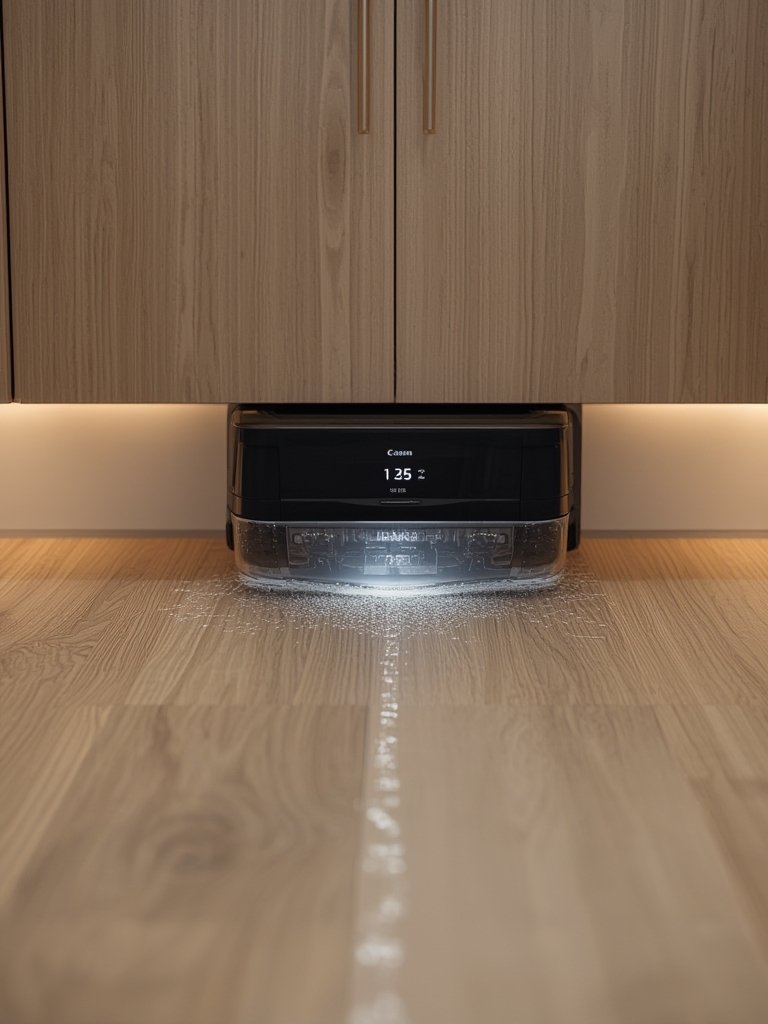
Once you get familiar with the process, integrating robot mop auto dosing into a broader smart home ecosystem further simplifies routine cleaning. For instance, setting up Alexa or Google Home routines allows hands-free activation at scheduled times. For more on advanced smart home integrations and boosting cleaning reliability with mapping, see our guide to robot vacuums with 3D mapping & multi-floor intelligence.
Advanced Analysis & Common Pitfalls: What the Data and Reviews Reveal
Despite all the automation, there are still several practical pitfalls and user challenges to be aware of. Insights from recent Research Report: Robot Mop Auto-Dosing / Self-Dosing Devices (2024–2025) data and thousands of user reviews point to issues no one should ignore:
Comparison Table: Leading Brands and Auto Dosing Capabilities
| Brand/Model | Auto Dosing System | Smart Home Integration | Consumable Flexibility | Common Pitfalls |
|---|---|---|---|---|
| Roborock S8 MaxV Ultra | Refillable water; detergent added manually (measured dosing by station) | Alexa, Google, some IFTTT/Home Assistant | Only manufacturer-approved low-suds solutions | Dock cleaning needed, app configuration complex, occasional streaks source |
| Dreame L20/X30 Ultra | Automatic mixing with vendor cartridge; proprietary solution | Alexa, Google | Locked to branded detergents | Foam/clogging if wrong detergent, high consumable cost |
| Ecovacs X1/X2 Omni | Manual solution add, semi-automatic dosing | Alexa, Google, YIKO | Usually vendor solution; some compatibility with generics | Leaks, complex maintenance, residue on grout |
| iRobot Combo j9+/j7+ | Water-only, rarely detergent focused | Alexa, Google, iRobot OS | Flexible, but light cleaning only | Pads need frequent manual washing |
| Eufy, Yeedi, mid-tier | Basic water tank, no true auto dosing | Entry-level app/Alexa only | User can pre-mix, but no dosing control | Manual intervention, leaks if overfilled |
Main Issues Owners Should Expect
- Streaks, Residue, and dirty water: Even with auto dosing, many systems trail smears or water spots, especially if the dock’s pad washing isn’t thorough. Dried spills or sticky messes often remain after a run (source).
- “Hands-Free” Is a Stretch: Tanks (clean and dirty) need frequent manual attention for large homes. Mop pads develop odors if air-drying fails, and regular dock maintenance is still needed.
- Detergent Compatibility Problems: Using cheap generic floor cleaners may clog or foam up the pumps. Most brands lock you into vendor solutions, raising total ownership costs.
- App Frustrations: Setting custom dosing per room isn’t always supported. Some users struggle with mapping, scheduling, and controlling detergent output.
- Noise and Smell: Dock cycles for pad washing and drying can be distracting at night. Neglected dock tanks or lines create musty, sewer-like odors over time (source).
- Long-Term Hygiene Risks: Water lines, tanks, and pads build up bacteria if not regularly disinfected. Most brands don’t offer clear 1–2 year maintenance guides—researchers highlight this as a major knowledge gap.
For a practical breakdown of the broader cleaning automation ecosystem and the role of these mopping robots, visit our deep-dive into integrated smart home security systems.
Conclusion
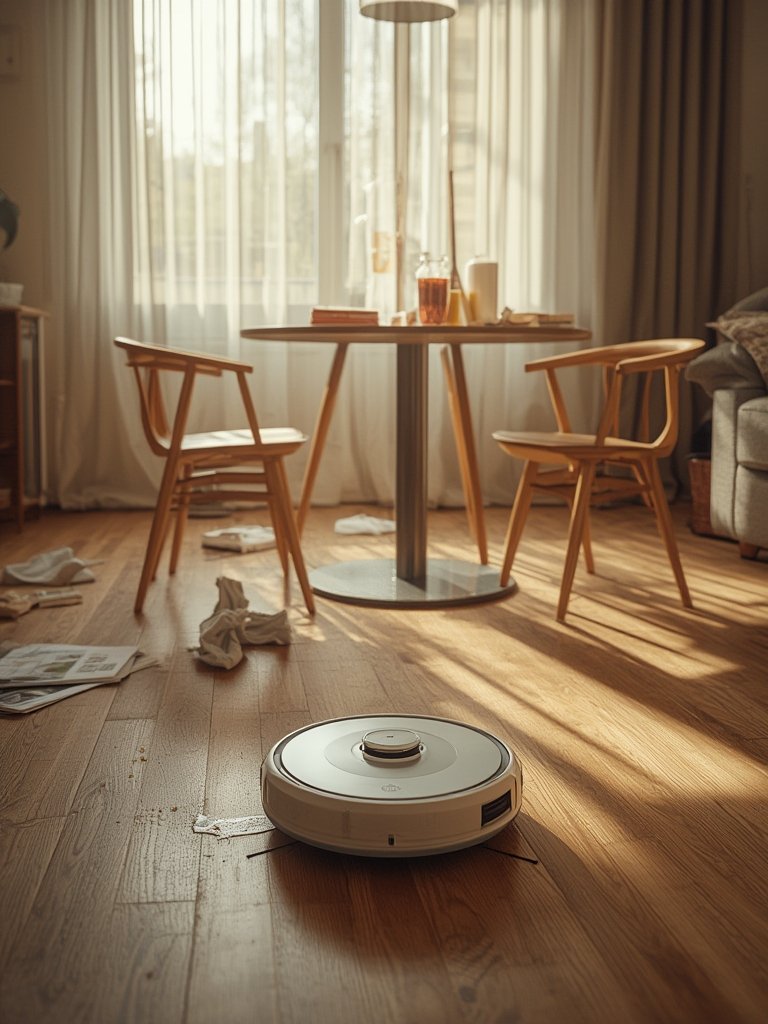
Robot mop auto dosing delivers hands-off cleaning for busy homes, but managing real-world performance means understanding limitations: you’ll get the best results with regular light cleaning, careful consumable use, and ongoing station maintenance. If you want premium floors with less effort, robot mop auto dosing is a transformative upgrade, but it’s not magic—set realistic expectations, budget for proprietary solutions, and develop a maintenance schedule. Ready to take cleaning automation to the next level? Explore the latest models, compare features, and integrate your robot mop with your smart home for unmatched daily ease.
FAQ
Does robot mop auto dosing work well on all floor types?
Robot mop auto dosing performs best on sealed tile and stone for regular maintenance. On wood or sensitive laminate, lower dosing and less water are needed to protect surfaces. For deep cleaning sticky or dried stains anywhere, manual effort may still be required.
How often should I clean the auto dosing station and tanks?
At minimum, clean out and dry both clean and dirty water tanks every 2-4 weeks. Flush lines and inspect mop pads for odor or slime monthly. If you use the mop daily or have pets, weekly attention is best.
Can I use any floor cleaner in an auto dosing robot mop?
No—most mops require manufacturer-approved, low-suds solutions. Using generic or foamy cleaners risks clogging pumps, causing sensor errors, and may void the device warranty.
Are there hidden costs to robot mop auto dosing?
Yes. In addition to the high upfront cost, expect to spend $80–200 yearly on solutions, pads, and filters. Brands with locked cartridges or proprietary detergents may be even pricier over time.
Can robot mop auto dosing fully replace manual mopping?
Not for heavy dirt. These robots excel at everyday dust and spill removal but generally can’t handle stuck-on stains or grout cleaning in one pass. Occasional manual spot cleaning is still needed.