

3d mapping robot vacuum models have transformed home cleaning by bringing intelligent navigation and deep learning to autonomous floor care, but buyers still face key decisions and hidden challenges in 2024.
Key Takeaways
- The 3d mapping robot vacuum segment is growing rapidly, especially in premium markets, with most top-end robots now equipped with LiDAR and AI navigation.
- Real-world user experience still includes navigation glitches, map confusion, and maintenance costs, even with advanced mapping features.
- Quantitative mapping performance, long-term reliability, and privacy issues are rarely covered but are crucial to consider before buying.
- How 3d Mapping Robot Vacuums Work and Why They Matter
- Step-by-Step Guide: Maximizing Your 3d Mapping Robot Vacuum’s Performance
- Advanced Analysis and Common Pitfalls of 3d Mapping Robot Vacuum Models
- Conclusion
- FAQ
How 3d Mapping Robot Vacuums Work and Why They Matter
The latest 3d mapping robot vacuum models use LiDAR sensors (light detection and ranging) to create detailed, real-time floor maps and navigate spaces far more intelligently than old-school bump-and-turn robots. By spinning a laser around the top of the robot, LiDAR measures distance to walls, furniture, and obstacles. Combined with SLAM (Simultaneous Localization and Mapping) algorithms, most new robots instantly map multiple floors, avoid hazards, and follow efficient cleaning paths. Some add 3D-structure light or AI cameras for even better object recognition.
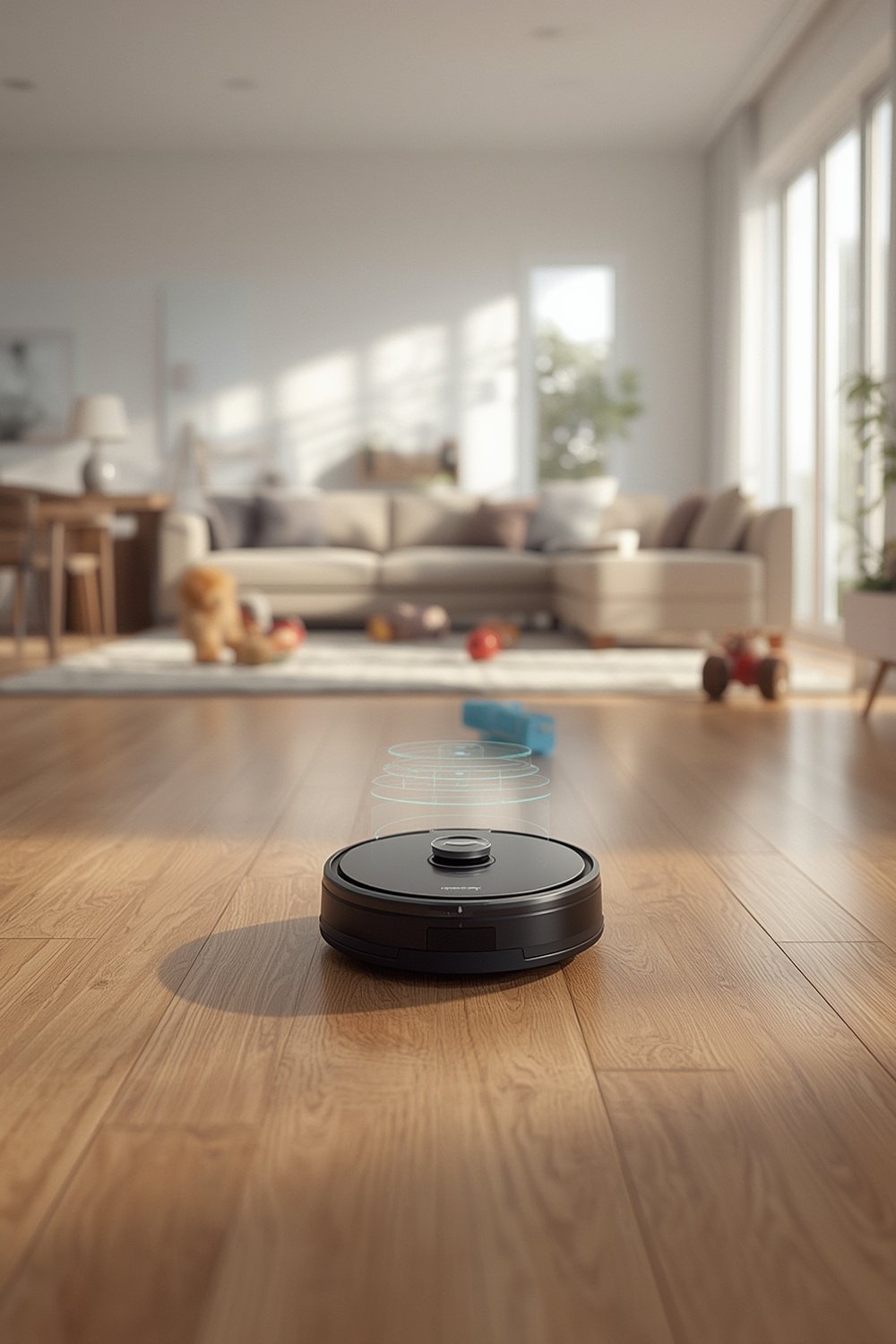
Why does this matter? In 2024, the robotic vacuum cleaner market is valued between USD 7.4 and 9.9 billion, and the premium share—where 3d mapping and AI are standard—is growing fastest. According to Global Market Insights, over 60% of new models launched in 2023 used LiDAR and 3D mapping. This means most high-end robot vacuums now offer advanced features to justify their higher price tags.
Still, the real appeal is reduced manual intervention. You can set virtual boundaries, tell your robot to clean specific rooms, or adjust cleaning for carpets versus hard floors—all from your phone. For those seeking even deeper home automation, integrating a predictive home automation system can further streamline the smart cleaning process.
Step-by-Step Guide: Maximizing Your 3d Mapping Robot Vacuum’s Performance
Optimizing a 3d mapping robot vacuum requires more than just pushing “start” in the app. Here’s how to reliably unlock the full benefits and avoid the most common setup mistakes.
- Designate permanent docking locations for each floor. If your home is multi-story, install a dock on every floor. Consistent dock placement allows the robot to identify its current map and return “home” without confusion.
- Clear the floor for the first mapping run. Remove cables, small clutter, and low-height obstructions (pet bowls, toys). This ensures the initial map is clean, and helps the robot classify zones and obstacles accurately.
- Check for sensor obstructions. Gently wipe the LiDAR dome and all windows before mapping. Dust or smudges cause mapping errors, missed areas, and ghost obstacles.
- Connect to strong Wi-Fi on every floor. Consistent connectivity not only helps map uploads but also prevents map resets and app-control dropouts. If possible, extend your Wi-Fi or use mesh coverage in the farthest rooms.
- Set up virtual boundaries and no-go zones in the app. Use the mapping interface to exclude pet areas, clutter-prone zones, or thick rugs where the robot gets stuck. Test and fine-tune after a week of use.
- Schedule multi-room and per-room cleanings. Modern 3d mapping robot vacuums can be told to clean only the kitchen after dinner, or do a full house sweep twice a week. Take advantage of zoned cleaning for more control.
- Update firmware regularly. Major brands issue updates to refine SLAM algorithms, fix mapping bugs, and improve object recognition. Don’t skip these, but back up your preferred settings before starting updates.
- Monitor for map drift or confusion. If your robot ignores zones, gets lost, or starts creating overlapping maps, try deleting and remapping only the affected floor instead of a total reset.
Some models allow you to customize 3D rendered room views, while others use simple 2D mapping. If smart home integration matters, ensure your robot supports your assistant or controller of choice. To further lower your energy costs, consider pairing your cleaner with a smart plug with energy monitoring for cost tracking and automation routines.
Finally, manage expectations. Even top-tier models may require human intervention for stairs, narrow gaps, or new floor layouts after renovations.
Advanced Analysis and Common Pitfalls of 3d Mapping Robot Vacuum Models
Despite their smart features, even the best 3d mapping robot vacuum models have limitations. Here’s what users most often report, plus a direct side-by-side comparison of typical 2023–2024 LiDAR models from major brands.
Typical User Complaints and Pain Points
- Navigation errors: Robots may get stuck on transitions, fail to recognize dark, glass, or low-reflectance objects, and sometimes confuse similar rooms or overwrite maps. Bright sunlight or mirrors can cause “ghost” obstacles.
- LiDAR limitations: The sensor tower adds height, preventing cleaning under low sofas. Dust or smudges on the LiDAR window degrade mapping. Firmware or app updates can wipe out maps unexpectedly.
- Multi-floor map issues: Automatic floor recognition still fails on some models if floors look alike or if the robot starts away from its dock. Most models require manual selection for each floor and max out at 3–5 maps saved.
- Edge and carpet performance: Some high-end robots disappoint with weak edge cleaning or carpet boost that does not match claims, especially when compared to their premium price.
- Maintenance costs: Owners often complain about frequent bag/brush replacement, dock noise, or recurring filter costs. Total cost of ownership is rarely discussed before purchase.
- Privacy ambiguity: With AI robots collecting spatial and sometimes visual data, there’s little transparency about where this data is stored and how it’s used.
| Spec / Feature | Typical 2023–2024 LiDAR Flagship Range | Notes |
|---|---|---|
| Mapping technology | LiDAR + SLAM; some add 3D structured light or RGB camera | SLAM with room segmentation and map editing [source] |
| Mapping accuracy | Within a few cm for walls/obstacles (not standardized) | No unified metric across brands |
| Multi-floor capacity | 3–5 floors typically; some allow up to 10 | User-configurable zones/rooms per map |
| LiDAR sensor | 360° spinning, 6–8 m range, real-time SLAM | Flagships may add 3D AI sensors |
| Obstacle avoidance | 3D AI recognition on recent models | Key differentiator, major focus in 2024 [source] |
| Suction power | 4000–8000 Pa (high end) | Asian brands often higher, Western brands emphasize brush design |
| Battery/runtime | 4000–5200 mAh, 120–200 minutes per charge | 100–300 m2 on standard mode |
| Self-emptying docks | Standard on flagship; optional mid-range | Some clean mop pads and refill water |
| App features | Room/zone naming, schedules, multi-floor, 3D view | Voice and smart home integration is typical [source] |
Market competition focuses on feature checklists, but standardized mapping benchmarks and lifecycle costs remain rare in both product listings and buyer guides. Want a deep dive on mapping advancements? See our research on robot vacuums with 3D mapping & multi-floor intelligence for a technical look at recent breakthroughs.
Lastly, always consider real-world obstacles in your own home. Even a top-spec model can struggle if Wi-Fi weakens on your upper floor or if your cleaning routines exceed the map/floor cap built into the app.
Conclusion
A modern 3d mapping robot vacuum delivers smarter navigation, hands-free cleaning, and multi-floor support—when set up thoughtfully and maintained regularly. Recognize the limitations, compare costs over time, and protect your privacy by reviewing each model’s data policies. For those committed to a smarter, more autonomous home, these robots are a powerful investment—and will keep improving with each generation.
Ready for a smarter clean? Explore our guide to predictive automation in connected homes or compare the best premium vacuums before you buy.
FAQ
What makes a 3d mapping robot vacuum better than classic models?
LiDAR-based 3d mapping robot vacuums create precise maps using lasers, enabling much smarter navigation. They clean more efficiently, avoid missed spots, and require less manual intervention compared to bump-or-camera-only models.
Do I need a dock on every floor for multi-floor mapping to work?
Although some vacuums can function with one dock, for truly seamless multi-floor operation, it’s best to place a dock on each floor. This allows the vacuum to reliably identify its environment and auto-select the correct cleaning map.
Can these robots clean in the dark or under furniture?
3d mapping robot vacuums use lasers, which work regardless of ambient light, so cleaning in the dark is fine. However, the height of the LiDAR sensor tower usually prevents them from reaching under very low furniture.
How secure is the mapping data collected by my robot?
Security practices vary by brand. Some store maps locally on the device, others upload to the cloud for processing. Check privacy policies to understand where your mapping or camera data is stored and whether it’s used to train AI features.
What ongoing maintenance costs should I expect?
Expect to buy replacement dust bags (if self-emptying), filters, and periodically new side brushes or mop pads. These costs add up, especially on premium models. Battery life may degrade after 2–3 years, impacting runtime.