

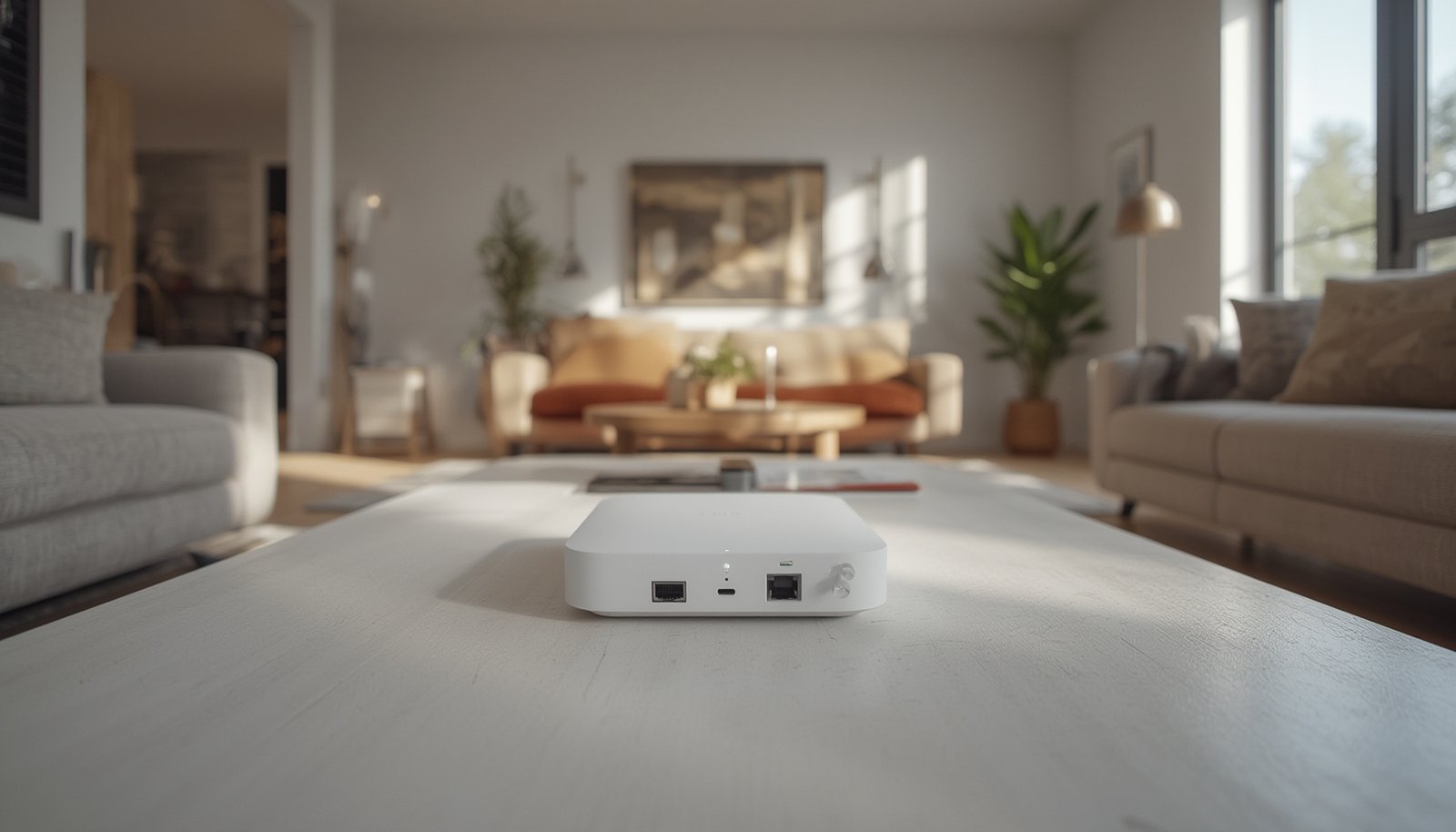
Looking for the best way to future-proof your smart home? The matter smart home hub is now at the center of connected living, redefining how all your devices communicate seamlessly across brands.
Key Takeaways
- Matter smart home hubs ensure reliable interoperability between top brands, supporting Alexa, Google Home, Apple HomeKit, and more.
- The market is growing rapidly with Matter/Thread-enabled hubs pushing global smart home adoption, but device compatibility and privacy implementations still vary.
- Many comparison guides overlook key aspects like security, subscription costs, and real-world integration pitfalls—know what to expect before buying.
- What Is a Matter Smart Home Hub and Why It Matters
- Step-by-Step Guide: Setting Up and Maximizing Your Matter Smart Home Hub
- Advanced Analysis and Common Pitfalls With Matter Hubs
- Conclusion
- FAQs
What Is a Matter Smart Home Hub and Why It Matters
A matter smart home hub acts as the “universal translator” for your smart devices, allowing products from Apple, Google, Samsung, Amazon, Ikea, and many others to communicate under a single, secure standard known as Matter. Before Matter, users were forced to choose a platform and stick with it—frustrating for anyone owning devices from different brands. With Matter-enabled hubs, device compatibility dramatically improves, automations become easier, and ecosystem lock-in is nearly gone.

The Matter protocol uses open-source standards, focusing on security, local control, and reliability. Since the release of Matter 1.3 in May 2024, the scope of compatible devices has expanded to include advanced water-control, energy reporting, and more, thanks to major brands integrating Matter into their smart home lines.[source]
Platform and ecosystem hubs, like those from Samsung and Apple, accounted for nearly half of the market’s revenue in 2024. Thread/Matter-based systems are showing the highest growth rates, especially in North America and Asia-Pacific, with forecast Compound Annual Growth Rates (CAGR) exceeding 17% through 2030.
For those who want hassle-free, brand-agnostic smart home automation, a matter smart home hub is now a must-have foundation.
Step-by-Step Guide: Setting Up and Maximizing Your Matter Smart Home Hub
Setting up a matter smart home hub isn’t as “plug and play” as it sounds on the packaging. Here’s how to get started and get the most from your investment:
- Inventory your existing devices
Before adding a matter smart home hub, list all your smart plugs, lights, thermostats, and sensors. Use a compatibility checker to see which are already Matter-ready or can be firmware-upgraded. If you’re adding smart plugs to track energy, check out this guide to smart plugs with energy monitoring. - Choose the right hub
Top options in 2026 include hubs by Samsung, Apple, Google, and Amazon. Most are updated automatically for Matter compliance, but check for Thread radio support. Ikea and Aqara are also rolling out expanded support. Don’t forget to review official documentation and look for the Matter and Thread logos on packaging.[source] - Physical and network setup
Place your hub in a central, open location. Connect via Ethernet for maximum reliability or use strong Wi-Fi (preferably with support for both 2.4 GHz and 5 GHz bands). Avoid stacking electronics, as interference from TVs or microwaves can disrupt Zigbee, Wi-Fi, and Thread mesh signals. - Add your devices
Pair compatible devices one at a time, using the QR codes or NFC tap setup wherever possible. Prioritize Thread and Matter devices first—they’ll work together with less troubleshooting. For older Zigbee or Z-Wave gadgets, consider using a Matter bridge. For a deep dive into bridges, review this guide on Matter bridge devices. - Automate and test
Set up basic routines (lights, climate, locks). Push the limits with scenes and energy-monitoring, which were added in Matter 1.3. Test everything thoroughly—some automations may require firmware updates on devices. - Tighten privacy and security
Review the privacy and security settings in your hub’s app. Matter supports local control, but edge-AI hubs offer even stronger privacy by processing automations locally.[source] Turn off unnecessary analytics or cloud integrations if maximum privacy is a concern.
- If you want your lighting setup to be cross-brand and future-proof, explore this action plan for smart lighting.
After initial setup, gradually expand your network—start small with plugs, sensors, then branch into lighting, locks, and climate. If you need powerful routines, look for hubs that support edge AI features for predictive automation. For actionable tips on predictive automation, see this predictive home automation guide.
Advanced Analysis and Common Pitfalls With Matter Hubs
Unfortunately, not every matter smart home hub experience is smooth. While Matter aims for “works with everything,” real-world use can expose several issues.
Typical Challenges & Pitfalls
- Incomplete device compatibility—Some older Zigbee/Z-Wave or Wi-Fi-only devices need a Matter bridge, adding cost and setup headaches.
- Inconsistent app controls—Not all hubs support every Matter feature in their mobile apps; advanced automations like scenes or energy metering may lag behind firmware updates.
- Network interference—Wi-Fi and Thread use overlapping frequencies; microwave ovens, baby monitors, and crowded Wi-Fi can disrupt performance, especially in larger homes.
- Security concerns—Many people overlook the importance of local-only processing. Cloud-based integrations can create privacy risks; always check if your hub supports on-device automation and offers regular firmware updates to patch vulnerabilities.[source]
- Hidden subscription fees—While most Matter hubs avoid monthly charges, premium automations, camera storage, or add-on AI features may require paid upgrades—always check before investing.
| Feature | Matter 1.3 Hubs (2025-2026) | Older Smart Hubs |
|---|---|---|
| Brand Interoperability | Excellent (Apple, Google, Amazon, Samsung, Ikea, Philips) | Variable, often siloed |
| Thread/Edge AI Support | Full (growing by 17%+ CAGR) | Limited/none |
| Subscription Fees | Rare, but possible for add-ons | Often require cloud plans |
| Security Updates | Regular, protocol-level | Spotty, app-specific |
| Automation Scene Support | Yes (with 1.3 release) | Basic/brand-limited |
If you’re building a home network with multiple protocols, see this Thread-specific setup guide (Thread border router for smart home) to avoid compatibility issues.
User complaints about matter smart home hubs are still sparse, but major issues like lack of detailed technical documentation, hidden recurring fees, and uncertain firmware support are frequently overlooked in mainstream reviews.
Conclusion
Choosing the right matter smart home hub can streamline your entire smart ecosystem, but buyers should proceed with open eyes. Prioritize device compatibility, check for true local processing, and always double-check for hidden fees or outdated protocols. The matter smart home hub is quickly becoming essential for anyone serious about connected living—and starting small while planning for growth will yield the best long-term results.
Ready to transform your home? Make sure your next upgrade includes a certified matter smart home hub—your future-proof foundation starts here.
FAQs
What is the biggest benefit of a matter smart home hub?
The biggest benefit is seamless device interoperability regardless of brand, so you’re no longer locked into a single ecosystem like Alexa, Google, or Apple.
Can older smart devices work with a matter smart home hub?
Some older devices (especially Zigbee or Z-Wave) can work if you use a compatible Matter bridge. Not all legacy devices can be updated, so always check your device’s specs before purchasing a hub.
Are there subscription fees for matter smart home hubs?
Most leading hubs do not require subscriptions for basic automation. However, premium features or advanced cloud integrations may have costs. Always verify before buying.
How secure are matter smart home hubs?
Matter hubs are designed for strong security and privacy, emphasizing local (non-cloud) automation when possible. Choose models that support regular firmware updates and offer privacy-focused local processing.
Do all major platforms support Matter?
As of early 2026, yes—Amazon Alexa, Google Home, Apple HomeKit, and Samsung SmartThings are all compatible with Matter via updated hubs and apps.