

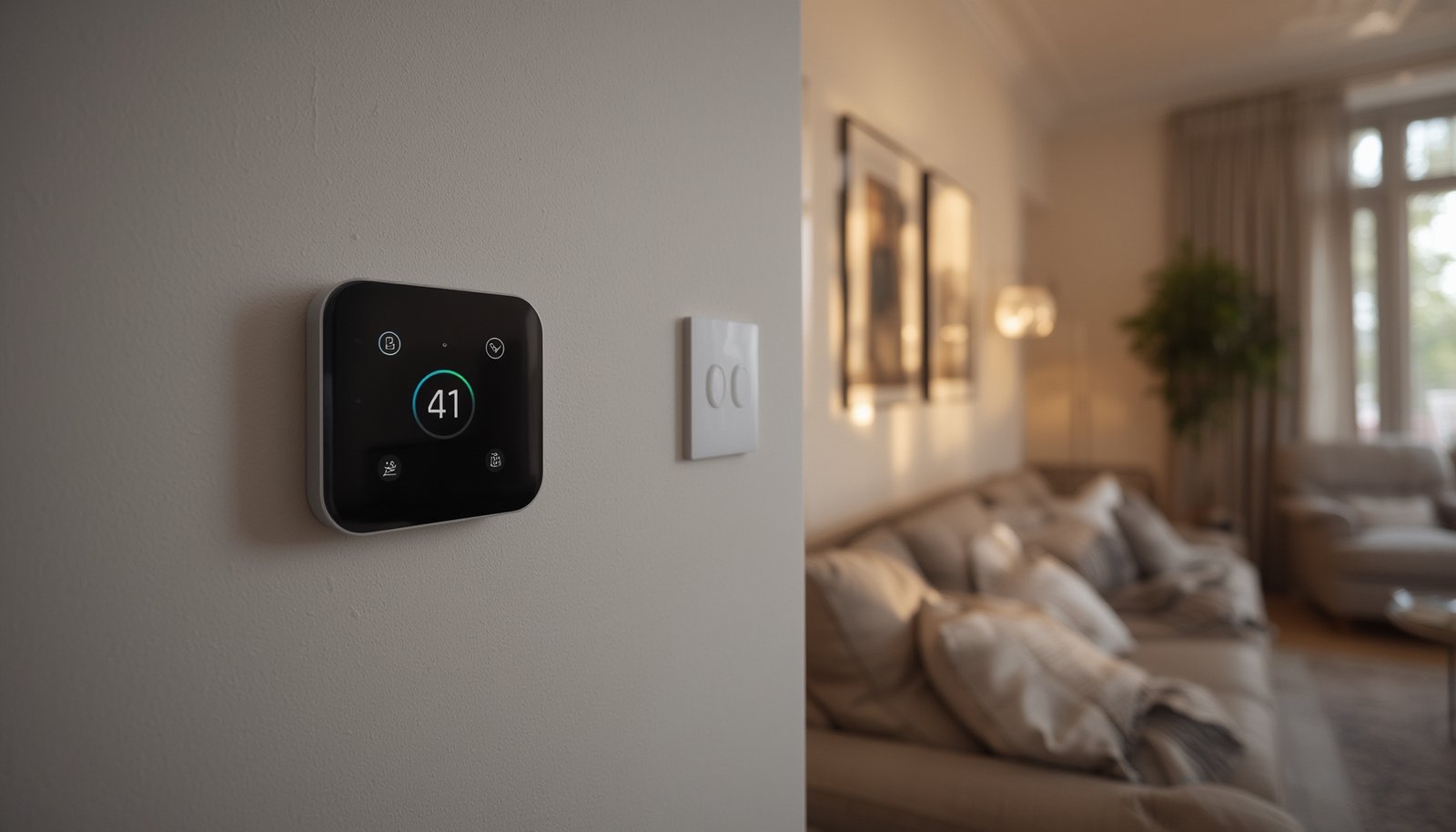
AI home automation is changing how we live, eliminating frustrating manual setup and giving homeowners smarter, more adaptive control over everything from lighting to cleaning and security. But making sense of this rapidly evolving field—and doing it right—can mean the difference between endless tinkering and true hands-off comfort.
Key Takeaways
- AI home automation uses machine learning and predictive algorithms to adapt routines, saving energy and boosting comfort compared to rule-based systems.
- Real-world challenges include device compatibility, privacy, unclear cost structures, and the need to avoid overcomplicating your setup.
- Platforms like Google’s generative AI, LG’s ThinQ robots, and enhanced AI vacuum cleaners are setting new standards for smart living.
- What Is AI Home Automation and Why Is It a Game Changer?
- Step-by-Step Guide: How to Set Up Practical AI Home Automation
- Advanced Analysis & Common Pitfalls in AI Home Automation
- Conclusion
- FAQ
What Is AI Home Automation and Why Is It a Game Changer?
AI home automation goes beyond basic timers and old-school scheduling. Instead of manually setting “if this, then that” rules for every light or appliance, AI-powered systems use real-time data, sensors, and machine learning to automate—and personalize—your home experience. Imagine a home that recognizes your habits, adjusts temperatures based on the weather, or adapts to energy prices without your input.

The global smart home automation market is booming, projected to reach over 168 billion USD by 2026 as artificial intelligence becomes the backbone of convenience and efficiency. AI features—like predictive analytics and natural language processing—now power everything from robot mops to smart thermostats, reducing manual effort and making homes more responsive than ever before.
Today’s top AI home automation technologies adapt in real time: robot vacuums map rooms on their own, security systems filter false alerts, and lighting systems mimic your natural routines. This shift means you no longer have to micromanage routines or navigate confusing device rules. For more on how predictive features integrate, see our guide to predictive home automation.
Step-by-Step Guide: How to Set Up Practical AI Home Automation
Bringing AI home automation into your living space doesn’t require a degree in engineering. Here’s a simple, realistic path to start enjoying hands-off comfort and efficiency:
- Identify Real-Life Routines to Automate: List everyday tasks—heating schedules, lighting, cleaning, or even mail/package alerts. Focus on your most repetitive pain points first.
- Choose AI-Ready Hubs or Ecosystems: Select platforms with proven AI features, like Google Home (generative script automation), LG ThinQ (robotic learning), or robust multi-brand support via voice assistants such as Alexa and Siri [source].
- Integrate Core Devices: Start small with a few compatible devices—AI-enabled thermostats, learning robot vacuums, or biometric locks. Make sure each offers learning algorithms, not just schedules or basic sensors.
- Activate AI Routines: Enable adaptive features like usage pattern learning, energy optimization, and voice-driven rules. Many platforms now let you set goals instead of programming rules (e.g., “reduce my bill” or “max comfort 7am–8pm”).
- Test, Monitor & Adapt: Use dashboards to track energy savings, cleaning coverage, temperature swings, or security alerts. Adjust goals or permissions as your needs change.
- Stay Private & Interoperable: For privacy, consider hybrid or local-processing devices that minimize cloud data usage. For device compatibility, look for Matter-compatible smart home devices—these bridge brands and help future-proof your ecosystem.
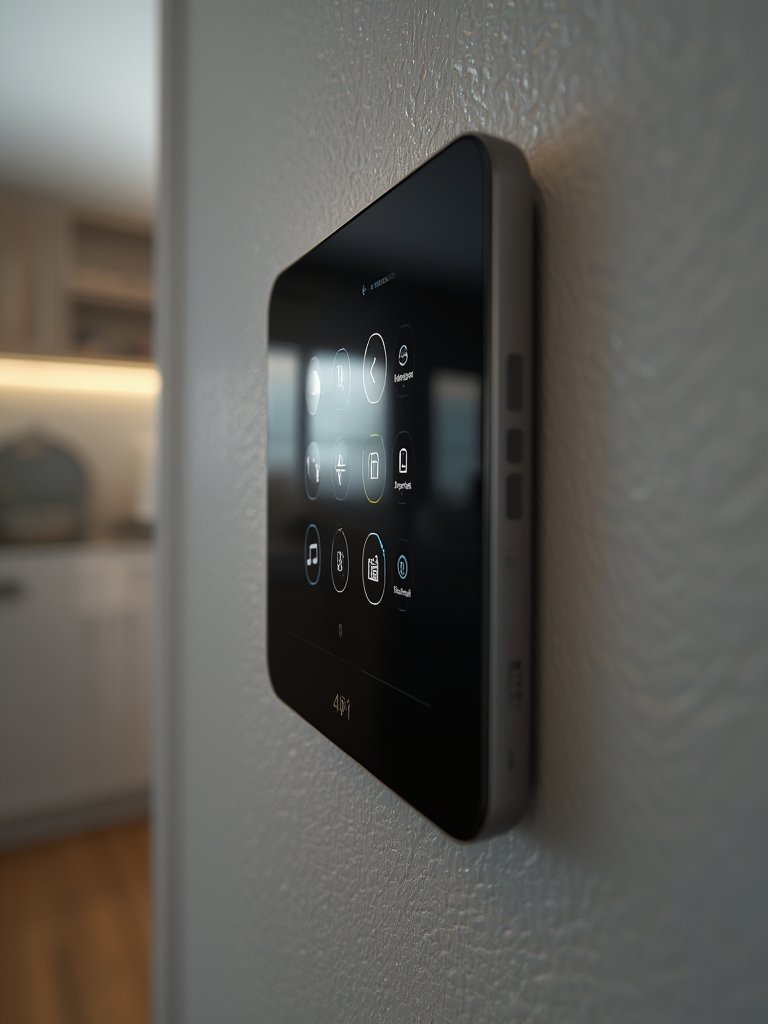
Be sure to monitor your energy and cost savings as you go. AI-driven devices like smart thermostats have helped fuel the jump from under $3 billion in 2017 to over $17.5 billion in the energy management segment by 2027 [source]. To compare savings in real-time, try adding smart plugs for energy monitoring as part of your setup.
Advanced Analysis & Common Pitfalls in AI Home Automation
AI home automation can deliver powerful results—but only when you avoid common traps. Here are the realistic issues early adopters and even experienced users face:
| Challenge | Old Rule-Based Automation | AI Home Automation |
|---|---|---|
| Setup & Maintenance | Manual rules for every scenario; time-consuming to update and troubleshoot. | Mostly hands-off, but can become confusing if AI routines are opaque or not well documented. |
| Device Compatibility (Interoperability) | Frequent issues requiring bridging apps or hardware; brand lock-in is common. | Still a problem—AI helps automate between brands, but not all platforms support this. Look for smart home interoperability upgrades. |
| Privacy/Data Security | Most operations local; risks tied to network or cloud exposure are less nuanced. | AI platforms often require more data, from voice and cameras to utility usage. Even vendors acknowledge a tradeoff: better features can mean more cloud uploads. For high privacy, opt for local AI security cameras and local-processing hubs. |
| Costs (Upfront & Ongoing) | Basic devices are often cheaper, but less convenient and more energy-wasteful long term. | AI systems may require premium devices or subscriptions; real-world cost differences are not always transparent at purchase—consider all-in ownership before committing. |
| Reliability | Simple logic means fewer surprises, but also less adaptability. Quickly breaks if schedules change. | AI automations adapt to new routines and outliers but may misinterpret intent or become “creepy”—especially if routines trigger at odd times or with incomplete data. |
One surprising pitfall with the latest AI home automation gear is loss of direct control. Many users find that if they set up too many routines—or if the AI is too aggressive—they lose touch with what their home is doing and why. Always balance automation with transparency: use dashboards that make AI decisions visible and adjustable.
Another concern is vendor lock-in. Some major platforms use algorithms as a “walled garden”: adding outside devices or exporting routines is difficult. Choose AI platforms with proven interoperability, open standards, and clear privacy settings.
Conclusion
When used correctly, AI home automation saves time, lowers bills, and brings a new level of personalization and comfort to daily life. The landscape is rapidly evolving, so start small, monitor your privacy, and be strategic: focus on one or two high-impact routines, watch for cost transparency, and pick open, AI-ready platforms. Want to make the most of your smart home—or have questions about the best way to start? Explore our hands-on comparison guides and start building the intelligent home you really want today!
FAQ
What’s the real difference between AI home automation and rule-based automation?
AI home automation uses machine learning and real-time data to adapt routines automatically, while rule-based automation requires you to specify “if this, then that” rules for every scenario. AI systems can anticipate needs and adjust actions proactively.
Does AI home automation cost more than traditional setups?
AI-powered devices often have a higher upfront price and may require ongoing subscriptions for premium features. However, energy and time savings can offset these costs over the long term.
What are the biggest privacy risks with AI-powered smart homes?
AI platforms gather more data—voice, video, energy usage—often stored in the cloud. Choose platforms offering local AI processing or clear privacy controls to minimize exposure.
Can I combine AI devices from different brands?
With platforms supporting open standards like Matter or bridging apps, cross-brand AI home automation is increasingly possible. Always check compatibility and future update support before purchasing.
What should I automate first for the biggest impact?
Focus on frequent, repetitive tasks like climate control, lighting scenes, security alerts, or cleaning routines. Start with one routine and expand as you measure results and comfort.