

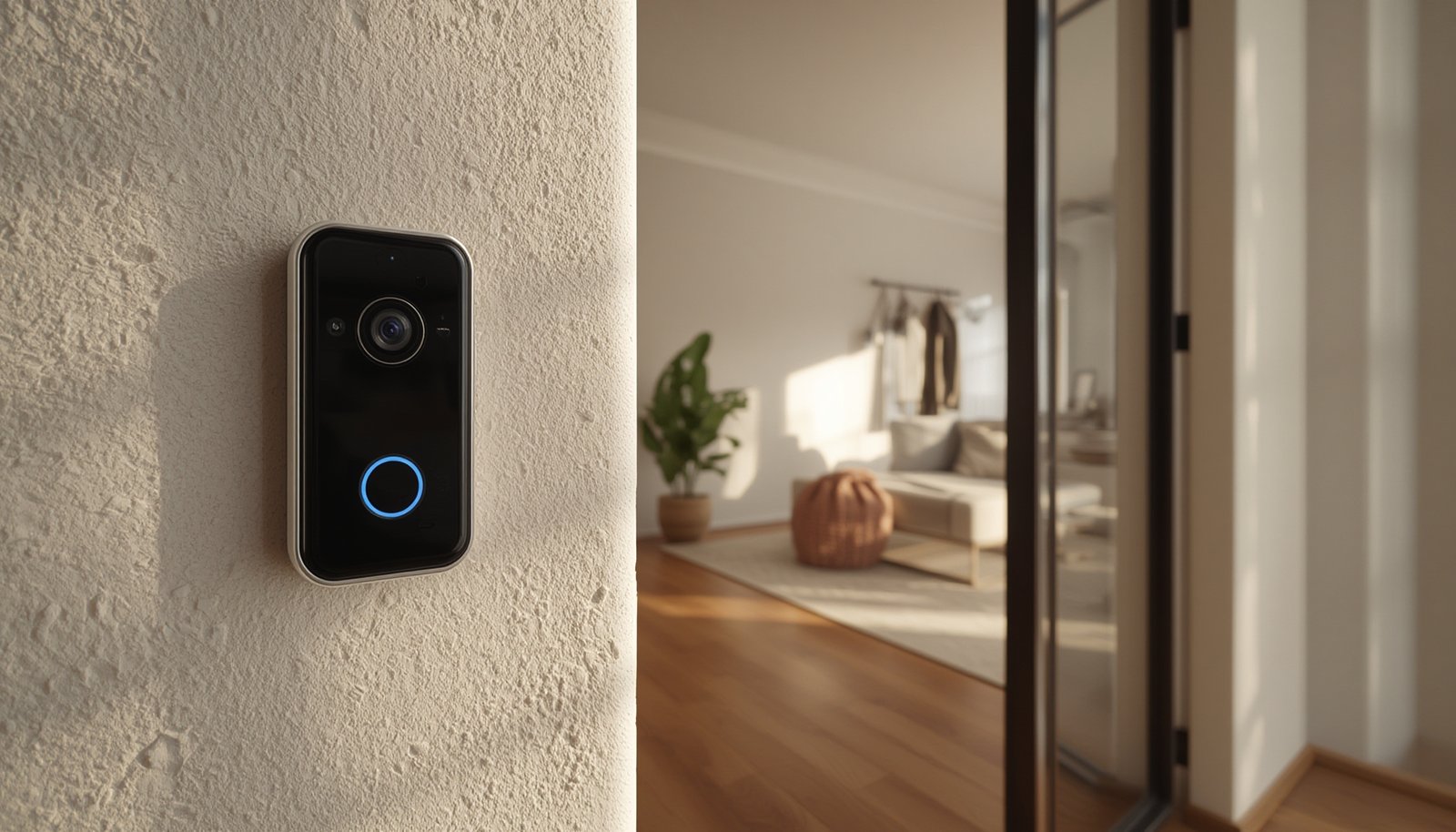
doorbell camera without subscription options are rapidly gaining attention among homeowners who want to avoid recurring monthly fees and maximize their privacy. This guide will help you navigate the growing (but sometimes confusing) world of no-subscription video doorbells for 2024.
Key Takeaways
- You can buy a reliable doorbell camera without subscription and still get high-definition video, smart alerts, and integrations with Alexa, Google Home, and Apple HomeKit.
- No-subscription doorbells cost slightly more upfront but save you a lot over time if you don’t want to pay monthly for basic video history.
- Watch for realistic downsides like storage management, possible loss of footage if stolen, and sometimes weaker app integration compared to major subscription brands.
- Doorbell Camera Without Subscription: What & Why
- Step-by-Step Guide: Choosing and Setting Up a Doorbell Camera Without Subscription
- Advanced Analysis & Common Pitfalls
- Conclusion
- FAQ
Doorbell Camera Without Subscription: What & Why
doorbell camera without subscription are video doorbells that store security footage locally (via microSD, NVR, or home hubs) or—much less often—offer a capped chunk of free cloud history. They let you see, record, and be notified about visitors or packages with no monthly fee required for the standard features. These models work well for buyers focused on:
- Privately owning their video history: All footage is stored at your house, not on a vendor’s server by default.
- Saving money: You pay once for hardware instead of paying $5–$20 every month for a basic feature like event storage or AI alerts.
- Reducing cloud exposure: Local storage means less risk of 3rd-party access or privacy concerns—something that mainstream guides like Consumer Reports highlights as a major plus.
This option is growing in demand but is still a niche compared to subscription-first mainstream solutions like Ring, Google Nest, Wyze, and Arlo. Top no-subscription contenders for 2024 include Eufy, Aqara, Reolink, TP-Link (Tapo), and Lorex, all of which focus on local or hub-based storage to eliminate mandatory plans. For a broader discussion of how local AI processing and privacy are trending, see Local AI Security Cameras: 7 Best Proven Ways to Maximize Privacy and Local Processing.
Step-by-Step Guide: Choosing and Setting Up a Doorbell Camera Without Subscription
- Prioritize your needs and constraints. Decide if you want:
- MicroSD local storage (simple, but check card compatibility and size—128GB, 256GB, or 512GB support varies).
- Hub/NVR (Eufy HomeBase or Aqara Hub): Adds security but is more complex.
- Apple HomeKit Secure Video: Requires iCloud but not a device-brand subscription.
- Compare hardware features. Make sure your chosen model is wired or battery-powered to fit your door/wiring. Check video resolution (most leading no-subscription models are 2K or 5MP). See if it supports basic person/animal/package notifications locally.
- Check storage management & retention. Confirm:
- How many days/hours of video are kept before automatic overwrite (see vendor estimates by card size and recording mode).
- The process for exporting clips—especially if you need to save clips for evidence after an incident.
- Decide on cloud optional features (if any). Most no-subscription doorbells do not provide free unlimited cloud clips. Some restrict extended AI or backup features to optional paid plans (Good Housekeeping explains these tiers and hidden costs).
- Integrate with smart home systems. For Alexa, Google Home, or HomeKit routines, verify direct support to avoid headaches—smaller brands often have basic integration, but the “polish” can vary.
- Install and test. Place your doorbell where Wi-Fi is strong. Avoid major metal obstructions. If wired, consider using professional installation to avoid power or chime issues.
Want to maximize overall security, not just recordings? Check out Integrated Smart Home Security Systems: 7 Proven Best Ways to Secure Your Home and Reduce Costs for a holistic approach.
Advanced Analysis & Common Pitfalls
Even the best doorbell camera without subscription requires careful planning. Here’s what usually trips users up, plus a comparison of real-world feature gaps:
- Setup Frustrations: Local-first models often require you to pair with a hub (like Eufy HomeBase) or insert and format your own microSD. Bluetooth pairing, Wi-Fi configuration, or smart home linking can be tricky—especially on brands with less refined apps or poor documentation.
- Video & Storage Limitations: Card-based systems only retain footage until the card is full. Cards should be replaced every 1-3 years if used heavily. Reolink, Lorex, and TP-Link models support up to 512GB, but exact days of retention depend on video settings. If your device is stolen, all video may be lost unless you have off-site backup.
- AI & Notifications: Human/motion detection usually runs locally, but advanced object recognition (like face ID or package distinction) may be less accurate—or missing—versus cloud-only competitors.
- Hidden Costs: You may need to buy your own high-endurance microSD (often not included), and optional hubs or extra chimes for HomeKit/Google compatibility can raise up-front price.
- App/Ecosystem Gaps: Smaller and new brands sometimes deliver slower or less reliable app updates, meaning notifications and video access can lag compared to top cloud brands.
| Feature | No-Subscription Models (Eufy, Aqara, TP-Link, etc.) | Subscription-Centric Models (Ring, Nest, Arlo, etc.) |
|---|---|---|
| Upfront Cost | Mid to high; often $120–$200 with storage included | Low entry price; $60–$120, subscription usually assumed |
| Ongoing Fees | None for video storage and basic notifications | $3–$20/month to unlock full features and recording |
| Video Quality | Often 2K or 5MP; storage-dependent | Mostly 1080p; 2K models may require higher subscription tier |
| AI Detection | Local; basic object/people detection; advanced features sometimes extra | Advanced, updated in the cloud; better accuracy, more analytics |
| Cloud Storage | Usually none; possible event thumbnails only | Full-length events and history with subscription |
| Privacy/Ownership | Full local control, risk if device is destroyed | Cloud vendor holds footage; risk of data breach or access |
If you’re also looking for ways to beat package theft, consider reading Package Theft Detection Camera: 7 Proven Best Ways to Secure Your Porch From Thieves for more specialized AI solutions.
Conclusion
In summary, a doorbell camera without subscription can deliver top-tier video, privacy, and smart notifications for one up-front price—if you choose wisely and understand trade-offs. Pay careful attention to storage management, app/ecosystem reliability, and exactly which features are free or optional. If you want to optimize whole-home privacy and skip ongoing fees, a doorbell camera without subscription is a proven strategy for 2024. Ready to take control of your smart home security? Compare local-storage models today and cut out recurring fees for good.
FAQ
Can I still view video from my phone with a doorbell camera without subscription?
Yes, most leading no-subscription doorbells (like Eufy, TP-Link Tapo, Aqara) have free apps for live viewing and playing back recorded events. Local storage means video is saved at your home, but you still get mobile notifications and access (with proper setup).
How long can I store video locally without a monthly fee?
It depends on card size and quality settings. Common setups (128–256GB) store about 7–30 days of motion events. Continuous 24/7 recording fills up faster; 512GB can offer weeks of history in most cases. Cards overwrite oldest clips when full.
Will I lose video if my doorbell is stolen?
If there is no off-site backup (cloud or NAS), yes—you may lose all stored video. Some advanced setups allow for mirroring or local NAS backup; check your model’s options or export video regularly.
Do no-subscription doorbells work with Alexa, Google Assistant, or HomeKit?
Many of the best no-subscription doorbells now offer direct integration with Alexa and Google. Aqara supports HomeKit Secure Video, and several TP-Link and Eufy models support voice assistants for notifications or video streams.
How do these compare for privacy versus cloud-based models?
No-subscription systems give you more direct control—your footage stays at home, not on the manufacturer’s servers. However, you become responsible for physical and network security at your property.