

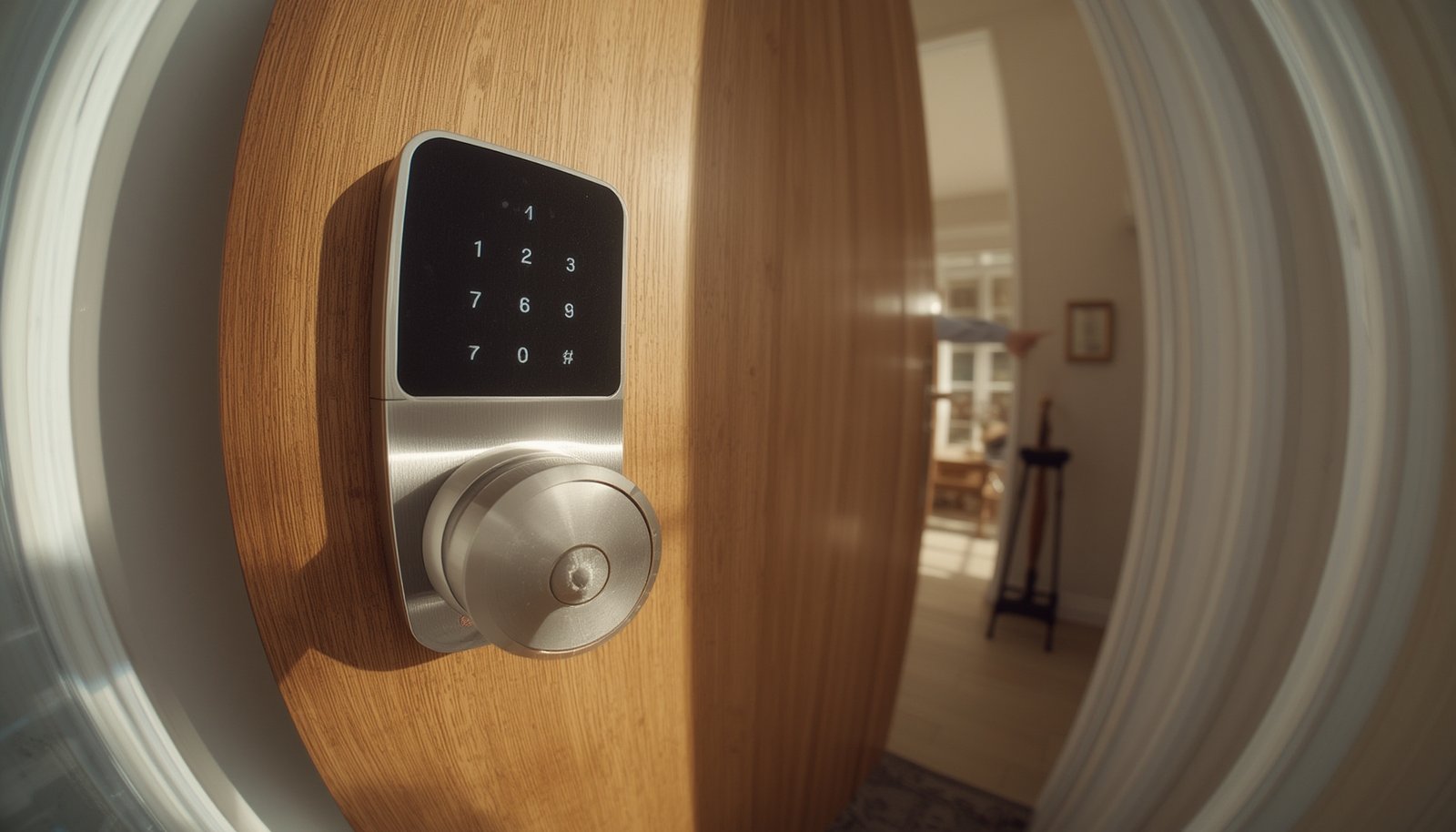
Offline smart locks are rapidly becoming the go-to option for homeowners who want smart security without the risks or headaches of always-on internet connectivity. These locks use Bluetooth and other local protocols for secure access, reduced cyber exposure, and increased reliability. If you’re tired of cloud-required devices and want robust access control that works whether your WiFi is up or down, this guide covers everything you need to know—including key pain points, expert installation steps, security standards, and hard-won tips rarely discussed elsewhere.
Key Takeaways
- Offline smart locks—mainly Bluetooth models—now lead the smart lock market, offering security without constant internet exposure.
- Users must pay close attention to installation, door alignment, battery management, and reliable local access workflows to avoid frustration.
- Choosing locks with strong mechanical and electronic certifications helps ensure robust protection without sacrificing offline simplicity.
- What Are Offline Smart Locks & Why Choose Them?
- Step-by-Step Guide to Successful Offline Smart Lock Use
- Advanced Analysis & Common Pitfalls for Offline Smart Locks
- Conclusion
- Frequently Asked Questions
What Are Offline Smart Locks & Why Choose Them?
Offline smart locks are electronic locks that operate without relying on constant WiFi or cloud connectivity. The most popular category is Bluetooth smart locks, which communicate directly with your smartphone or use a PIN keypad for entry, giving you modern access control while keeping your system isolated from the internet. Market research shows Bluetooth smart locks are now the single largest protocol type, holding about 35% market share in 2024—driven by users’ desire for offline access, reduced cyber risk, and straightforward phone pairing (Grand View Research; Emergen Research).
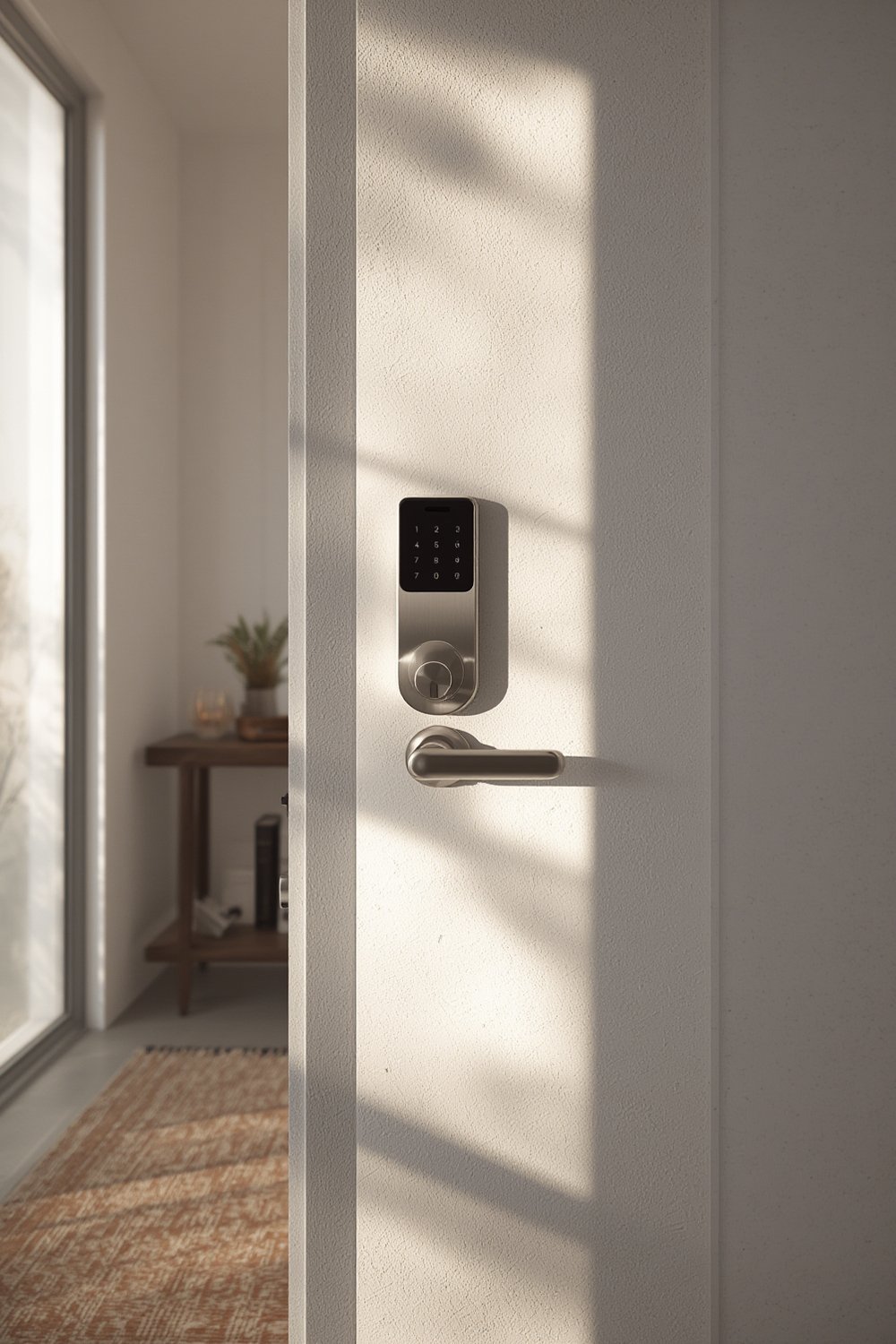
Why does this matter? Many homeowners, renters, and property managers want smart locks that work even when the internet—or cloud services—are down. They seek:
- Fewer vulnerabilities to remote hacks or outages
- No dependence on cloud accounts or third-party platforms
- Better privacy and local control
The market is responding: offline smart locks now dominate the entry and mid-price tiers and are growing at least as fast as, if not faster than, online models (source). That trend is part of a larger move toward privacy-first, resilient smart home tech. For a deeper dive into energy-saving smart home devices, check out our guide to smart plugs energy monitoring.
Step-by-Step Guide to Successful Offline Smart Lock Use
To get the best out of offline smart locks, it’s crucial to cover everything from product choice to ongoing maintenance. Here’s how to tackle the process without inviting future headaches.
-
- Choose the right model for your needs
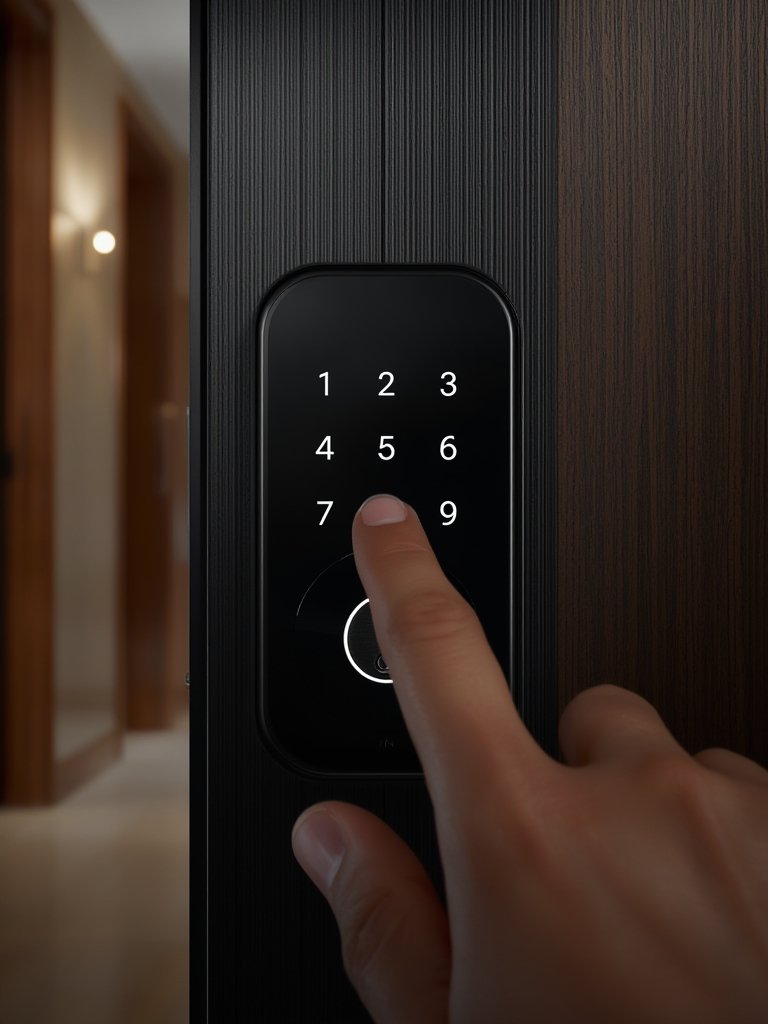
- Decide between keypad, fingerprint, or smartphone-app-only models.
- Look for mechanical certifications (ANSI/BHMA Grade 1 or 2) and stated support for AES-128 (or higher) Bluetooth encryption.
- If you plan to share access locally without WiFi, check the limits for PINs and phone e-keys—offline models often have lower caps than cloud-based WiFi versions.
- Choose the right model for your needs
- Prepare your door and tools thoroughly
- Check door alignment, backset, and thickness; use measuring tape to match the lock’s template.
- Have a drill, chisel, and appropriate screwdriver ready.
- Expect some minor carpentry, especially on older or warped doors.
- Install and calibrate the lock
- Carefully follow the lock’s template—improper fit is the most frequent complaint in offline smart lock reviews.
- Test the bolt movement by hand before powering on the lock.
- After final assembly, run the auto-calibration routine if available; adjust as needed for smooth bolt throw.
- Pair your devices and setup users locally
- Pair your smartphone via Bluetooth by following on-app prompts (ensure your phone’s Bluetooth version is compatible).
- Add users by generating e-keys or PINs—be aware PIN or e-key counts are sometimes capped on offline devices.
- Set up periodic reminders to update access codes and audit who has physical or phone-based access.
- Maintain regularly—batteries, firmware, and alignment
- Check batteries monthly. Extreme temperatures or heavy usage can cut back even a 12-month battery claim.
- Update firmware using the app while in Bluetooth range, if supported. This is crucial for security but is often user-initiated only on offline models.
- Lubricate the bolt every 6 months to prevent sticking, and check alignment seasonally—door frame movement is a major culprit in lock jams.
For integration ideas that work without big cloud dependencies, see our guide on predictive home automation.
Advanced Analysis & Common Pitfalls for Offline Smart Locks
Before you buy or upgrade, know the real-world challenges with offline smart locks—and how they stack up against online models. Here’s what users and experts caution about most.
| Issue | Offline/Bluetooth Smart Locks | WiFi/Cloud Smart Locks |
|---|---|---|
| Remote Hacking Risk | Very low; attacker must be physically nearby | Higher; exposed to internet vulnerabilities, API exploits, cloud breaches |
| Battery Life | Usually longer (no WiFi radio), but real-world life can be short in cold/high-traffic uses | Slightly shorter; WiFi uses more power |
| Firmware Updates | User-initiated, must be in Bluetooth range; many users forget—potential security lag | Often automatic, pushed via internet/cloud |
| Integrations | Typically limited to local phone/app; rare local smart home integrations | Broad cloud platform support (Alexa, Google Home, etc.) |
| Guest Access | Friction—must be physically close for setup; fewer temporary PIN options | Easy to add/remove guest access features remotely via app |
| Reliability during Internet Outage | Fully functional (as long as battery is good) | Most core functions work; remote features lost |
| Mechanical Issues | More sensitive to door alignment; poor fit causes jams or motor strain | Similar, but frequent remote resets may help diagnose issues |
| Documentation & Support | Often sparse or poorly translated (especially small/regional brands) | Wider support, clearer guides from major brands |
Common pitfalls reported in aggregate review data include unreliable auto-unlock features (phones may not always connect over Bluetooth), sharply reduced battery life in cold climates, and confusing local user management—especially when sharing access for short-term rentals, cleaners, or family beyond the primary household.
Additionally, many bloggers and review sites gloss over the specifics of offline cryptography, key rotation, and proximity-based attacks—yet, these are vital for buyers worried about physical relay attacks or Bluetooth hacking. Always ask for encryption specs (e.g., AES-128, BLE “LE Secure Connections”) and make sure the lock supports strong pairing methods. For those focused on biometric features, explore our review of biometric smart locks for another layer of authentication.
Conclusion
Offline smart locks deliver powerful, internet-free access control—with fewer vectors for remote hacking and better redundancy during outages. Yet, users must manage battery life, local user access, and precise installation with extra care. For cost, offline smart locks dominate the budget and mid-tier market, with WiFi versions adding a premium for remote features. Always check for mechanical and electronic certifications before buying. If you want reliable security and privacy, give offline smart locks a closer look—they can be a robust foundation for the home, especially as part of overall integrated smart security. Ready for higher security and fewer headaches? Start evaluating top-rated offline smart locks now, and future-proof your entryways.
Frequently Asked Questions
What is the main difference between offline smart locks and WiFi smart locks?
Offline smart locks operate without a constant internet connection, most commonly using Bluetooth for access. They offer increased physical security, simplified setup, and less exposure to remote hacking, while WiFi smart locks add convenience for remote access and device integrations but increase cloud and network dependencies.
Are offline smart locks more reliable during power outages or internet disruptions?
Yes. Offline smart locks continue to function as long as their internal batteries are good. They do not rely on WiFi or cloud, so even if your home internet goes down, you can still unlock the door using a phone or PIN, and most offer a traditional key backup.
Do offline smart locks support guest access features?
They do, but local access setup can be less flexible than cloud-based smart locks. Most allow you to program PINs or Bluetooth e-keys, but adding/removing users often must be performed locally (within Bluetooth range or at the lock) rather than remotely.
Should I worry about Bluetooth hacking with offline smart locks?
Bluetooh hacking is rare—an attacker must be physically close. However, always choose locks with strong security: look for BLE Secure Connections, AES-128 or better encryption, and reputable brands that offer firmware updates to patch vulnerabilities.
How much do offline smart locks cost in 2024?
Most mainstream offline smart locks cost between $80 and $250, with budget models around $60-120 and premium fingerprint-enabled models up to $250+. WiFi models typically cost $30-80 more for comparable features and certification.