

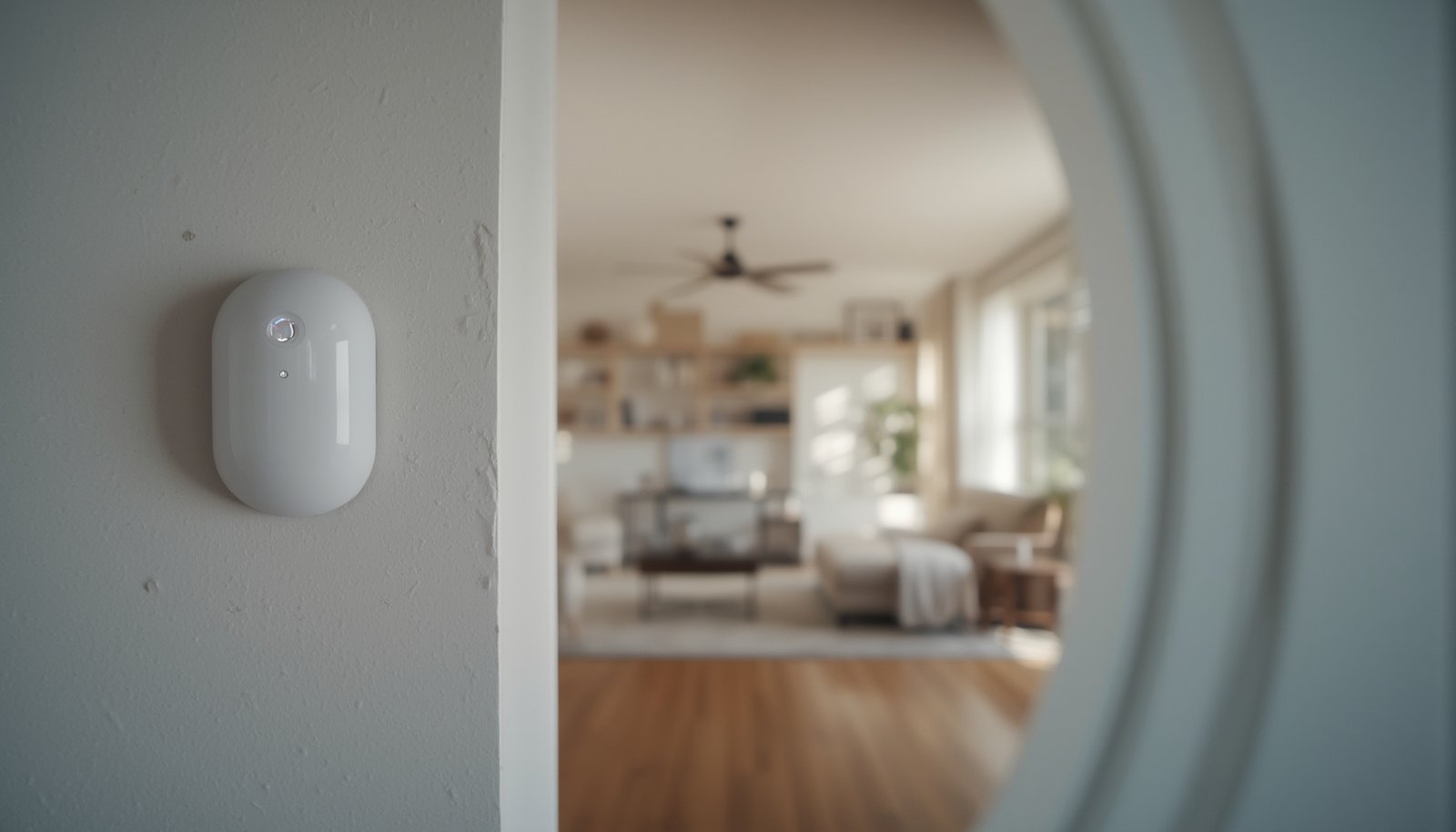
Smart light motion sensor technology is transforming how modern homes use lighting—delivering hands-off control, potential energy savings, and better accessibility. If you want lights that respond to your lifestyle, not just a timer, a smart light motion sensor can automate comfort and security as part of your smart home setup. But maximizing the benefits and avoiding common pitfalls requires more than just plugging in a device.
Key Takeaways
- Smart light motion sensors can cut energy waste, boost convenience, and increase home security—but only if installed and set up correctly.
- Next-gen features like LiDAR sensing and daylight harvesting enhance accuracy and customize lighting to your needs.
- Compatibility with your smart ecosystem and correct sensitivity settings are essential to avoid frustration and false triggers.
- What Are Smart Light Motion Sensors and Why Use Them?
- How to Install and Set Up a Smart Light Motion Sensor (Step by Step)
- Advanced Analysis and Common Pitfalls with Smart Light Motion Sensors
- Conclusion
- FAQ
What Are Smart Light Motion Sensors and Why Use Them?
Smart light motion sensors use advanced technology to automatically turn lights on or off when someone enters or leaves a room. Unlike simple mechanical timers, these sensors—often using technologies like PIR (passive infrared), LiDAR, or microwaves—detect movement, occupancy, and sometimes even ambient light levels. This ensures your spaces are only lit when needed, reducing energy waste. The global market for these sensors is booming, projected to reach $4.25 billion by 2031 as homeowners demand more energy efficiency and seamless smart home integration. According to Verified Market Research the increasing adoption is largely due to their ability to enhance both daily convenience and home security. Motion sensor night lights—a key segment for indoor applications—are also growing fast, driven by aging population needs and growing urbanization in regions like Asia-Pacific, which accounts for over 45 percent of global revenue.
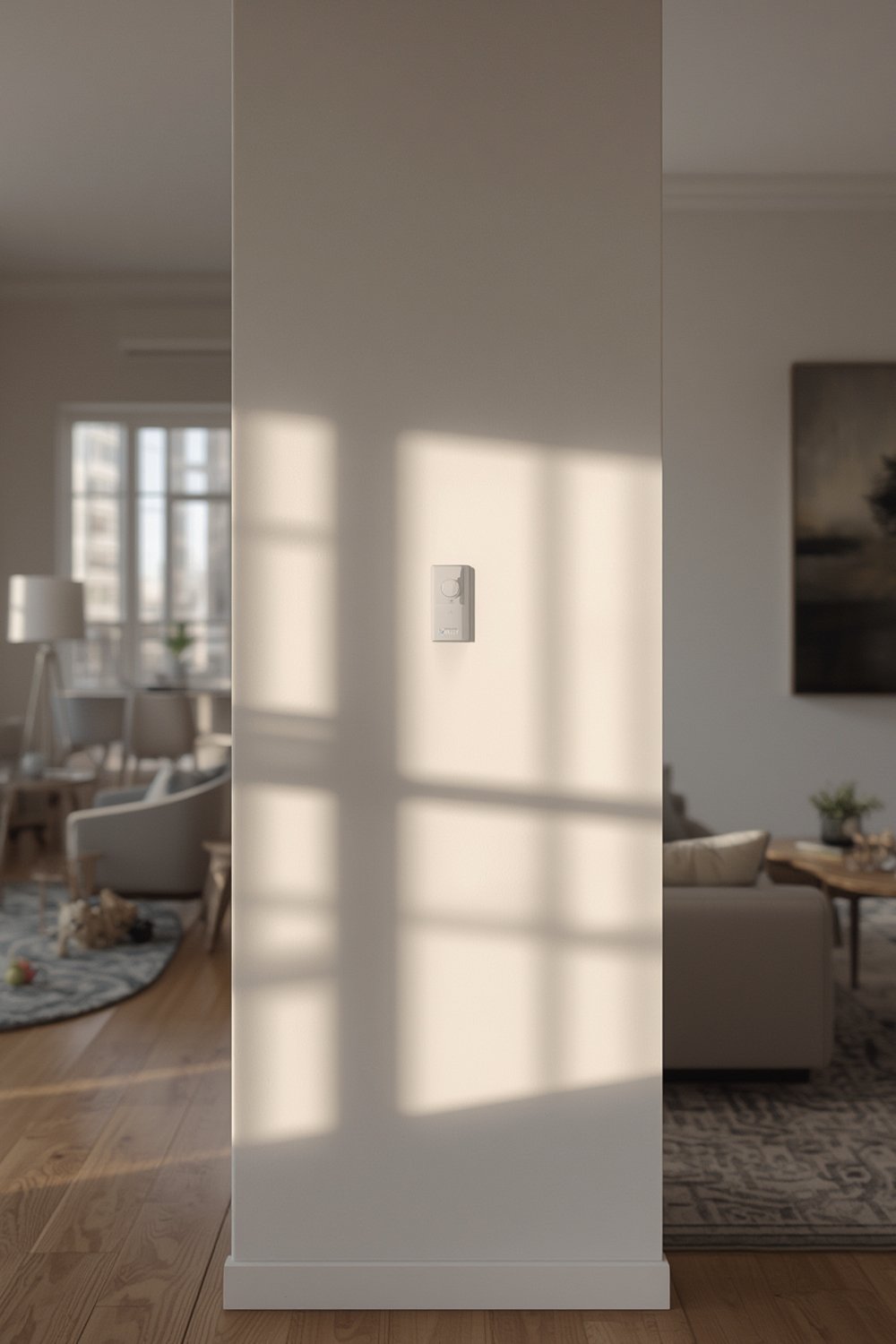
When integrated into a smart home setup, these sensors can do much more than turn lights on. They enable hands-free operation for improved accessibility, set modes based on occupancy (for example, dimming or color changes at night), and sync with security systems to instantly illuminate vulnerable areas.
Next-generation features, such as LiDAR-based sensing and daylight harvesting, are improving reliability and further reducing energy costs. Customizable options—like adjustable sensitivity and programmable timers—let you tailor automation to the unique traffic patterns and needs of each area in your home. Interested in how automated lighting boosts savings and comfort? Read more in our guide on smart lighting automation.
How to Install and Set Up a Smart Light Motion Sensor (Step by Step)
Setting up a smart light motion sensor correctly is crucial to maximize its benefits and minimize annoying false alarms or incompatibility issues. Here’s a straightforward installation and setup guide for most mainstream indoor motion sensor lighting systems:
- Choose the Right Sensor: Decide between plug-in, battery-powered, or wired models. Check if it uses PIR, microwave, or advanced options like LiDAR for your detection needs.
- PIR sensors are budget-friendly but may struggle with precision in large or oddly-shaped rooms.
- LiDAR sensors offer superior detection for critical spaces but can cost more.
- Look for “daylight harvesting” or ambient light sensing features to optimize energy savings.
- Check Smart Home Compatibility: Verify support for your chosen ecosystem—Amazon Alexa, Google Home, Apple HomeKit, or Matter protocol—before purchase.
- Review the product manual for supported apps and voice assistants.
- Consider options with Wi-Fi or Bluetooth for simple integration, but note that a hub may be required for Zigbee or Z-Wave sensors.
- Find the Best Mounting Location: Place the sensor to cover all entrance paths without being blocked by furniture. Avoid directing sensors at windows, heating vents, or moving foliage outside to prevent false triggers.
- Install and Pair Your Sensor: Follow the included instructions to mount the device—usually with screws or strong adhesive for battery-powered models. Pair it to your hub or app using the manufacturer’s steps. Some systems require scanning a QR code or holding a reset button for pairing mode.
- Configure Sensitivity & Timer Settings: Use the app or onboard dials to adjust motion sensitivity, “on” duration, and sometimes light color or brightness. Programmable timers and zone settings let you minimize false triggers and save energy.
- Set short timeouts in hallways or bathrooms, longer in living rooms or bedrooms.
- Test detection with normal traffic and tweak as needed.
- Integrate with Scenes and Automations: If your platform supports it, link the motion sensor’s actions to scenes—like “Night Mode” or “Away”—or other devices (e.g., smart plugs or alarms).
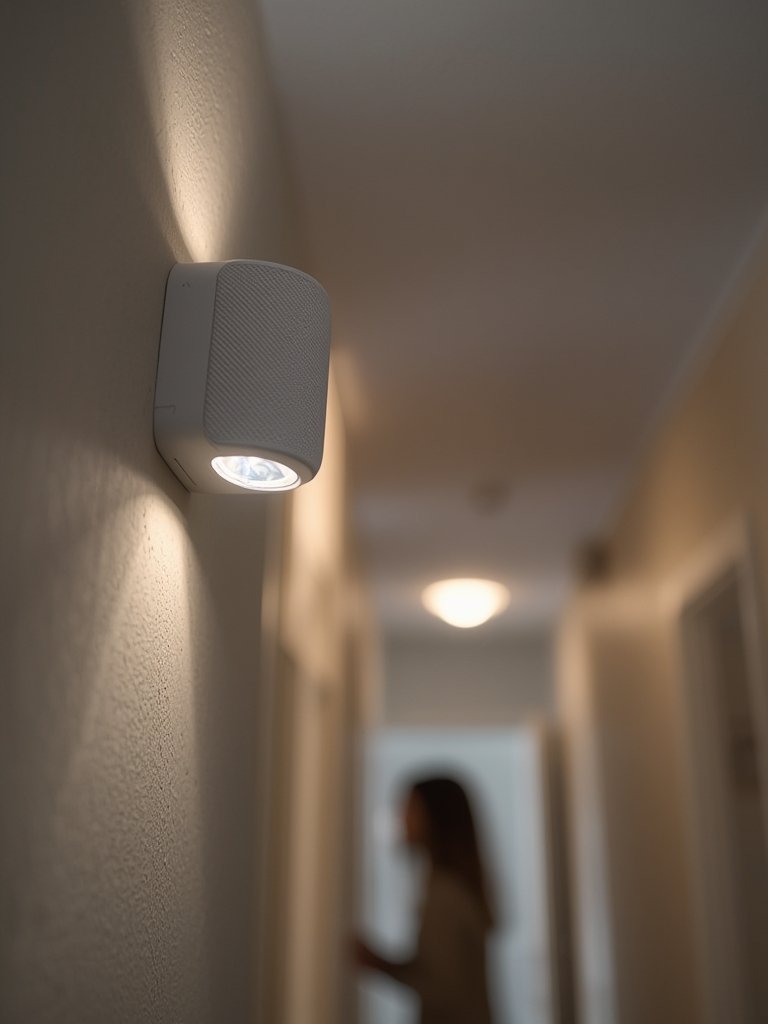
Smart light motion sensor installation isn’t one-size-fits-all. For specialty lighting zones—like circadian smart lighting in bedrooms—plan your automation routines based on time of day and occupancy for optimal results. Curious about circadian smart lighting? See our practical breakdown on circadian smart lighting.
Lastly, always read the manufacturer’s troubleshooting guide if your sensor drops offline, fails to trigger, or reports errors. Some systems require specific Wi-Fi frequencies or have battery-saving sleep modes that may cause delays on first activation.
Advanced Analysis and Common Pitfalls with Smart Light Motion Sensors
While the advantages of a smart light motion sensor are clear, some common pitfalls can undermine the experience if not addressed. Below, we outline user frustrations, technical issues, and what features top competitors typically ignore.
1. Sensor Accuracy and False Triggers
The biggest user complaint is unreliable detection—either not triggering when someone enters or activating for no reason. This usually happens with older PIR sensors placed near windows, HVAC vents, or areas with pet movement. Newer sensor technologies like LiDAR offer more precise detection and are less prone to these mistakes, but they may cost more up front. For best results, choose sensors with adjustable sensitivity and programmable timers.
2. Integration and Compatibility Hassles
Many users expect seamless pairing with their smart home ecosystem. However, mismatched protocols (Zigbee, Wi-Fi, Bluetooth, Matter) can cause frustrating setup failures or require a dedicated hub. In a 2024 market report, most manufacturers are racing to launch Wi-Fi or Bluetooth-enabled models to address these pain points. Still, always double-check compatibility before purchase. For a detailed guide on selecting future-proof devices, see our matter smart lighting explainer.
3. Overlooked Advanced Features
- LiDAR Sensing: Not all brands highlight this, but it provides much better-ranging accuracy than PIR or microwave sensors. Ideal for long corridors or open-plan spaces. Learn more about LiDAR-driven advances.
- Daylight Harvesting: Sensors with ambient light detection can keep lights off if enough sunlight is present, maximizing energy savings. This feature is growing as energy costs and regulations tighten.Source.
- Adjustable LEDs and Timers: Allow you to tailor color, brightness, and behavior for different rooms or times of day—a detail most major reviews skip, but it’s crucial for real-world usability.
| Feature | Basic PIR Sensor | Advanced LiDAR Sensor | Daylight Harvesting | Compatible with Smart Ecosystem |
|---|---|---|---|---|
| Reliability | Medium-Low | High | Depends | Depends |
| False Trigger Resistance | Low | High | High | Varies |
| Installation Complexity | Very Easy | Medium | Medium | Easy to Moderate |
| Energy Savings | Good | Excellent | Best | Depends |
| Main Downside | False triggers, poor range | Higher upfront cost | Needs correct placement | Protocol hassles |
4. Installation and Operating Cost Unknowns
There’s still little data about exact installation and yearly operating costs across brands. Most mainstream smart light motion sensors are DIY-friendly and affordable, but LiDAR options can be pricier. Energy savings are real, since lights only turn on when needed; according to Mordor Intelligence, smart lighting systems with sensors can cut lighting energy use dramatically. Nevertheless, savings depend on use patterns, sensitivity tweaks, and whether features like daylight harvesting are enabled. For a look at energy monitoring across devices, see our guide on smart plugs for energy monitoring.
5. Security and Privacy Gaps
Manufacturers focus on the safety benefits of occupancy sensors—like letting you automate alerts on unexpected activity—but public data is scarce about privacy controls, encryption, or risk of hacking. When adding any smart device, set strong passwords, update firmware, and avoid exposing devices to public networks. For security-first setups, our post on integrated smart home security systems gives practical tips.
Conclusion
Smart light motion sensor technology has matured, offering real gains in comfort, energy efficiency, and security for modern homes. The key is choosing a device compatible with your existing smart ecosystem, installing it properly, and taking advantage of next-gen features like LiDAR or daylight harvesting where possible. While there are still concerns—like occasional false triggers and technical integration headaches—the overall benefits are significant. By following best practices and adjusting settings to your home’s needs, a smart light motion sensor can help you enjoy hands-free, optimized lighting every day.
Ready to enhance your lighting and save energy? Explore our expert tips and take the first step by adding a smart light motion sensor to your system today.
FAQ
What is the main benefit of using a smart light motion sensor over a traditional timer?
Smart light motion sensors only activate when someone is present, saving more energy and providing true hands-free control compared to simple timers that might turn on lights unnecessarily.
How do I prevent false triggers on my smart light motion sensor?
Place your sensor away from windows, vents, and areas where pets roam. Fine-tune the sensitivity and timer in the device settings. Advanced models with LiDAR or adjustable zones can further reduce false alarms.
Can smart light motion sensors work with Alexa, Google Home, or Apple HomeKit?
Yes, but always verify compatibility before purchase. Many leading brands now support these platforms, but you may need a compatible hub or ensure your network matches required protocols (like Zigbee, Wi-Fi, or Matter).
Are there any security risks with smart light motion sensors?
Potential risks include unauthorized access if devices are not secured with strong passwords or firmware updates. Choose reputable brands and keep devices updated to reduce vulnerabilities.
How much energy can I save by installing smart light motion sensors?
Exact energy savings depend on how often rooms are occupied and how well the system is set up. Most users see noticeable reductions on their lighting bills, especially with daylight harvesting features enabled.