

TV LED backlight sync is changing the way people experience home entertainment, boosting immersion while offering real benefits for movie lovers and gamers alike. This guide strips away the marketing hype to reveal what truly matters—setup, performance, value, and pitfalls—so you can confidently choose and install the best TV LED backlight sync solution for your needs.
Key Takeaways
- TV LED backlight sync systems are rapidly growing, with HDMI sync boxes and smart app-control now mainstream in 2024.
- Performance, setup complexity, and true compatibility vary widely between brands and price ranges—especially for gaming and HDR.
- Most benefits, such as reduced eye strain and added immersion, are driven by user perception, while scientific studies remain limited.
- TV LED Backlight Sync: What It Is & Why It Matters
- How to Set Up TV LED Backlight Sync: Step-by-Step Guide
- Advanced Analysis & Common Pitfalls with TV LED Backlight Sync
- Conclusion & Next Steps
- TV LED Backlight Sync FAQ
TV LED backlight sync: What It Is & Why It Matters
TV LED backlight sync refers to technology that matches LED lighting behind or around your TV to the colors or action happening on screen, in real-time. The result isn’t just visual flair: it’s proven to boost perceived contrast, draw you into movies and games, and often feels like it makes your display appear larger and bolder—especially in a dark room.
The two most common implementations are camera-based kits (which use a small camera to “see” your TV and light up LEDs) and HDMI sync boxes (which intercept HDMI video signals directly and drive lighting with near zero-lag). These systems cater to both entry-level users and high-end enthusiasts who want interactive environments or gaming rooms. In 2024, demand surged: the global TV backlight kit market hit $1.32 billion and is expected to more than double by 2033, with HDMI sync boxes alone projected at $3.7 billion by that time (MarketIntelo TV Backlight Report).
What drives this growth? Home entertainment remains the biggest use (48% of the market), especially as app-control and smart integrations pull TV LED backlight sync tech into the mainstream. Gamers represent the fastest-growing group, drawn by the promise of low-latency and dynamic ambient lighting.
To achieve stable, lag-free performance and eye comfort, it’s crucial to understand how each sync method works, what TV content is eligible for sync (not everything is), and which potential headaches—like setup complexity—are avoidable. For readers interested in broader smart lighting trends, our guide to smart lighting automation covers integration and energy-saving strategies in detail.
How to Set Up TV LED Backlight Sync: Step-by-Step Guide
Setting up a TV LED backlight sync system can be straightforward or challenging, depending on the method and hardware. Here’s a breakdown for both HDMI sync box and camera-based systems:
- Pick your sync method: HDMI sync box solutions (like Philips Hue Sync Box) are ideal for gaming and HDR. Camera-based options (like Govee T2/A) are flexible and affordable, but may lag slightly, especially during fast-moving scenes.
- Prep your TV back: Clean the rear surface with isopropyl alcohol so the adhesive sticks. Make sure the TV is unplugged and placed to allow easy access.
- Attach the LED Strips: Follow product guides for routing. Most strips go along all four TV edges on the back. Take care around TV vents to avoid blockage. Cuttable strips (within marked points) offer the best fit but test alignment first.
- Set up the sync device
- For HDMI sync boxes: Plug video sources (streaming sticks, game consoles) into the box’s HDMI inputs. Connect HDMI OUT from the sync box to your TV’s HDMI input.
- For camera-based kits: Mount the camera on the center-top (or bottom) TV bezel, angled per instructions. Remove any lens covers. Connect the LED controller and plug it into power.
- Download and pair the control app: Use your phone to connect the device (via Bluetooth or Wi-Fi). Update firmware if prompted.
- Calibrate the zones: Run the app’s setup wizard. For camera-based setups, calibration markers may help map color zones. Apply adjustments for reflection and daylight conditions.
- Configure sync modes: Choose between video, music, or color modes. Tweak the brightness, intensity, and perhaps set up schedules for when to activate sync.
- Test with real content: Play a movie, game, or playlist. Check for color accuracy, lag, and if zones match your expectations.
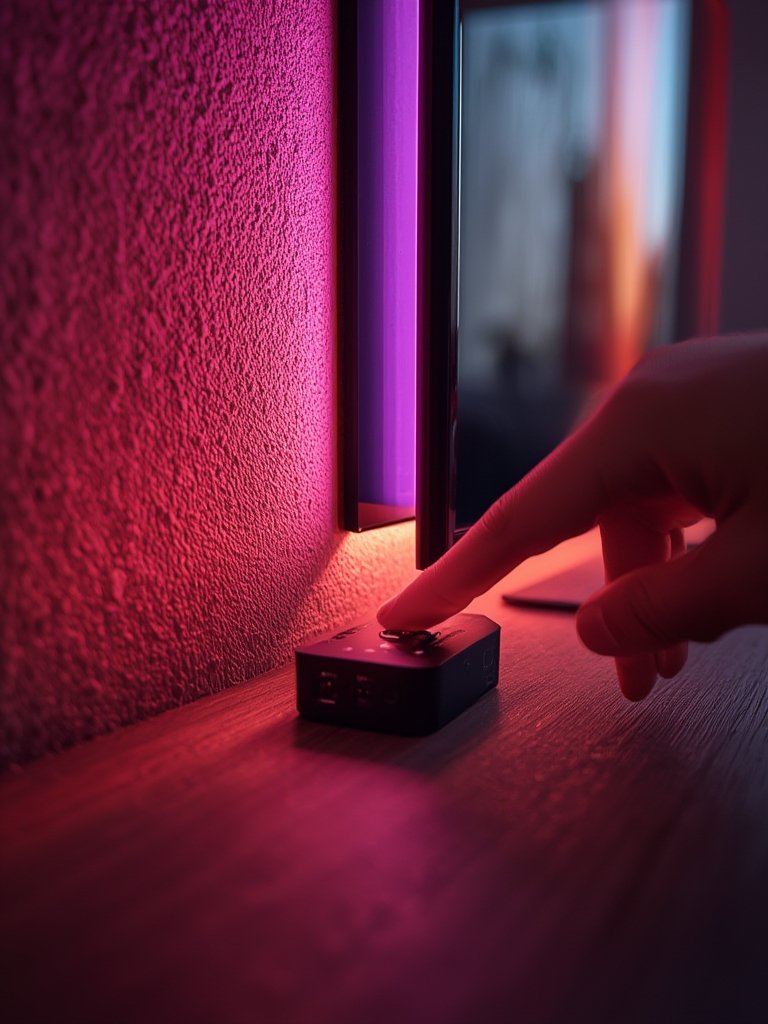
Extra tips for getting the best results:
- Use high-quality HDMI cables rated for 4K HDR or higher to prevent signal loss or display dropout, especially for HDMI sync boxes.
- For camera-based kits, avoid direct sunlight, glass reflections, or light sources behind the camera, as these can ruin color accuracy.
- If your LED strips are falling off, supplement with double-sided mounting tape or small cable clips for a longer-lasting installation.
- Update firmware regularly for improved features and bug fixes.
- Keep app notifications enabled so you don’t miss vital updates or fixes—especially for smart home integrations.
Smart setup can also play a big role in energy management. If you’re interested in energy savings throughout your home, our real-world guide on smart plugs energy monitoring is an essential companion resource.
Advanced Analysis & Common Pitfalls with TV LED backlight sync
Despite major improvements, TV LED backlight sync isn’t without downsides. Let’s clarify what users really face—and how leading brands compare:
| Aspect | Govee TV Sync (Camera-Based) | Philips Hue Sync (HDMI-Based) |
|---|---|---|
| Sync Method | Camera (sees the screen) | HDMI passthrough (reads the signal) |
| Latency | Noticeable in fast games and some movies | Very low for movies and gaming (4K@60Hz HDR) |
| Color Accuracy | Varies with camera quality, setup, and light | Consistent, highly accurate, robust with HDR |
| Setup Complexity | Camera placement and zone calibration. Adhesion can be tricky. | More wiring, but guided and stable once complete |
| Platform Compatibility | Works across most TVs, OS-independent | Requires HDMI sources (built-in apps may not sync without extra hardware) |
| Price (2024 Typical) | $50-$130 (mid-range), $130-$250 (pro) | $250-$500+ (total Hue system) |
Frequent Pitfalls:
- Lag with Camera-Based Kits: Action scenes and gaming may feel “off” due to visible delay, especially with budget products. HDMI sync boxes excel here but cost more.
- Sync Doesn’t Work with Built-in TV Apps: Most HDMI syncronization boxes can’t see content played inside the TV (e.g. Netflix app on Smart TV), because HDMI passthrough only captures external HDMI devices. Using an external streamer resolves this.
- Color Issues: Inexpensive systems may produce washed out, oversaturated, or incorrect colors, especially with HDR or Dolby Vision—which many boxes and cameras can’t accurately process. Quality is heavily dependent on both hardware and calibration.
- Adhesion and Setup Trouble: Many users report strips peeling off, uneven lighting, and frustration following sparse instructions. Investing in stronger adhesives and following guides can help.
- Signal Chain Confusion: Routing through AV receivers, soundbars, and multiple HDMI switches? Expect handshake and compatibility puzzles, with ARC/eARC or CEC (remote control) sometimes behaving unpredictably.
- Limited independent benchmarks: Claims of “zero-lag” or “perfect color” are often not lab-verified. Few brands publish latency in milliseconds or show measured ΔE (color accuracy).
User Complaints Snapshot: Most negative reviews cluster around setup headaches, Bluetooth/Wi-Fi glitches, and inadequate instructions. Camera-based kits can be especially fussy about lighting, and cheap strips may degrade in color or burn out quickly.
TV LED backlight sync also fits into a larger smart lighting ecosystem—some users adopt this as a first step, then expand to multi-room or circadian lighting. Check out our straightforward advice on circadian smart lighting for improved sleep quality if whole-home wellness is your goal.
Conclusion & Next Steps
The right TV LED backlight sync solution can transform movie nights, sports, and gaming with immersive lighting and eye comfort. But actual experience varies—camera-based systems are flexible and budget-friendly, while HDMI sync boxes deliver the best fidelity (at a premium). Be prepared for setup hurdles and make informed choices about compatibility, latency, and future expandability.
Ready to level up your home theater? Select a setup that matches your priorities for content, gaming, and smart home integration. Install carefully and don’t hesitate to experiment with advanced settings. For further reading, our expert guide on predictive home automation shows how to extend automation and convenience beyond lighting alone.
Whether you want a stylish accent or a true cinematic experience, understanding TV LED backlight sync puts you one step closer to smarter entertainment.
TV LED Backlight Sync FAQ
Does TV LED backlight sync work with all TVs?
TV LED backlight sync works with nearly all TVs, but the method matters. HDMI sync boxes require external video sources (like streaming sticks or consoles). Camera-based kits are OS/brand-agnostic and simply “see” what’s on your screen, though accuracy varies by model.
Can I get TV LED backlight sync with built-in Netflix, Disney+, etc.?
Generally, HDMI-based sync solutions cannot capture content from built-in TV apps. To sync lighting with these services, use an external streaming device (like a Fire TV Stick or Apple TV) routed through the HDMI sync box.
Will TV LED backlight sync add input lag to gaming?
Most HDMI sync boxes (2024 models with 4K@60 HDR support) are designed for low latency and have minimal impact on gaming. Camera-based kits have slightly more lag and may not suit competitive gamers. Advanced consoles using 4K120Hz or VRR may lose features unless routed carefully.
How do I fix LED strips that keep falling off?
This is a common issue. Clean the TV back thoroughly before installation. Supplement original adhesives with high-quality double-sided tape or mounting clips for better long-term adhesion.
Does TV LED backlight sync really reduce eye strain?
Many users report reduced eye fatigue in dark rooms with dynamic bias lighting. Ergonomic research supports benefits for static bias lighting, but controlled studies on color-sync systems are still lacking. Comfort is mainly based on user experience.