

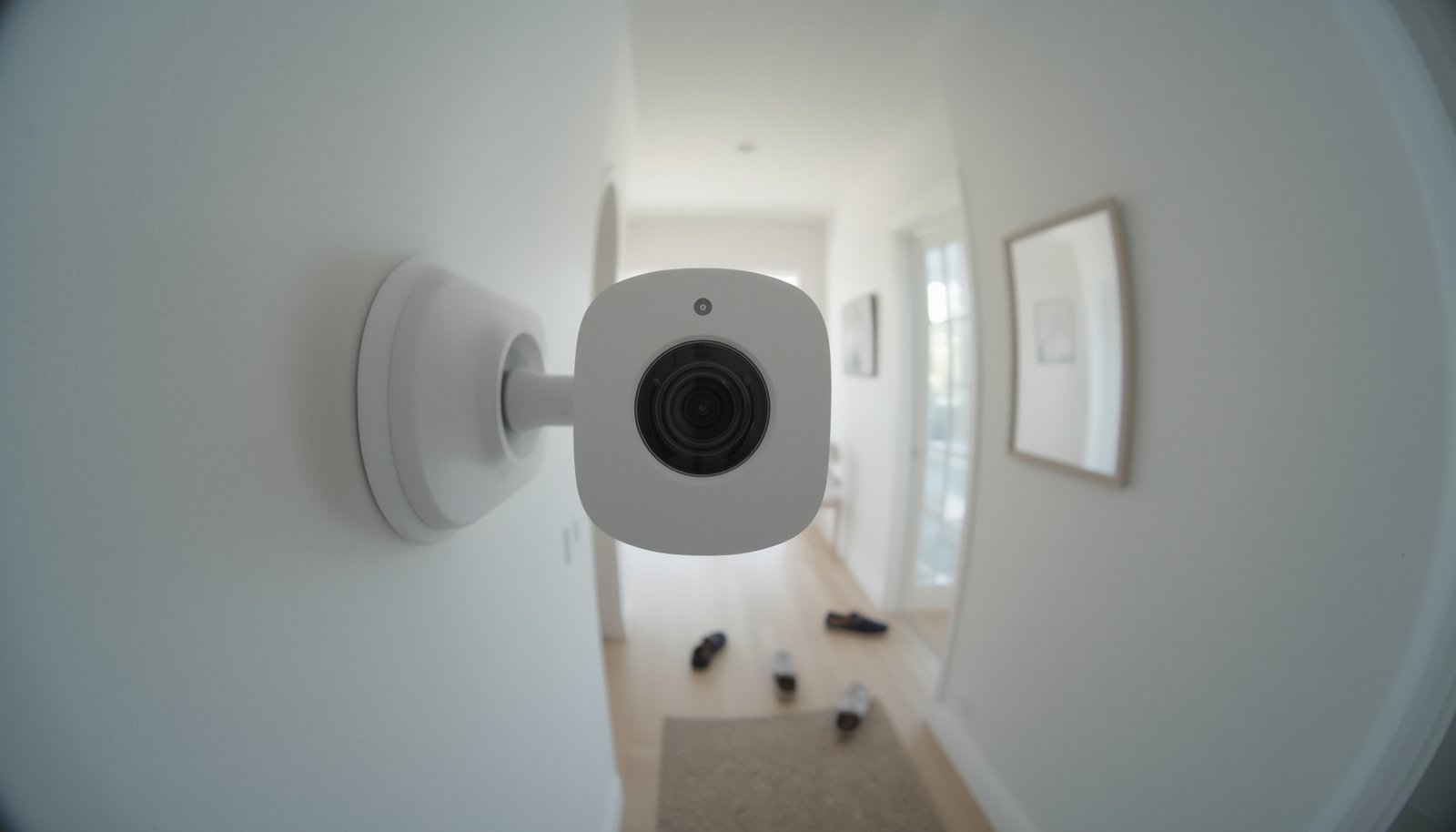
Smart camera local AI is rapidly transforming home and business security, offering a balance of privacy, control, and intelligent automation that cloud-only solutions struggle to match. But before switching, it’s crucial to understand the real benefits, common pitfalls, and actionable steps for maximizing these advanced cameras.
Key Takeaways
- Smart cameras with local AI cut cloud dependency, improving privacy and reducing ongoing costs.
- Edge processing in 2024 is dominating security camera growth, but marketed specs often lack transparency.
- Choosing, installing, and optimizing a smart camera with local AI requires careful attention to detection setup and device compatibility.
- What Is Smart Camera Local AI and Why It Matters
- Step-by-Step Guide: How to Deploy and Optimize Smart Camera Local AI
- Advanced Analysis & Common Pitfalls of Smart Camera Local AI
- Conclusion
- FAQ
What Is Smart Camera Local AI and Why It Matters
At its core, smart camera local AI means the device analyzes video and identifies events—like people, packages, animals, or intrusions—directly on the camera. No footage needs to travel to the cloud unless you decide to store or back up files. This on-device or “edge” AI reduces privacy risks, accelerates alerts, and minimizes monthly subscriptions.
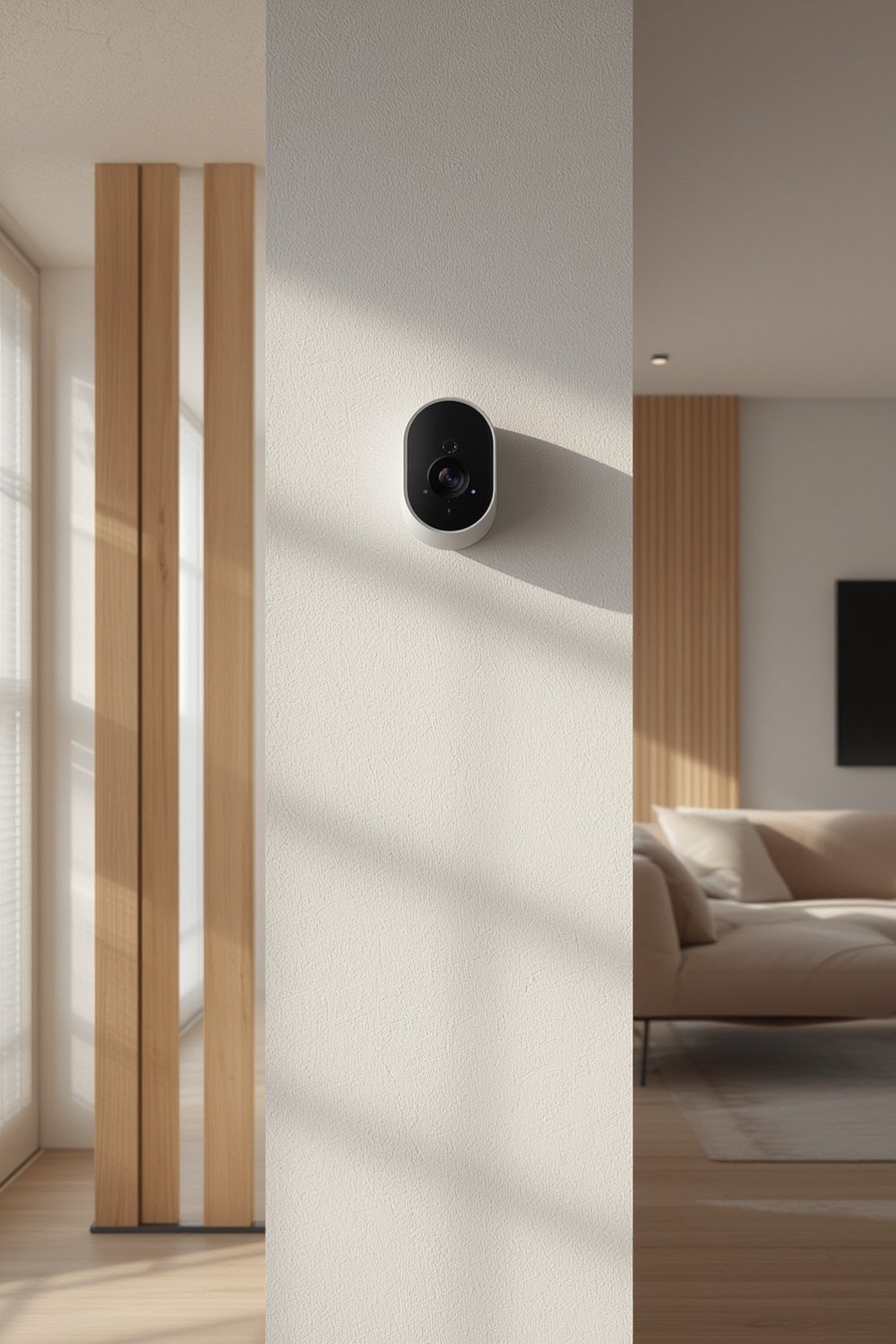
The demand for local AI in smart cameras is booming. In 2024, over 40% of all AI/smart camera revenues come from surveillance and security, with most of this growth led by edge-computing hardware and privacy-centric regions like North America, which alone holds a 38% global share.[1] The global Smart Camera AI market reached $5.7 billion in 2024 and is set to rise to roughly $8 billion by 2026.[2]
Unlike cloud-based cameras, where constant streaming poses privacy and bandwidth concerns, local AI processes all footage internally. This is especially important as regulations and user demand for privacy-first solutions increase. Local AI also means fewer false alarms, since advanced models recognize real threats—like a person loitering—instead of harmless motion.
Traditional cloud camera complaints often focus on privacy exposure, unwanted subscriptions, and delayed notifications. Smart camera local AI solves many of these, bringing real-time detection and data sovereignty back to users. For a broader overview of connected home security innovations, see our insights on integrated smart home security systems.
Step-by-Step Guide: How to Deploy and Optimize Smart Camera Local AI
Deploying a smart camera with local AI can be straightforward if you follow these concrete steps:
- Choose the Right Model: Review technical specifications such as on-device AI chip, RAM, and local storage. Even though manufacturers often hide detailed benchmarks, prioritize hardware that advertises real edge detection and storage for events. Avoid models that require a mandatory cloud setup.
- Location Matters: Place your camera where you need instant, privacy-respecting detection. Entrances, driveways, and porches are typical. For specialized needs, see package theft detection camera features for porches and mailboxes.
- Configure AI Zones and Sensitivity: Use the local AI app or interface to draw custom detection zones and tune sensitivity. This maximizes accuracy, preventing false triggers from passing cars or windblown trees.
- Set Up Local Storage: Insert an SD card or configure onboard storage as required. Schedule regular checks to prevent the card from filling up or failing—smart cameras often loop-record and overwrite oldest events.
- Integrate with Your Smart Home: Most smart camera local AI devices now work with popular platforms (Google, Alexa, HomeKit). However, always test compatibility, particularly if using routines or smart locks. For advanced integration advice, explore predictive home automation strategies.
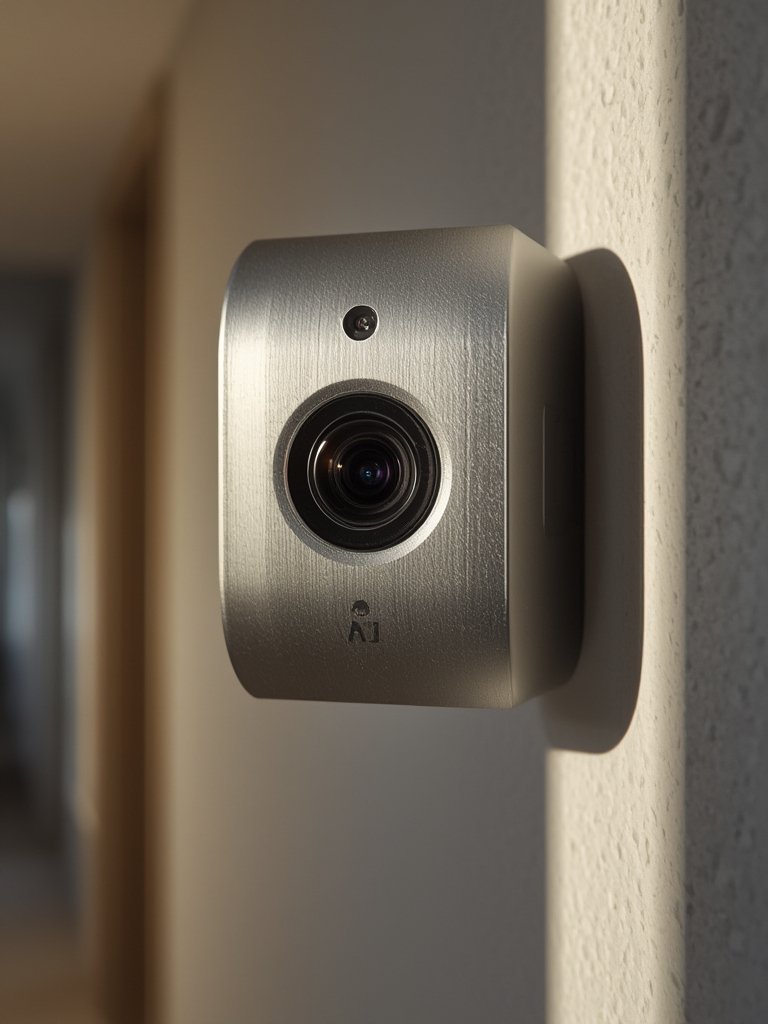
Bandwidth and Subscription Savings: Once setup is complete, you’ll notice less internet upload usage and no locked features behind subscriptions. This makes smart camera local AI a practical option for those wanting long-term savings, especially when compared to traditional cloud cameras.
For more about cutting subscription fatigue, check out our tips on doorbell cameras without subscriptions.
Advanced Analysis & Common Pitfalls of Smart Camera Local AI
Even as smart camera local AI quickly becomes the new standard, there are still realistic downsides and challenges to be aware of:
- Opaque Technical Specs: Most brands do not publish detailed CPU/NPU, RAM, or storage specs, making hardware comparisons muddy.[3]
- Compatibility Gaps: Some smart camera AI apps do not support advanced routines or integration with all smart home platforms, limiting automation options.
- Detection Limits: While edge AI has improved, models occasionally misclassify events, especially under poor lighting or with moving animals. User tuning of detection zones is essential.
- Storage Risks: Local SD cards can fail, and without cloud as backup, older footage may be lost forever. Regularly check storage health.
- Market Growth but Not Transparency: The Smart Camera AI market relies heavily on hardware revenues, signaling strong demand but fewer options for advanced, truly open edge platforms.[4]
| Feature | Local AI Cameras | Cloud-Only Cameras |
|---|---|---|
| Privacy | High (data stays onsite) | Low (footage sent to cloud) |
| Detection Speed | Instant (on-device) | Delayed (dependent on internet) |
| Subscription | None or optional | Often required for full features |
| Bandwidth Usage | Minimal (local processing) | High (constant streaming) |
| Storage Risk | Possible loss if local storage fails | Persistent history in cloud |
Market research points out that despite rapid AI advancements, missing or faulty updates can lead to lapses in detection. Real-world case studies are still sparse, so users should proactively test any device’s privacy claims. For more tips on leveraging local detection features, review our guide on best strategies for local AI security cameras.
Conclusion
Smart camera local AI is not just a buzzword—it’s a proven step for homeowners and businesses aiming to amplify privacy, cut costs, and enjoy fast, accurate event alerts. By understanding specs, installation best practices, and common pitfalls, you’ll extract the most value from your investment. Take control of your data, minimize surveillance risks, and ensure your security future is truly smart. Start exploring your options in smart camera local AI today.
Ready to upgrade your protection? Compare new models, review your current setup, and join the privacy-first smart security movement now.
FAQ
How does smart camera local AI protect my privacy compared to traditional cameras?
Local AI processes all video data on the device itself, so footage never leaves your premises unless you explicitly enable cloud backup or remote viewing. This prevents third parties from accessing your stored images or video by default.
What happens to my footage if my local storage (SD card) fails?
If your SD card or internal storage fails, recent footage may be lost permanently. Regularly check the health of your storage and consider periodic manual backups for critical recordings. Some cameras support redundant storage as a safeguard.
Does smart camera local AI require a subscription?
Most smart cameras with local AI do not require a subscription, offering free person or object detection, notifications, and local storage. Optional cloud services may be available, but you can use core features without ongoing fees.
Can smart camera local AI work offline or during internet outages?
Yes, as long as the camera has power and local storage, it can record and analyze footage even without an internet connection. Features like remote alerts or cloud backup will pause until connectivity is restored.
Will it integrate with my existing smart home system?
Most leading brands support integration with platforms like Google Home, Alexa, and HomeKit, but always check device compatibility before purchase. For the most seamless experience, consult guides on fully integrated systems.