

Energy monitoring smart plugs are quickly gaining traction as a must-have technology for anyone serious about slashing electricity bills and gaining control over home energy use. But what can these devices really do—and where do they sometimes fall short? Let’s dig in with a practical, no-nonsense guide that goes beyond marketing hype to help you save money and avoid frustration.
Key Takeaways
- Energy monitoring smart plugs give device-level usage data, but actual bill reduction percentages are rarely reported and depend on user habits.
- Set-up annoyances, platform compatibility, and laggy monitoring are still common—choosing the right ecosystem and plug matters.
- There are no ongoing subscription fees for leading brands, but some features require specific apps, protocols, or hubs.
- What Are Energy Monitoring Smart Plugs and Why Do They Matter?
- How to Set Up and Maximize Energy Monitoring Smart Plugs: Step-by-Step
- Advanced Analysis and Common Pitfalls: What Most Users Learn Too Late
- Conclusion
- FAQ
What Are Energy Monitoring Smart Plugs and Why Do They Matter?
Energy monitoring smart plugs are simple devices that let you see exactly how much electricity each plugged-in appliance is using. Controlled by a smartphone app, these plugs show real-time (or near real-time) energy usage and allow for timed or remote switching. This is valuable for finding out which appliances are energy hogs—even when you’re not home. When you track down and unplug or automate wasteful devices, there’s real potential for savings.
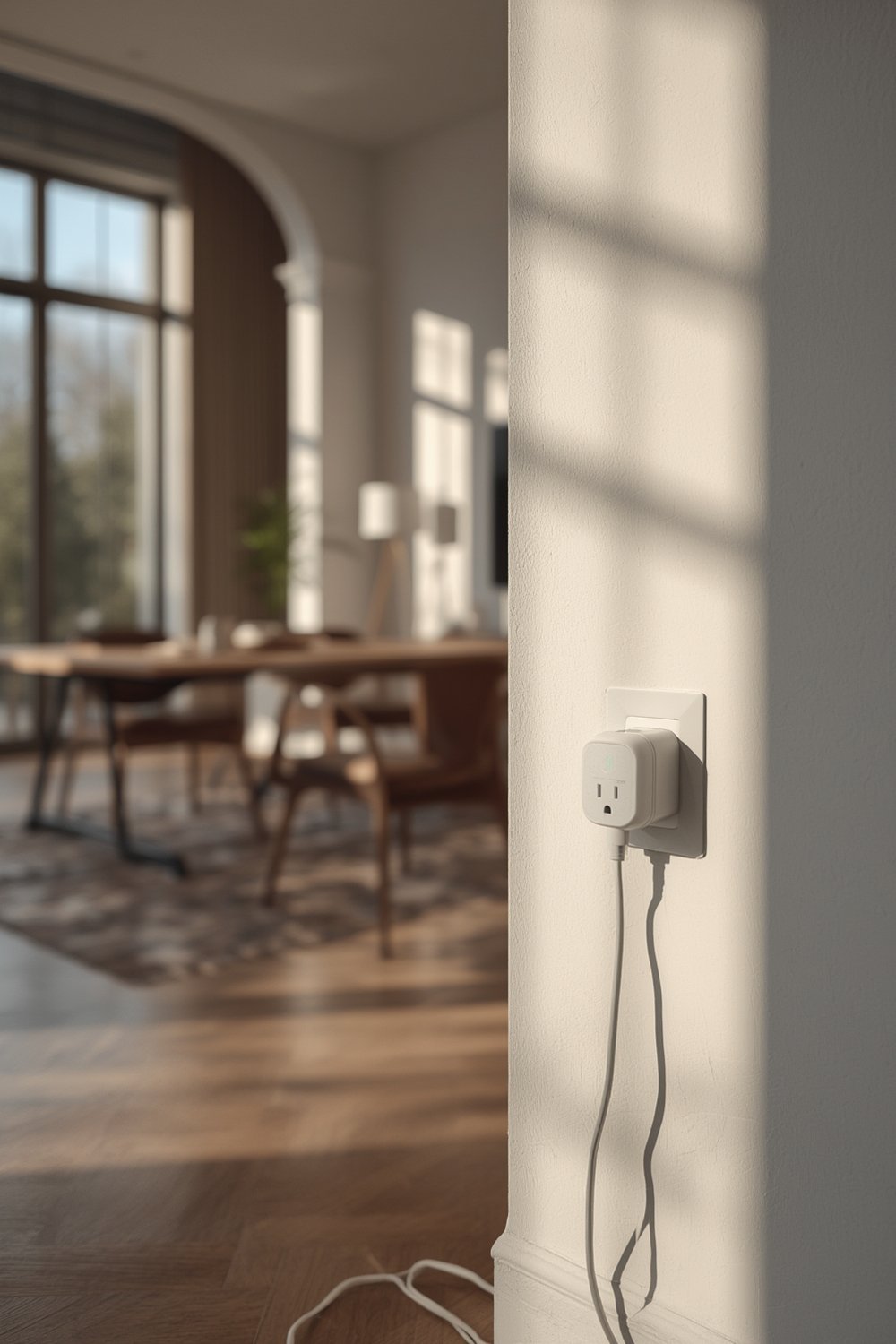
Compared to traditional plugs, energy monitoring smart plugs deliver data—sometimes shown as graphs or logs—that highlight not only consumption but estimated costs, based on your local electricity rates. They’ll fit right in if you use smart home systems like Alexa, Google Home, Apple HomeKit, or HomeAssistant. But, before you expect instant results, it helps to know there are a few caveats, both in potential savings and in system limitations.
For an in-depth intro on how predictive automations can further enhance these savings, explore predictive home automation techniques that complement plug-level monitoring.
How to Set Up and Maximize Energy Monitoring Smart Plugs: Step-by-Step
If you want to get the most out of energy monitoring smart plugs, a careful setup process makes all the difference. Here’s a step-by-step approach:
- Pick the right plug for your ecosystem. Depending on your home setup, you may need Matter, Zigbee, or WiFi smart plugs. For example, Meross WiFi plugs are affordable and easy for most, while Eve Energy uses Thread and is iOS-focused. Check if a hub is needed (Zigbee, in particular, may require one).
- Connect to the right WiFi band or protocol. Most plugs work only on 2.4GHz WiFi—not 5GHz—so you may need to temporarily switch your phone network during setup.
- Use the manufacturer’s app for the initial install. Even if you plan to control plugs through Alexa, Google Home, or HomeAssistant, first-time pairing almost always needs the product’s own app.
- Name and organize devices logically. Assign clear, unique names to each plug; this prevents confusion and helps with automation later.
- Input your actual energy rate. Many apps allow you to input the price per kWh. Doing this unlocks more accurate weekly/monthly cost estimates.
- Monitor device usage for a week. Plug in high-consumption or always-on devices (fridges, media centers, heaters) and check graphs/logs regularly to spot patterns.
- Set up automations or schedules. Use your platform’s routines to turn off idle appliances at night or while away—though true energy-based triggers are often missing (as detailed later).
- Track your bill and compare. After making changes, compare your total energy use and bill for that month. Adjust automations accordingly.
To double your savings and control, combine these plugs with other best practices for energy monitoring using smart plugs—automation is your ally for effortless energy management!
Advanced Analysis and Common Pitfalls: What Most Users Learn Too Late
Energy monitoring smart plugs offer great promise, but real-world experience—and recent studies—show recurring downsides and technical gaps:
Common Complaints and Limitations
- Setup & Connectivity Frustrations: Many users report plugs being detected by Alexa or Google Home before custom configuration. You’ll often need to force your phone onto a 2.4GHz WiFi band or restart other smart home hubs (Thread border routers) for successful pairing. [Source]
- Laggy or Incomplete Energy Updates: Not all plugs do live tracking. Some (like Meross) only update periodically in their app, making it tough to spot sudden spikes. Matter standard—while hyped for cross-compatibility—still often lacks real energy monitoring or firmware updates in practice.
- Platform Silos: Eve Energy’s best features, including detailed energy usage logs, are iOS-only. Android users get only on-off control—no granular monitoring. Energy-based automation triggers (e.g., turn off plug when usage drops to zero) are missing in almost all platforms and apps.
- Hardware Design Flaws: Side-mounted power toggles or activity LEDs can be hard to reach or see, and sync buttons may be hit by accident.
- Compatibility Blind Spots: While Matter and Zigbee should be plug-and-play, real-life results can vary. HomeAssistant may not detect some Google-branded Matter devices, and name exposure is hit-or-miss across platforms.
Cost Comparison Table
| Brand & Model | Upfront Cost | Hub Needed? | Protocol | Subscription | Advanced Features |
|---|---|---|---|---|---|
| Meross Matter (2-pack) | £32 | No | WiFi, Matter | No | Basic monitoring |
| Eve Energy | $40 (each) | No (Thread-capable router) | Thread, Matter | No | iOS-only advanced monitoring |
| Aqara Zigbee | ~30€ | Yes (Zigbee) | Zigbee | No | Per-plug logging |
Realistically, don’t expect energy monitoring smart plugs alone to cut your bill without some manual analysis and frequent tweaks. For broader savings, consider full smart lighting automation strategies alongside plug-based monitoring.
Missing Features Users Still Want
- Energy-based automation actions. The plug should automatically switch off an appliance when consumption drops below a threshold, but most popular models lack this.
- Real-time energy data in all apps and platforms. Native Matter support doesn’t yet allow real-time monitoring.
- Cross-platform feature parity. Android and iOS parity is still missing in many products—especially Eve Energy’s app.
- Reliability of multi-admin pairing. Setting up across several smart home platforms often fails and requires restarts.
Conclusion
Energy monitoring smart plugs offer device-level insight and savings potential, but their true benefits depend on thoughtful setup, good platform alignment, and a willingness to experiment. Reports show real savings are possible when users actively optimize schedules, automate intelligently, and consolidate monitoring across devices. Still, the market’s biggest articles leave crucial questions about ROI, real-world accuracy, and comprehensive device comparisons largely unanswered.
Ready to take control of your home energy setup? Choose the right energy monitoring smart plugs and keep tracking to really maximize value. For more tested ways to secure savings, check out our guide to biometric smart locks for smarter homes or dive into advanced integrated smart home security systems.
Don’t leave your energy budget to chance—act now and discover the power of smart, data-driven energy management!
FAQ
Can energy monitoring smart plugs really lower my electricity bill?
Yes, they can, by shedding light on which appliances use the most energy. However, the actual percentage of savings will depend on your current habits and which devices you optimize or unplug. Recent studies have not published specific bill reduction percentages.
Are there hidden fees with popular energy monitoring smart plugs?
No ongoing subscription fees are charged by major brands like Meross, Eve, or Aqara. However, some plugs require specific apps, protocols, or even an additional hub (with Zigbee, for example).
Is the energy data shown by smart plugs accurate enough to trust?
Generally yes for broad trends, but live updates can lag or have accuracy issues depending on the plug and app. For whole-home billing comparison, dedicated monitors like Emporia may be more precise.
Can I automate actions based on plug energy usage?
Some platforms allow basic schedules or manual triggers, but true energy-based automation—where the plug switches off when usage drops to zero—is not widely available yet.
What’s the best way to use energy monitoring smart plugs for maximum impact?
Target always-on devices or those with unpredictable use patterns (like entertainment centers or heaters), use the plug logs to establish baselines, and regularly review/adjust automations. Combining this with system-wide solutions, like smart lighting automation, magnifies your savings potential.