

Robot vacuum scheduling zones are transforming how we clean our homes, giving more control, efficiency, and hands-off reliability than typical automated sweeps. Yet, plenty of real-world barriers stand between a glossy product demo and a dust-free, frustration-free floor. If you want clean results from your tech—without endless remapping and app headaches—here’s the guide that exposes what matters most, tweaks worth trying, and problems you’ll probably face.
Key Takeaways
- Setting up robot vacuum scheduling zones can boost efficiency and target cleaning, but expect to troubleshoot mapping glitches and remapping after home changes.
- Most brands still lack detailed customization, and technical hiccups like map corruption or sensor obstructions are common—regular maintenance is essential.
- There’s no clear industry standard for price or feature comparison; research your needs and approach app controls with realistic expectations.
- What Are Robot Vacuum Scheduling Zones and Why Use Them?
- How to Set Up and Optimize Robot Vacuum Scheduling Zones
- Advanced Analysis & Common Pitfalls of Robot Vacuum Scheduling Zones
- Conclusion
- FAQ
What Are Robot Vacuum Scheduling Zones and Why Use Them?
robot vacuum scheduling zones let you divide your home into virtual sections—rooms, “pet areas,” kitchens—and set custom cleaning rules for each. Instead of a one-size-fits-all cleaning loop, your robot follows a map of your space and can be told: “Mop the kitchen at 2 pm; ignore the office on Fridays; vacuum the hallway twice on Mondays.” Pinpoint control means higher efficiency, more predictable results, and sometimes better battery life. For families with allergies, pets, or busy routines, this is the difference between smart automation and disappointment.
Still, the majority of users stick to generic, whole-house schedules—a surprising reality given the marketing of ultra-precise mapping. Official statistics are missing, but user reviews and support forums overwhelmingly discuss broader cleaning issues rather than advanced scheduling. With precision zone cleaning, you gain not just a time-saver but the ability to solve real-life pain points: pet messes in one room, high-traffic dirt near doors, or avoiding mopping over a priceless carpet.
These features are especially useful for people looking to integrate their vacuum into larger smart home routines. If you’re interested in deep automation, these ideas often tie in with predictive home automation systems—scheduling cleaning when you’re away, or coordinating devices for energy savings and comfort.
How to Set Up and Optimize Robot Vacuum Scheduling Zones
Every robot vacuum model’s process will differ, but these are the steps that work for nearly every major brand:
- Clear the Floor: Before mapping, remove temporary obstacles (shoes, cords, random clutter) from the path. Furniture that might move a lot (chairs, bins) should be in a “normal” location.
- Start Initial Mapping: Launch your robot’s mapping feature in the app. Let it map the home without interruption; don’t pick it up or block sensors. Dock placement matters: keep at least 0.5 meters clearance on each side and at least 1 meter ahead for accurate re-docking.
- Define Zones or Rooms: Most apps allow you to split the main map into zones. Name each area by its real-life use (“Living Room”, “Pet Area”, “Entryway”). Draw “no-go” or “carpet exclusion” zones if the option is available.
- Customize Schedules: Assign cleaning times for each zone, choosing frequency, cleaning method (vacuum vs mop), and power levels. On some models like the Dreame X50 Ultra, you can adjust water flow per room for mopping and opt for higher suction on carpets.
- Save and Test: Run a manual session to test zone boundaries. Watch for mistakes: the robot may run into legs of moved furniture or struggle in odd-shaped nooks.
- Tweak and Maintain: If the map corrupts (common after big furniture changes or firmware updates), re-map from scratch or re-add the device in the app—then run the fastest mapping mode available for your model.
- Schedule Regular Maintenance: Wipe sensors, empty the dustbin, and clean brushes weekly to maintain performance. If edges or baseboards show dust, try adjusting zone splits rather than increasing cleaning time.
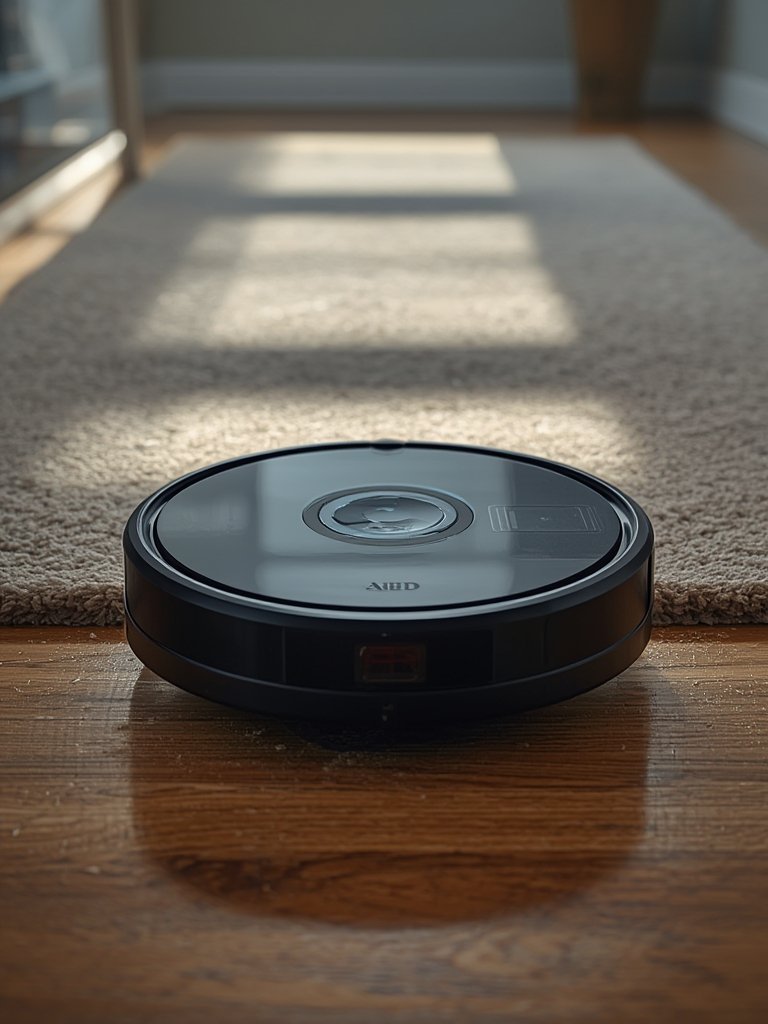
Some advanced models also let you exclude carpets during mopping using “avoidance” zones—key for homes with mixed flooring. Others offer spot cleaning, but not all brands have refined this; users on the robot vacuum scheduling zones forums, for example, note the lack of targeted spot cleaning for small messes.[source] If edge cleaning is a concern, explore robots built for thorough baseboard cleaning or pair the robot’s schedule with manual touch-ups.
For deeper control, integrate your robot with home routines—like pausing kitchen cleaning if motion is detected during mealtime—or connect with energy-saving plugs as discussed in this guide to smart plugs. And if privacy is your priority, review settings and routines regularly to avoid unnecessary cloud data collection.
Advanced Analysis & Common Pitfalls of Robot Vacuum Scheduling Zones
Despite their “set and forget” marketing, robot vacuum scheduling zones can frustrate as much as they free up time. Here’s a reality check—backed by recent research and user reviews:
- Map Corruption After Changes: Movement of big furniture, or the occasional firmware update, can throw the robot’s map accuracy off. The fix is usually to delete and re-add the device in the app, followed by a “fast map” run. This is inconvenient for users expecting truly smart automation.[VacuumWars]
- Navigation Edge Problems: Even with advanced models, erratic paths near walls or too cautious navigation can leave dust along baseboards. If this is a regular headache, try robots specifically reviewed for edge performance or adjust your zone lines for more overlap with trouble spots.[Eureka Forbes]
- Maintenance Hurdles: Sensors get obstructed, dustbins fill, and brush tangles reduce suction. Weekly hands-on maintenance is non-negotiable for reliable zone performance.[Tech Sales Online]
- Limited Customization: Only a few models let you truly tweak every room or map precisely, as with the Dreame X50 Ultra’s per-zone settings. General models often force you to accept broader schedules with fewer custom options, requiring compromise.[Robzone Reviews]
- Lack of Pricing Transparency: There are almost no published comparisons between standard model prices and those with advanced scheduling. Expect to pay a premium for real customization, without clear “how much more?” upfront.
| Feature | Dreame X50 Ultra | Other Models (General) |
|---|---|---|
| Custom Settings | Per-room power, water, and carpet avoidance via app | Basic app schedules, limited precision |
| Map Handling | Remap after changes; “fast map” option | Decent for apartments; error-prone after changes |
| App Control | Custom tabs; re-adding for accurate remapping | Simple operation; less frequent custom use |
Expert and user reviews suggest that the best payoff for zone scheduling comes in multi-pet homes, households with mixed flooring (hard floor plus carpet), or apartments where certain areas gather mess faster than others. Adjusting per-room power (e.g., more suction on hairy carpets, less in bedrooms) can be a game changer. Those with larger homes or complicated layouts may find the practical value limited without ultra-precise mapping features—see more in-depth analysis on robot vacuums with 3D mapping.
Conclusion
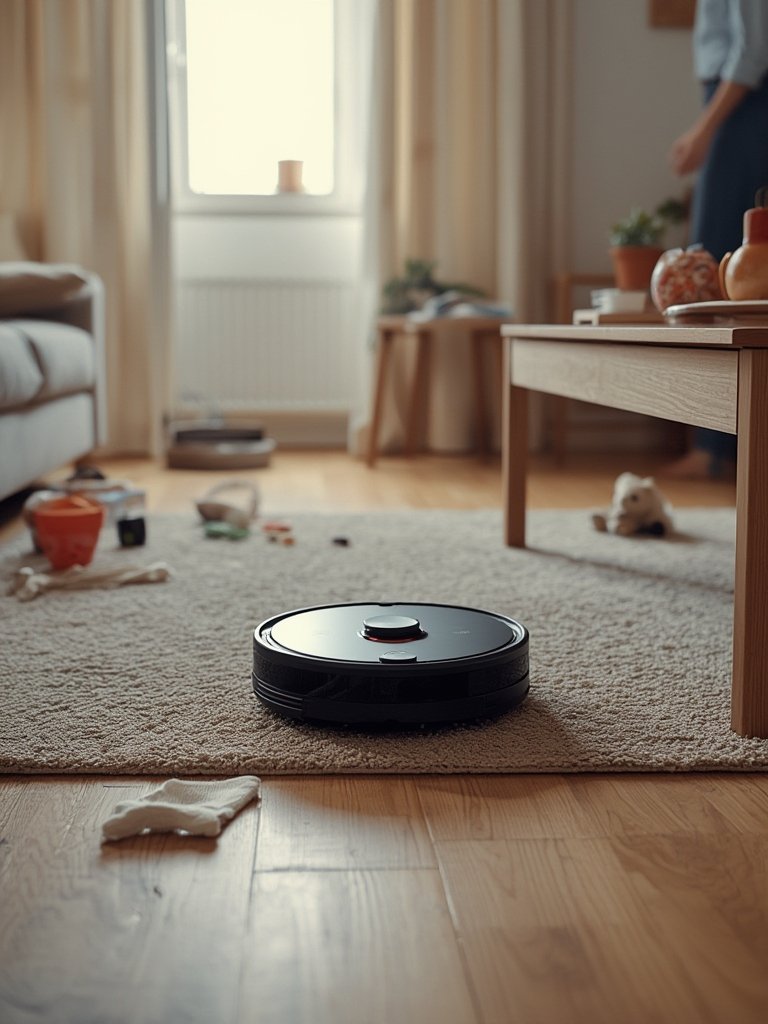
robot vacuum scheduling zones, when used thoughtfully, deliver cleaner results and less wasted time—but only for owners willing to monitor their maps, perform regular maintenance, and occasionally remap after home changes. The technology still lags behind the marketing in many ways: expect to experiment with boundaries, fix glitches, and handle more of the process than the word “automation” suggests. Ready to take charge of your clean routine? Start by mapping out zones that match your real needs, and revisit your robot vacuum scheduling zones setup each season for top performance.
Want even more automation and reliability from your smart home? Explore fully integrated cleaning and security systems in our guide to advanced smart home security.
FAQ
How precise are robot vacuum scheduling zones in real apartments or homes?
Precision depends on the model and your room layout. High-end vacuums with LIDAR or 3D mapping can distinguish most rooms accurately, but even then, moving furniture or obstacles may require you to remap zones for best results. Budget models usually have less accuracy, especially in complex spaces.
What should I do if my robot vacuum’s map is corrupted?
If a firmware update or a big furniture move causes map issues, delete and re-add your robot in its app, then run the fastest possible remapping feature. Be sure to keep the dock clear and all obstacles out of the way during remapping.
Do all robot vacuums allow per-room scheduling or custom power for each zone?
No. Many standard models limit you to basic schedules for the whole house or broad “room” divisions. Advanced options like the Dreame X50 Ultra allow power and mopping adjustments per zone, but this is less common in lower-cost robots.
How often should I remap or check my robot vacuum’s zone settings?
Check your zone maps every time you make significant changes to your furniture or room layout. For most households, reviewing once every 3-6 months is ideal. Remap immediately if you notice errors in zone boundaries or cleaning paths.
Can I use robot vacuum scheduling zones with other smart home devices?
robot vacuum scheduling zones. Many modern robots support integration with smart home platforms. You can coordinate cleaning with occupancy sensors, smart plugs, and more for advanced routines. Check compatibility with your devices and platforms for best results.