

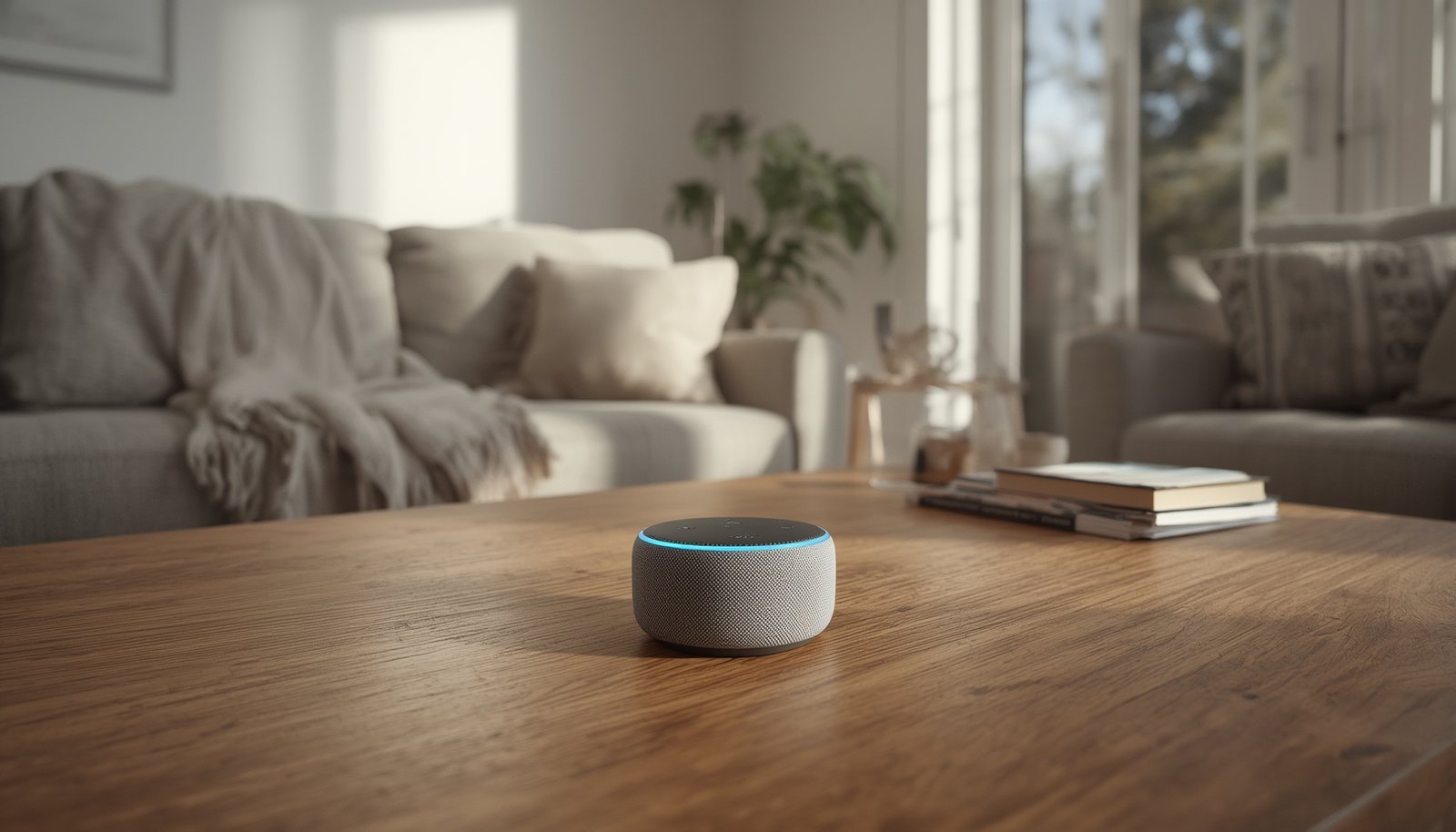
Smart home voice control is changing the way we interact with our living spaces, offering hands-free convenience for managing lighting, security, and climate—all with just a few words. But how does this technology really work, what does it cost, and are there pitfalls you should know about before investing?
Key Takeaways
- Voice-controlled smart homes are rapidly growing, but privacy and interoperability challenges remain.
- Costs vary depending on device choices and ecosystem; setup is easier than ever, but true cross-platform compatibility still lags.
- Real user pain points include privacy distrust and the need for transparent security features.
- What Is Smart Home Voice Control and Why Is It Important?
- How to Set Up Smart Home Voice Control: A Practical Guide
- Advanced Insights & Common Pitfalls of Voice-Controlled Smart Homes
- Conclusion
- FAQ
What Is Smart Home Voice Control and Why Is It Important?
Smart home voice control uses natural language to command devices like lights, thermostats, security cameras, and entertainment systems. Instead of tapping apps, you simply speak—asking Google Assistant, Amazon Alexa, or Apple Siri to take action. This approach boosts accessibility, convenience, and even energy savings while allowing seamless multitasking.

The adoption curve for smart home voice control is steep. By 2024, the global smart home count is projected to cross 400 million, with smart speakers leading the voice control segment for lighting, heating, and entertainment. North America stays ahead, holding over 37% of the market, largely guided by quick adoption of voice-controlled products and deep integration of Amazon, Google, and Apple ecosystems (source). Meanwhile, innovations in natural language processing and multi-device sync are making voice commands more reliable and nuanced than ever.
Users are increasingly relying on voice to enable routines, like setting the thermostat before arriving home or arming the security system hands-free—a topic closely linked to predictive home automation strategies and energy management.
However, with convenience comes a responsibility to manage privacy and compatibility challenges, which we’ll address in upcoming sections.
How to Set Up Smart Home Voice Control: A Practical Guide
Getting started with smart home voice control is easier than ever, but it pays to plan. Here’s a proven step-by-step process to future-proof your investment:
- Choose your ecosystem. Select a main voice assistant: Amazon Alexa, Google Assistant, or Apple Siri (HomeKit). Consider your existing smartphones, tablets, and any third-party products you already own, such as a Samsung TV or Sonos speaker.
- Purchase a compatible smart speaker or display. Popular choices include Amazon Echo, Google Nest Hub, and Apple HomePod Mini. Most users start with one smart speaker and expand later as needed.
- Connect essential smart devices. Begin with staples like smart lighting (bulbs, switches), smart plugs, thermostats, and security cameras. Pick trusted brands labeled “Works with Alexa,” “Google Assistant Compatible,” or “HomeKit Enabled.” Smart lighting automation and multizone thermostats offer maximum first-day impact.
- Set up your voice routines. Use the voice assistant’s app to organize devices into groups and create automation recipes (scenes), such as “Movie Time” or “Leaving Home.”
- Configure privacy and permissions. Review which apps and skills have microphone or control access. Disable voice purchasing and personal data sharing features you don’t use.
- Test regularly and update firmware. Most reliability issues stem from outdated device firmware or unpatched Wi-Fi routers.
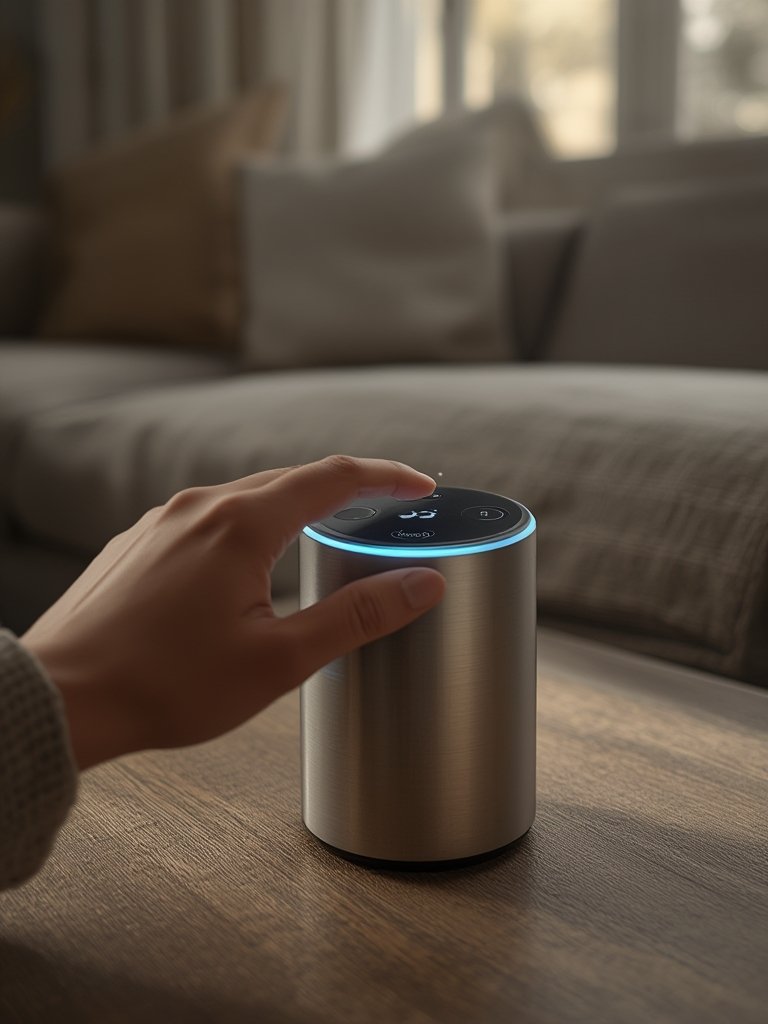
Upfront costs can range from under $100 for a basic voice kit to $1000+ for a fully integrated home with top-shelf locks, cameras, and sensors. Monthly subscriptions are rarely mandatory, except when adding cloud storage, pro monitoring, or premium automation services.
If security is the top priority, consider biometric smart locks and integrated security systems to provide robust, voice-accessible barriers—these usually work best within a single ecosystem.
Advanced Insights & Common Pitfalls of Voice-Controlled Smart Homes
No smart home voice control system is flawless. Here’s what you need to know about the pitfalls—and how to manage them for a seamless experience:
- Privacy mistrust: Many users worry about accidental recordings and unauthorized data sharing. This distrust slows voice control adoption, especially among privacy-focused households. Some vendors now highlight new privacy features, but skepticism remains (source).
- Interoperability gaps: Alexa, Google Assistant, and Siri rarely play well together out of the box. Want Alexa on your kitchen speaker, Google in the living room, and all your lights voice-controlled from either platform? For true “mix and match,” you must choose hardware that’s explicitly cross-compatible or invest in multi-ecosystem hubs—a challenge the smart home interoperability movement tries to solve.
- Hidden costs and fragmented subscriptions: While entry costs remain affordable, device fragmentation creates “subscription fatigue” for services like cloud storage, advanced automations, or extra app features.
- Security and reliability: While high-profile security breaches aren’t common in recent data, the potential exists. Misconfigured privacy settings, out-of-date firmware, or default passwords risk your network’s integrity.
- Adoption data gaps: Despite rapid growth in overall smart home voice control, there’s a lack of up-to-date stats by device type (e.g. lighting versus HVAC), making ROI assessment tricky (Statista).
| Pain Point | Typical Cause | Suggested Solution |
|---|---|---|
| Accidental voice recordings | Wake word sensitivity, unclear interface | Adjust wake word settings, mute mics when not in use |
| Device interoperability | Competing standards (Matter, Zigbee, Thread, Wi-Fi) | Invest in Matter-compatible devices or bridges |
| Fragmented subscriptions | Multiple vendor ecosystems and cloud add-ons | Consolidate with all-in-one platforms or local storage options |
| Unpatched security risks | Neglected firmware, default passwords | Regular security audits; see smart home privacy tips |

Conclusion
Smart home voice control empowers truly hands-free living, but users must balance the lure of convenience with valid concerns about privacy, security, and system compatibility. Start with a clear plan, invest in cross-platform compatible devices where possible, and stay proactive with security. As the technology matures, expect smarter local controls, enhanced privacy features, and tighter automation integrations—all on the horizon for future homes.
Ready to transform your space with smart home voice control? Explore our other actionable guides, check device compatibility, and start building a home that listens and responds to your every command.
FAQ
What devices can I control with smart home voice control?
Popular devices include lights, thermostats, plugs, security cameras, smart locks, doorbells, and entertainment systems. If you’re looking for energy savings, consider smart plugs with energy monitoring or smart lighting scenes.
Is smart home voice control secure?
Most systems offer multiple layers of security—encryption, privacy settings, and regular updates. However, risks like accidental recording and device misconfiguration remain. Stay updated on firmware and review settings regularly for best protection.
Does voice control work if my Internet goes down?
Some basic commands may still work on local networks, but most assistants—especially Google and Alexa—require Internet for full functionality. For privacy-sensitive setups, explore local control options that don’t rely on the cloud.
How much does it really cost to set up smart home voice control?
Expect to spend $50–200 on your first smart speaker, $20–50 per additional smart device, and no mandatory monthly fees unless you choose cloud storage or pro monitoring. Bundled kits are often available at a lower price per device.
Can I use Alexa, Google Assistant, and Siri together?
Native interoperability is limited. To mix platforms, you’ll need Matter hubs or bridges and careful product selection. Keep in mind some features may only work with one ecosystem at a time.